

A lot of apps fail in a frustratingly specific way. The engineering is solid. The feature list looks competitive. Stakeholders sign off, launch day comes, traffic arrives, and users still hesitate, abandon, or bounce because the product feels harder than it should.
That gap is where user experience psychology matters. Not as a soft layer added after development, but as the operating logic for how people notice, interpret, trust, and complete actions inside software. If you're modernizing a platform, adding AI, or trying to scale across web and mobile, this gets even more important. More intelligence in the stack doesn't help if the experience creates more uncertainty for the person using it.
Why Great Code Is Not Enough for a Great App
Technically strong products fail when they ask users to think too hard. A checkout flow can be secure and fast on the backend, then still lose sales because the form sequence feels risky. A healthcare portal can connect perfectly to internal systems, then still generate support volume because people don't know what happens after they submit. A fintech dashboard can surface powerful insights, then still underperform because the interface doesn't build confidence.
That isn't a code quality problem. It's a psychology problem.
The business case is already clear
A widely cited UX benchmark says that every $1 invested in UX design can return about $100 in value, implying a 9,900% ROI according to a Forrester-based statistic frequently referenced in UX literature and summarized by HatchWorks' UX statistics overview. That number is large enough to make one point obvious. Companies that treat UX as visual polish leave money on the table.
Good UX lowers mental effort. It helps users recognize what to do next, understand consequences, and recover from mistakes without panic. Those aren't abstract ideals. They show up in task completion, trust, repeat usage, conversion, and support burden.
For a broader look at how product teams turn that into practical design work, Wonderment's guide to app user experience is a useful companion.
Practical rule: If users keep asking what happens next, the interface is carrying too much hidden uncertainty.
AI makes the challenge larger, not smaller
AI can improve an experience when it reduces effort, clarifies choices, or adapts content to user context. It can also make an app feel unpredictable if prompts change behavior, outputs vary by session, or the system surfaces answers without enough transparency.
That's why modern UX work now needs more than wireframes and usability testing. Teams also need operational control over the AI layer itself. Prompt logic, data access, logs, and spend all affect the user's experience, even if users never see those systems directly.
The companies that scale well usually understand this early. They don't separate interface decisions from behavioral outcomes, and they don't separate AI behavior from UX quality. They treat both as part of one product system.
Core Principles of User Experience Psychology
Psychology gives product teams a set of practical levers. Not tricks. Levers. Each one helps explain why users hesitate, ignore, misread, or act with confidence.
The mistake is to treat these ideas like academic trivia. The useful way to use them is simple. Connect each principle to an interface choice, then connect that choice to a business outcome.
The principles that show up most often
Some laws of UX get mentioned constantly because they keep proving useful in real products.
| Principle | Psychological Basis | UX Design Application |
|---|---|---|
| Cognitive Load | People have limited mental capacity at any moment | Reduce competing choices, simplify forms, chunk information, and reveal detail progressively |
| Hick's Law | More options usually slow decisions | Keep menus focused, limit primary actions, and avoid overloading onboarding screens |
| Fitts's Law | Easier-to-reach targets are faster to use | Make high-value actions large, obvious, and easy to tap on mobile |
| Peak-End Rule | People remember emotional high points and endings | Design strong completion states, clear confirmations, and graceful error recovery |
| Social Proof | People use others' behavior as a cue for confidence | Show reviews, usage examples, or signals that reduce perceived risk |
A good primer on human-centered product thinking is Uxia's piece on building products users love with Uxia. It pairs well with practical flow design work.
For teams working through path clarity and sequencing, Wonderment's article on best practices for creating powerful user flows is especially relevant.
What these principles look like in real screens
Cognitive load is the reason a crowded dashboard feels tiring before the user has read a single word. If every card, alert, chart, and button competes for attention, people start scanning defensively. The fix usually isn't adding more explanation. It's reducing what they must process at once.
Hick's Law explains why a simple pricing page often converts better than a detailed one. Too many plans, toggles, and footnotes force comparison work that many users won't finish.
Fitts's Law matters most when the action is valuable and repeated. If "continue," "save," or "submit claim" is visually weak or physically awkward to reach, the interface creates friction on every pass.
Peak-End Rule shows up in moments teams often overlook. Password reset complete. Order confirmed. Claim submitted. If the last step feels vague, users remember the whole flow as stressful.
The ethical line matters
Psychology-informed design can help people make progress. It can also be used to steer people into actions that mainly benefit the product owner.
The problem isn't persuasion itself. The problem is using behavioral insight to create low-friction decisions that aren't in the user's long-term interest. As the Interaction Design Foundation notes in its discussion of psychology and UX, mainstream UX content often underplays how the same principles can support habit loops and optimization that maximize clicks rather than value for the user in this article on psychology's connection to UX.
Better UX removes unnecessary friction. Manipulative UX removes necessary reflection.
A useful test is whether the interface increases user clarity and control. If it doesn't, the design may be optimized, but not user-centered.
UX Psychology in Action Across Industries
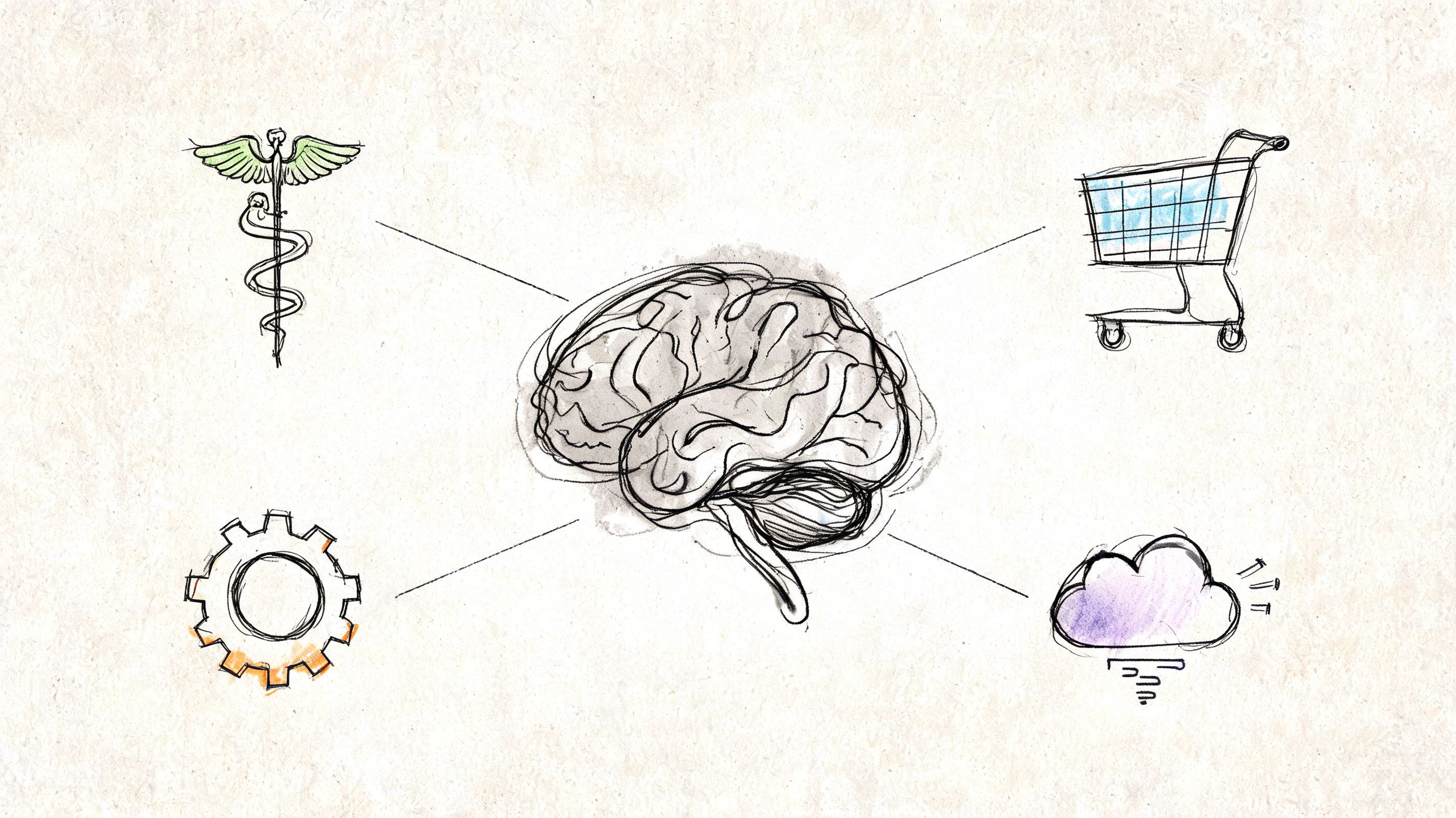
Different sectors apply the same psychology principles in very different ways. The patterns change. The underlying human concerns don't. People want to avoid mistakes, understand consequences, and feel that the product is helping rather than trapping them.
Ecommerce
An ecommerce team usually starts with a familiar problem. Users browse, add to cart, then slow down near checkout. On inspection, the issue often isn't price alone. It's decision fatigue and trust leakage.
A psychologically stronger flow reduces uncertainty at the exact points where risk feels highest. Clear shipping information, obvious payment choices, concise field labels, visible progress, and well-placed reviews all help users keep moving. Social proof matters here, but only when it supports the buying decision instead of cluttering it.
Fintech
In fintech, the challenge is less about delight and more about confidence. People are often making decisions tied to money, identity, or compliance. They read carefully when the stakes feel high, and they abandon quickly when terminology is vague.
Effective language design and feedback loops are essential. A transfer screen should explain what happens next. A verification step should tell users why information is needed. A dashboard should distinguish between available actions and historical records without making users infer the difference.
Healthcare
Healthcare products often fail when teams design for process completion rather than emotional state. A patient who is anxious, tired, or in pain won't parse dense instructions the way an internal team expects.
That makes healthcare UX harder to scale and evaluate rigorously. In psychosocial and health contexts, user-centered design has long been criticized for being difficult to scale and assess well, as discussed in this PubMed Central article on user-centered design in health interventions. In practice, that means trust and adherence need stronger validation than persona work alone can provide.
A progress indicator can help a patient finish intake. Plain-language confirmations can reduce uncertainty after scheduling. Microcopy that acknowledges what comes next can lower stress without turning clinical interfaces into lifestyle products.
Media
Media apps often optimize aggressively for engagement and then act surprised when users report fatigue. The psychology problem isn't only attention. It's control.
When recommendations feel relevant and navigation is effortless, users feel guided. When autoplay, interruption, and bait-like content dominate, users feel managed. The same design principles can create either experience.
If your team needs a stronger research toolkit before making these calls, Formbricks' research methods guide offers a practical survey of methods that help teams decide what to test and why.
In high-stakes products, the real question isn't whether users completed the flow. It's whether they understood it enough to trust it.
Testing and Metrics for a Better User Experience
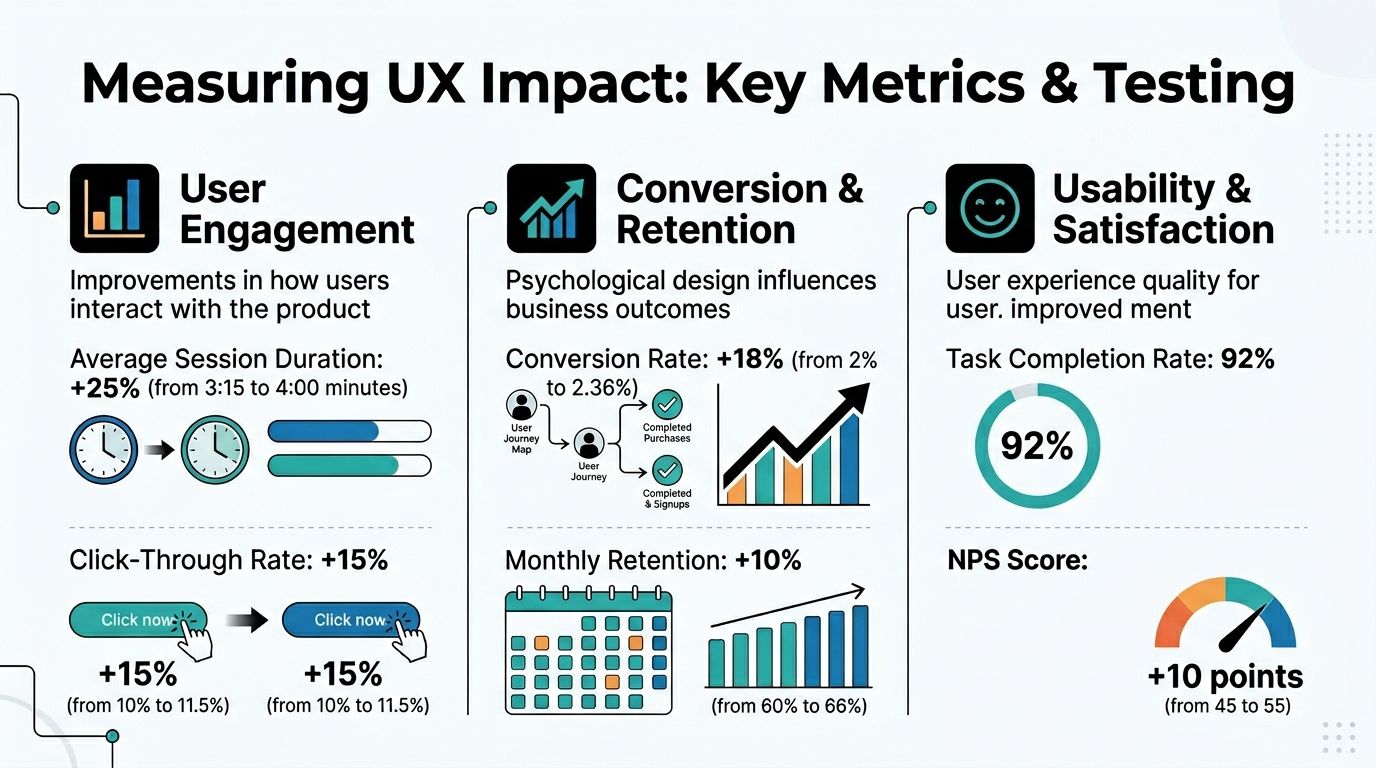
Psychology-informed design only matters if it changes behavior in a measurable way. Otherwise, teams end up debating taste.
The useful shift is to stop reading metrics as surface-level output and start reading them as evidence of mental effort. Drop-off can signal confusion. Repeated backtracking can signal uncertainty. Rage-clicking can signal broken expectation. Long pauses can signal cognitive overload or missing information.
What to measure
The strongest teams instrument decision points, not just page views.
- Task completion: Can users finish the intended action without outside help?
- Drop-off by step: Where do users leave, and does that point align with a risk-heavy decision?
- Error patterns: Are users misunderstanding labels, field formats, or sequence logic?
- Behavioral funnels: Do different user groups stall in different places?
- Support-driven signals: Which workflows generate repeated clarification requests?
According to Amplitude's overview of UX analytics, UX analytics works by measuring how an experience performs, extracting insights from metrics, and acting on them. The same guidance notes that repeated abandonment often points to excessive cognitive load, ambiguous information architecture, or weak feedback loops, and that even small reductions in friction can compound into major conversion gains.
Which methods reveal the why
Metrics show where friction exists. Research methods explain the reason.
A practical validation stack often includes:
- Usability studies for observed hesitation and misunderstanding.
- Session recordings for real behavior in production.
- A/B testing for comparing alternate copy, hierarchy, or flow design.
- Heatmaps and click maps for visual attention and misdirected interaction.
- Support ticket review for recurring language and expectation failures.
The best teams don't treat these as separate disciplines. They use them together to avoid false confidence.
What doesn't work
A common failure mode is celebrating a cosmetic uplift while the core user problem remains untouched. Another is overreacting to one metric in isolation. A longer session isn't always better. More clicks don't always mean engagement. A lower support volume isn't always good if users give up instead of asking for help.
The right question is narrower. Did this design reduce effort, increase confidence, and improve completion for the intended user in the intended context?
A Practical Checklist for Product Workflows
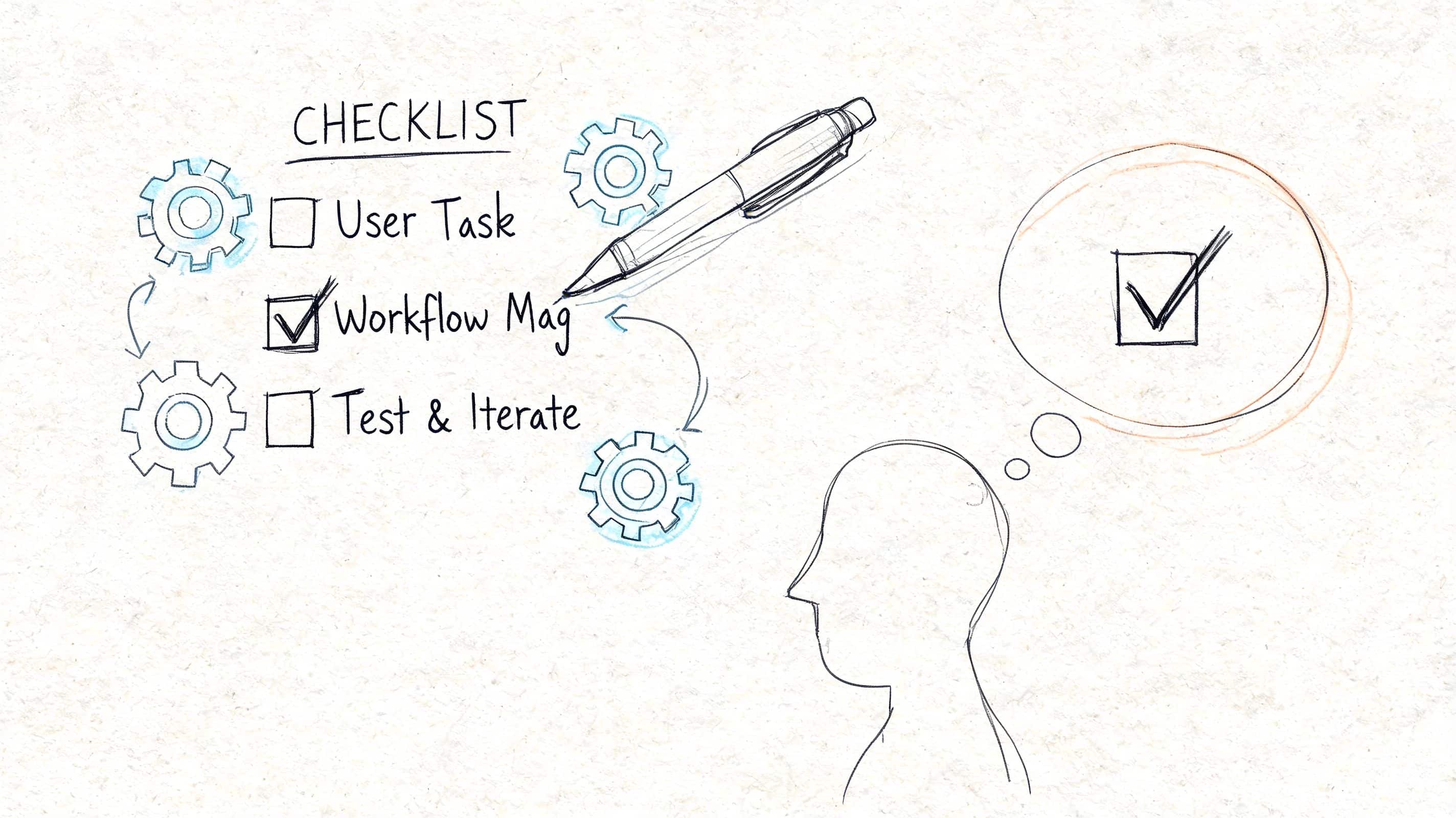
Teams usually don't need more UX theory. They need a repeatable way to apply user experience psychology during product work. A checklist is useful because it forces good questions at the moment decisions are made, not after launch.
Discovery
- Map user anxieties: List what users fear at each stage. Losing money, making a mistake, wasting time, exposing private information.
- Define the top task: Every primary flow should have one dominant user goal.
- Combine signals: Yale's UX guidance emphasizes that psychology-based UX research is strongest when teams combine qualitative evidence such as interviews and support logs with quantitative context such as analytics to explain not just what users do, but why, as shown in Yale's guidance on analyzing user data.
- Look for workaround behavior: If users keep visiting an FAQ or contacting support before conversion, the main flow may be hiding needed information.
Design
- Reduce choice pressure: Use Hick's Law where decision complexity is slowing users down.
- Chunk information: Break dense tasks into smaller, visible stages.
- Make actions obvious: Primary actions should be easy to find and easy to hit, especially on mobile.
- Write calm microcopy: Replace internal language with task-based language users already understand.
Development
- Instrument key moments: Add event tracking at each meaningful decision or failure point.
- Build response feedback: Every action should produce a clear system reaction.
- Protect consistency: Error messages, confirmations, and status states should behave predictably across screens.
- Test edge cases: Empty states, loading states, and recovery paths shape trust more than many teams expect.
Post-launch
- Segment behavior: New users, returning users, high-intent users, and support-heavy users often need different interpretation.
- Review support patterns monthly: Repeated questions are often UX debt with a ticket number attached.
- Re-test after changes: Small interface updates can create new ambiguity.
- Audit ethics: Check whether optimization is improving user value or just extracting more clicks.
A strong workflow doesn't ask, "Did we ship the feature?" It asks, "Did the feature reduce friction for the right user?"
Modernize Your UX with AI and Prompt Management
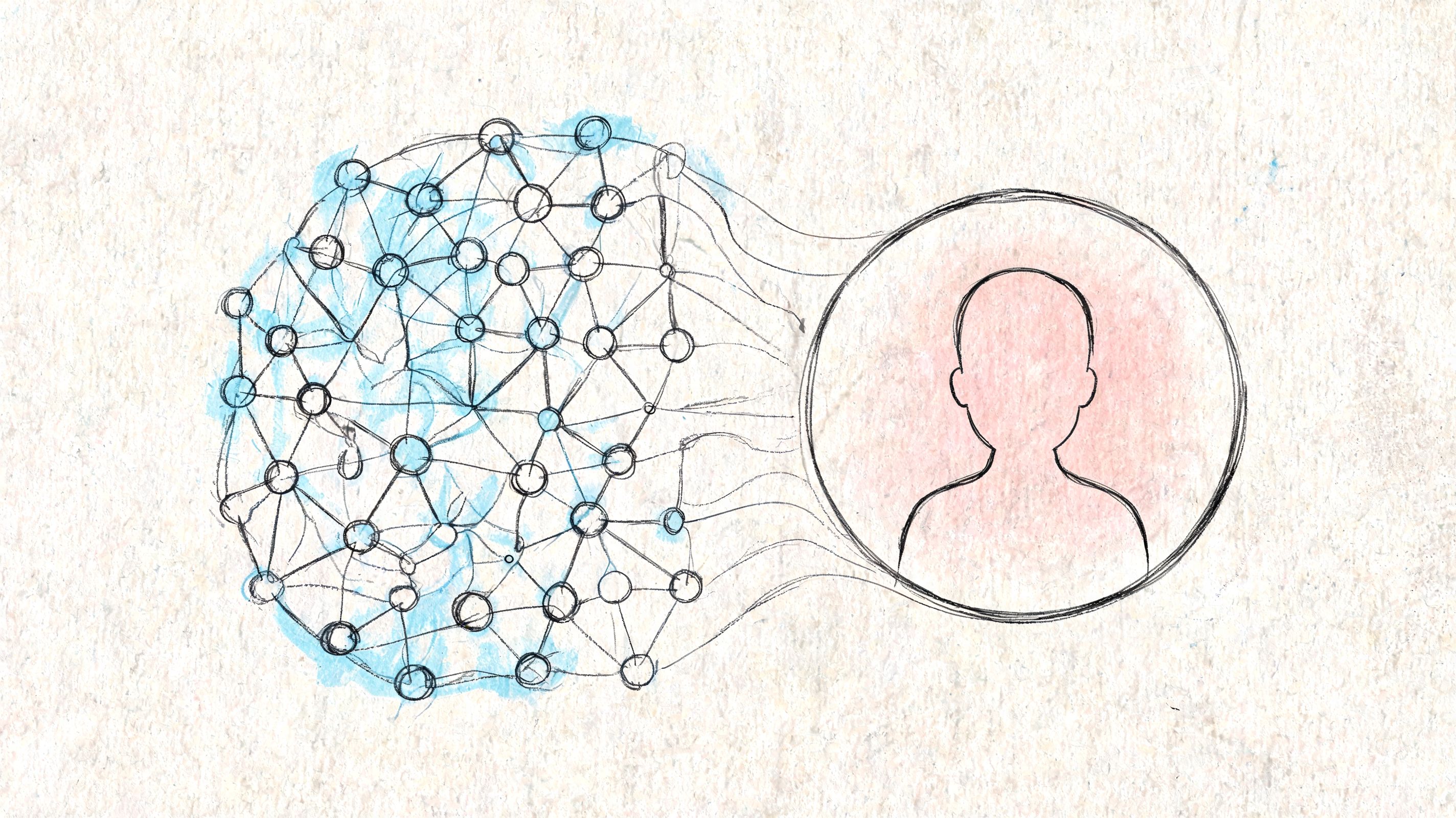
AI has changed what personalization can do inside software. It can adapt instructions, summarize content, guide workflows, and generate responses in real time. That makes user experience psychology more dynamic, but also much harder to manage.
If one prompt version reassures users and another creates vague answers, that's a UX problem. If a model gets the tone right but pulls the wrong internal parameter, that's a trust problem. If teams can't see model behavior across environments, debugging turns into guesswork.
Why prompt operations are now part of UX
The old model was simple. Designers shaped the interface, engineers built the logic, and users got a largely fixed experience.
AI breaks that fixedness. The system can vary by prompt, model, context window, tool access, and internal data conditions. That means a psychologically informed experience now depends on disciplined prompt operations as much as screen design.
Useful teams put guardrails around:
- Prompt versioning so changes in AI behavior can be tracked and tested
- Parameter management so models can use internal data safely and consistently
- Centralized logging so teams can inspect outputs, failures, and drift
- Cost visibility so AI-enhanced UX remains operationally sustainable
For teams trying to improve AI reliability, Supagen's guide on how to fix incorrect model reasoning is worth reading because it shows how prompt structure affects model output quality.
The operational layer most teams are missing
Wonderment Apps' prompt management system fits into product operations by providing a prompt vault with versioning, a parameter manager for internal database access, a logging system across integrated AI services, and a cost manager for cumulative spend tracking. Those capabilities matter because AI behavior is no longer separate from UX quality.
If you're evaluating the broader role of AI in product improvement, Wonderment's overview of how SaaS companies are using AI to improve their products gives useful context.
The strategic point is simple. AI-powered UX doesn't scale well when prompts live in scattered files, data access is improvised, and no one can explain why the assistant behaved differently this week than last week. Once AI affects clarity, trust, and task success, it belongs inside the same governance system as the rest of the product experience.
Conclusion: Building Scalable Apps That Feel Human
User experience psychology matters because software isn't only processed by devices. It's interpreted by people. They bring goals, stress, habits, doubts, and expectations into every interaction.
The teams that win don't just ship features faster. They reduce cognitive friction, design for confidence, validate outcomes with real evidence, and build systems that stay understandable as products grow. That's what makes an app feel easy, trustworthy, and worth returning to.
That standard gets harder to maintain as products add AI, more channels, and more personalization. It also gets more valuable. The companies that scale well are usually the ones that keep the human side of the experience visible inside design, engineering, analytics, and operations at the same time.
If you're building or modernizing software, that combination matters more than ever.
If you're rethinking UX, scaling a product, or adding AI into an existing app, Wonderment Apps can help you connect design, engineering, and prompt operations into one practical workflow. Request a demo to see how their AI modernization and prompt management approach can support software that performs well and feels human to use.