


Choosing your Go-to starts long before the first pull request. You're probably already weighing speed, reliability, hiring realities, and whether your app will still feel modern two or three platform cycles from now. Go is a sensible choice for backend-heavy products in fintech, ecommerce, healthcare, and SaaS because it was designed for fast, simple development from the start, and its tooling ecosystem grew around teams that needed more than syntax coloring. The official Go project lists editors and IDEs such as GoLand, Visual Studio Code, Cloud9, and Gitpod with Go support, which tells you something important. Go teams have had real editor options for a long time, and those options matured around production use, debugging, refactoring, and concurrency-aware workflows rather than hobby-only setups (Go IDEs and editor plugins on the Go Wiki).
That matters because your IDE choice shapes delivery speed, code review quality, onboarding, and how painful it is to maintain a large service six months after launch. It also now touches AI adoption. JetBrains reported that more than 70% of Go developers regularly use at least one AI assistant, agent, or AI-enabled editor, so the “best” IDE for Go language work isn't only about autocomplete anymore. It's also about how your team will manage AI-assisted coding without creating prompt sprawl, weak audit trails, or runaway model usage (JetBrains Go ecosystem trends 2025).
That's where the tooling conversation gets bigger than the editor itself. A strong IDE helps developers write code. A prompt management layer helps the business govern the AI behavior being added to that codebase. If your roadmap includes AI modernization, an administrative system with prompt versioning, parameter controls, logging, and cost visibility belongs in the same planning conversation as your editor choice.
1. JetBrains GoLand

GoLand is the safe recommendation when the codebase is large, the team is mixed in experience, and delivery risk matters more than license savings. JetBrains built it specifically for Go, and its product page emphasizes support for goroutines and interfaces, which are central to how real Go systems are structured and debugged at scale. That focus shows up in day-to-day work. Navigation is sharp, refactors are safer, and the debugger feels like part of the product instead of an accessory.
For business leaders, the primary advantage is consistency. Teams don't lose as much time debating plugin combinations, editor settings, or whether one developer's local setup can reproduce another's bug.
Where GoLand earns its keep
- Refactoring depth: Renaming exported symbols, moving code, and tracing usages tends to feel reliable, which matters once multiple packages and services are involved.
- Debugger quality: Watches, inline values, and expression evaluation cut down the guesswork during incident response.
- Team standardization: A commercial IDE often reduces the “everyone customizes everything” problem that slows onboarding.
If you're evaluating what Go is used for in production software, GoLand fits the teams building APIs, platform services, internal tooling, and concurrency-heavy backend systems where maintenance costs can outrun initial build costs.
Practical rule: If your team spends more time understanding existing Go than writing new Go, GoLand usually pays for itself in reduced friction.
The downside is straightforward. It's paid, it uses more resources than minimalist editors, and some terminal-first developers will still prefer lighter tools. But for multi-service repos, regulated environments, and teams that want one polished answer instead of five half-answers, it's hard to beat.
Use JetBrains GoLand when you want the most complete IDE for Go language development and you'd rather optimize for reliability than editor minimalism.
2. Visual Studio Code + Go extension
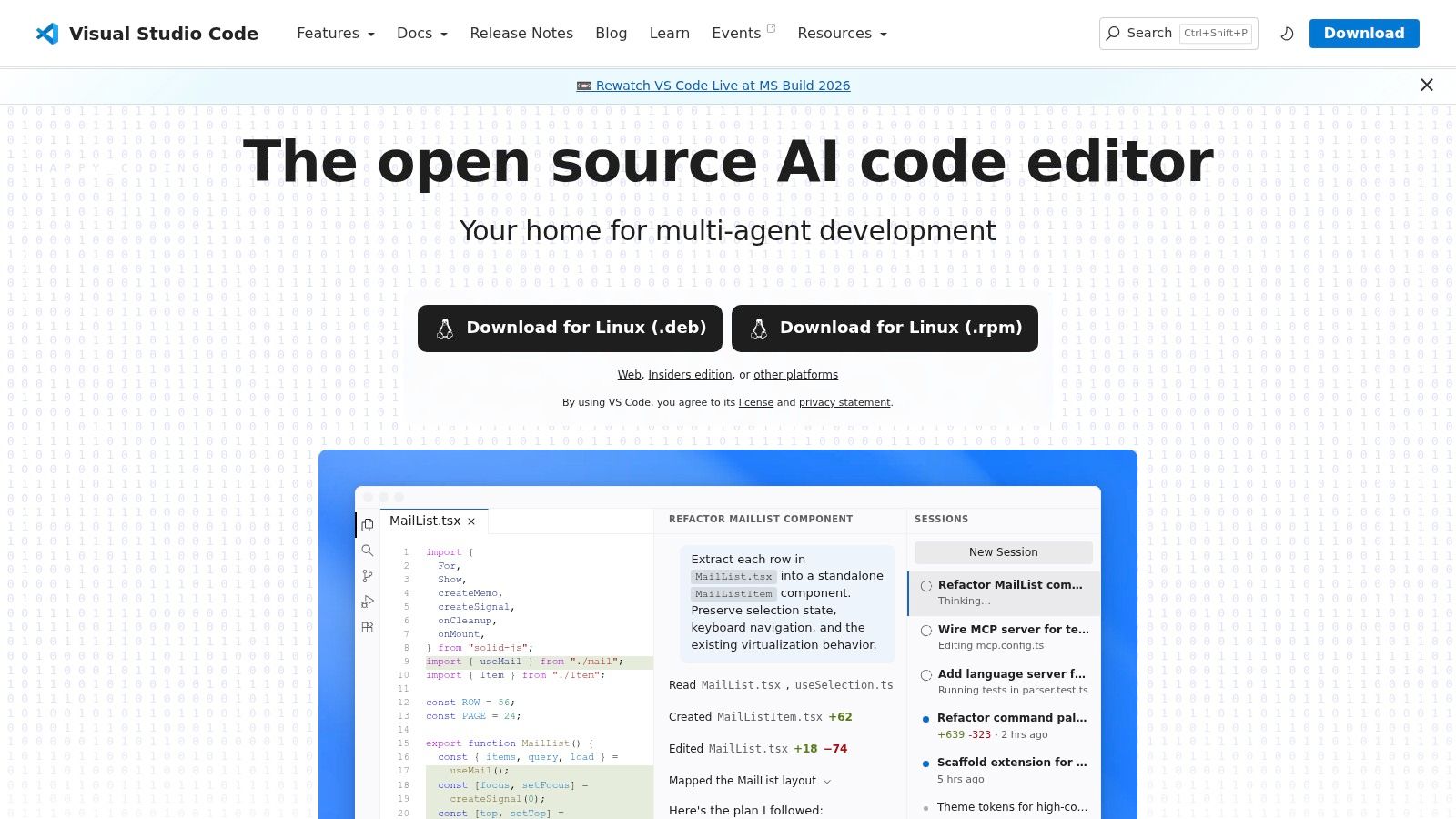
VS Code is the most pragmatic choice for many organizations because it balances cost, flexibility, and familiarity. The Go Wiki describes VS Code as free and open source with Go syntax highlighting out of the box, which lowers the barrier for fast onboarding and cross-platform rollout. You can get a productive Go setup running quickly, then add containers, remote development, Git tools, database tools, and AI assistants as the team matures.
That flexibility is also the trap. VS Code can become a junk drawer if nobody governs extensions, workspace settings, and update practices.
Why teams keep choosing it
The official 2025 Go Developer Survey found that respondents most often favored VS Code at 37%, ahead of every other editor in that survey sample (2025 Go Developer Survey results). That tells you VS Code isn't just popular with hobbyists. It's a default environment for a large share of working Go developers.
A few trade-offs matter in practice:
- Best fit for mixed stacks: If your team works in Go, TypeScript, Python, and infrastructure code, VS Code keeps context switching manageable.
- Strong remote workflows: It works well with containers and remote development, which helps distributed teams and standardized dev environments.
- Extension risk: Third-party extensions vary in quality. Without standards, two engineers can end up with very different editing experiences.
For teams comparing Go vs. Java for backend platforms, VS Code often wins when the organization values broad ecosystem support and lower per-seat software friction more than deep, built-in Go specialization.
A lot of startups choose VS Code because it feels lean and fast early on. That's sensible. Just set team rules for extension approval, formatter behavior, debugging setup, and AI usage before the editor sprawl starts.
Use Visual Studio Code when you want a flexible, low-friction IDE for Go language work that also supports the rest of your stack.
3. JetBrains Fleet

Fleet sits in an interesting middle ground. It aims to give teams a lighter JetBrains experience without forcing them into a stripped-down text editor. For Go work, that means smart editing, run support, debugging, and strong remote development capabilities in a package that feels less heavy than a traditional full IDE.
This is a good fit for teams that like JetBrains ergonomics but don't want every developer machine running a large desktop IDE all day. It's also appealing for teams moving toward remote environments and collaborative sessions.
Where Fleet makes sense
Fleet works best when the editor itself is part of a broader distributed workflow. If your engineers jump between local work, remote hosts, short-lived environments, and pair sessions, Fleet's design starts to make more sense than a classic single-machine IDE model.
Remote-friendly editors help when the codebase lives in one place and the team lives in five.
The trade-off is maturity. GoLand still feels deeper for advanced Go-specific refactors and the kind of “why is this interface implementation behaving strangely” moments that show up in larger systems. Fleet is promising, but if your team wants the most battle-tested JetBrains option for Go specifically, GoLand remains the safer purchase.
That said, Fleet is easier to recommend than many newer editors because it inherits useful ideas from a company that already understands developer workflow. If your organization wants a modern client with native collaboration and room for AI-assisted editing, it deserves a pilot.
Use JetBrains Fleet when you want a lighter commercial environment with strong remote-development instincts and enough Go support for everyday service work.
4. LiteIDE
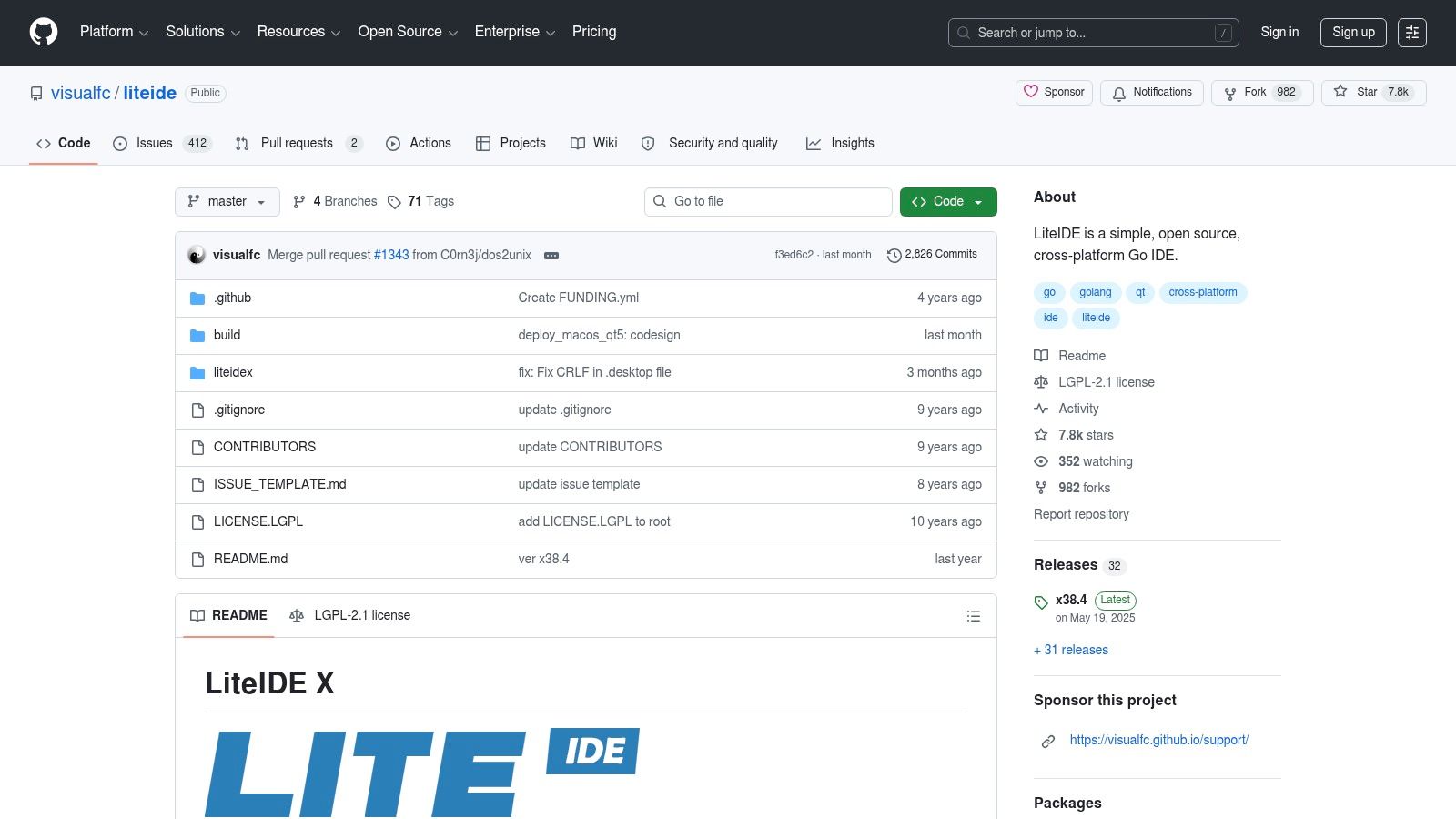
LiteIDE is what I'd call a focused tool for focused teams. It doesn't try to be the center of every language, every framework, and every workflow. It's built around Go, and that single-purpose approach can be refreshing when a team wants a self-contained environment without the complexity of a giant plugin marketplace.
That simplicity is its value. You install it, point it at Go code, and work. For some internal tools, educational environments, and teams that want fewer moving parts, that's enough.
The real trade-off
LiteIDE doesn't compete with GoLand on deep refactoring or with VS Code on ecosystem breadth. It competes on restraint.
- Good choice for: Small Go-only projects, training labs, lightweight internal services, and developers who want a simpler surface area.
- Not ideal for: Large enterprise repos, heavy debugging workflows, or organizations that need broad editor integration across languages.
Because the community is smaller, teams should assume they'll have fewer ready-made answers when edge cases appear. That doesn't make LiteIDE bad. It just makes it less forgiving in environments where tooling downtime creates real business cost.
There's also a culture fit question. Some teams perform better when the tool encourages discipline through limitation. Others need richer integrations because they're juggling databases, containers, multiple runtimes, and AI coding helpers in the same session. LiteIDE leans toward the first camp.
Use LiteIDE on GitHub when you want a lightweight, Go-focused IDE and your team values simplicity over extensibility.
5. Vim + vim-go or gopls
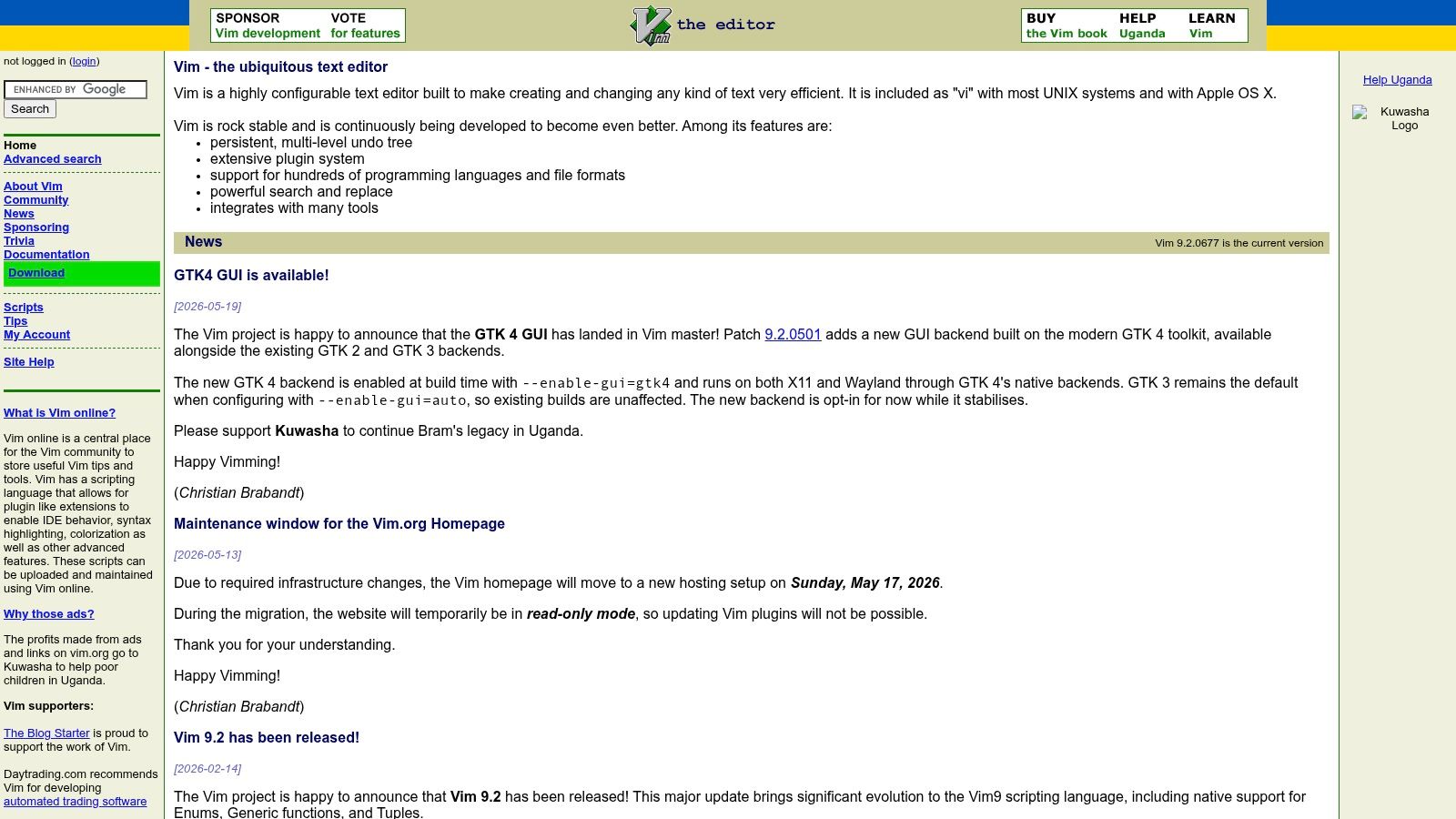
Vim is still a serious option for Go, especially in infrastructure-heavy teams and terminal-first cultures. With vim-go or a gopls-based setup, Vim can handle formatting, navigation, builds, tests, and a lot of the editing speed that power users care about.
This is not the recommendation for every business. It is the recommendation for specific developers who already think in keyboard shortcuts, shells, and composable tools.
What works and what doesn't
Vim shines when engineers work over SSH, spend time in terminals, and want full control over the toolchain. It starts fast, stays out of the way, and adapts to very personal workflows. For incident-heavy backend teams, that can be a real productivity edge.
What doesn't work as well is standardization. A company can hire ten strong Vim users and still end up with ten different setups.
The fastest editor for one senior engineer can become the least transferable editor for the next hire.
That's the core business drawback. Vim is excellent for experts and annoying for organizations that need predictable onboarding. Debugging also tends to require more manual setup, especially if you want an experience that approaches what full IDEs provide by default.
I'd keep Vim on the shortlist for platform engineers, SRE-adjacent developers, and senior backend specialists who already know they want it. I wouldn't choose it as the default environment for a growing Go team unless the whole culture is already terminal-native.
Use Vim when speed, scriptability, and terminal workflow matter more than turnkey polish.
6. Neovim + gopls
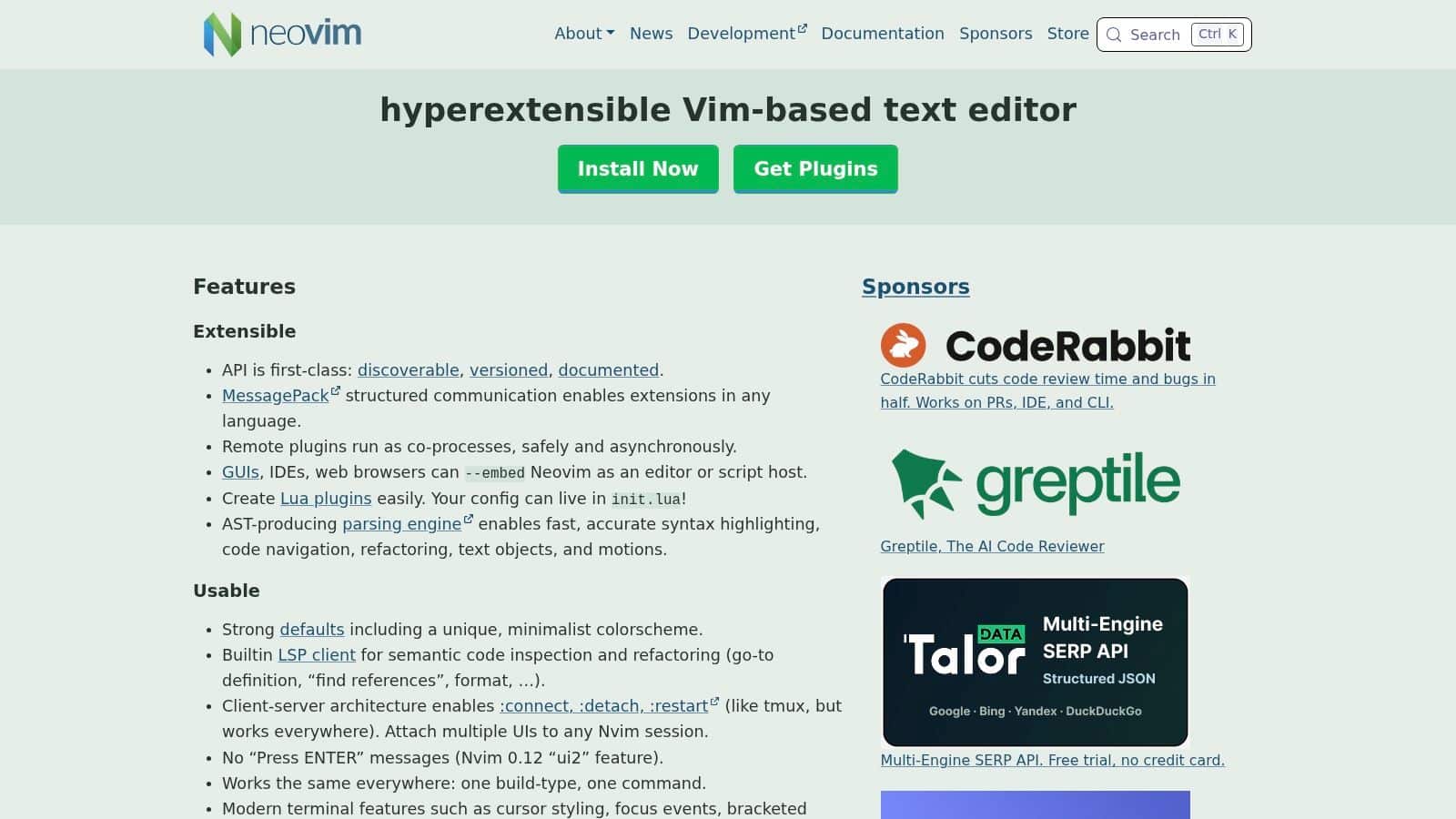
Neovim is where many modern terminal-first Go developers land. It keeps the keyboard-driven strengths of Vim but gives you a more current platform for LSP-based development, Lua configuration, and richer plugin ecosystems. With gopls, testing tools, and debugging plugins, it can feel surprisingly close to a lightweight custom IDE.
For teams that want speed without feeling stuck in a legacy editor model, Neovim is often the smarter pick than classic Vim.
Why Neovim has momentum
The setup can be elegant. Native LSP support, cleaner plugin management, and better ergonomics for modern configs make it easier to build a solid Go environment. You can create a workflow that handles diagnostics, code navigation, formatting, tests, and debugging without dragging in a full desktop IDE.
That said, “can” is doing real work here.
- Upside: Fast startup, strong remote usability, excellent keyboard flow, and highly optimized Go workflows.
- Downside: Someone has to own the setup. Plugin choices, updates, and occasional breakage are still part of the deal.
This makes Neovim a good team standard only if your engineering culture supports shared config practices. If no one maintains a common baseline, every machine becomes an adventure.
For high-trust engineering teams, that's manageable. For scaling organizations hiring across experience levels, it's usually better as an approved option than the default.
Use Neovim when you want an IDE for Go language projects that feels modern, fast, and highly customizable without leaving the terminal.
7. GNU Emacs + go-mode + lsp-mode
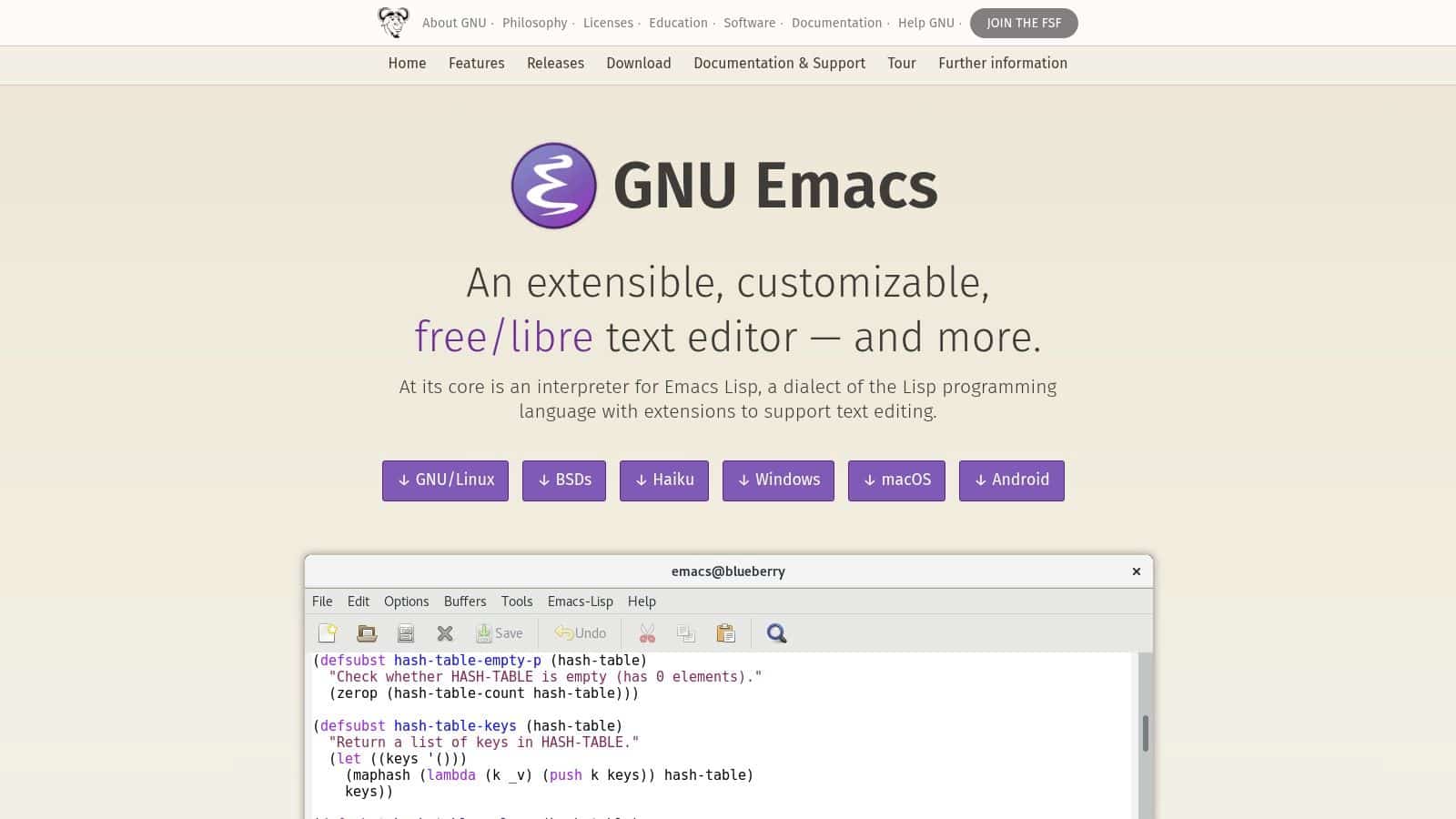
Emacs remains one of the most flexible development environments available, and that flexibility carries over to Go. Pair go-mode with lsp-mode and gopls, and you get completion, diagnostics, navigation, and refactoring support inside a workspace that can also handle Git, notes, documentation, and task management.
For the right developer, Emacs is less an editor and more an operating environment. That's both the appeal and the warning label.
Best for workflow architects
If your team has engineers who like to script their editor, integrate knowledge work with coding, and live on the keyboard, Emacs can be excellent. It's especially useful for people who want code, documentation, issue tracking, and personal workflow automation in one place.
But from a management perspective, Emacs has the same challenge as Vim, only amplified. Setup is personal. Conventions vary. Debugging integration usually takes effort.
Choose Emacs because your developers are already strong Emacs users, not because you hope everyone will become one.
That's the practical guidance. Emacs can absolutely support professional Go development. It just isn't the easiest route to standardized onboarding or lowest-friction team support. In organizations where one staff engineer effectively curates internal tooling practices, it can thrive. In loosely coordinated teams, it often becomes niche.
Use GNU Emacs when deep customization and keyboard-centric workflows matter more than out-of-the-box consistency.
8. Sublime Text + LSP gopls
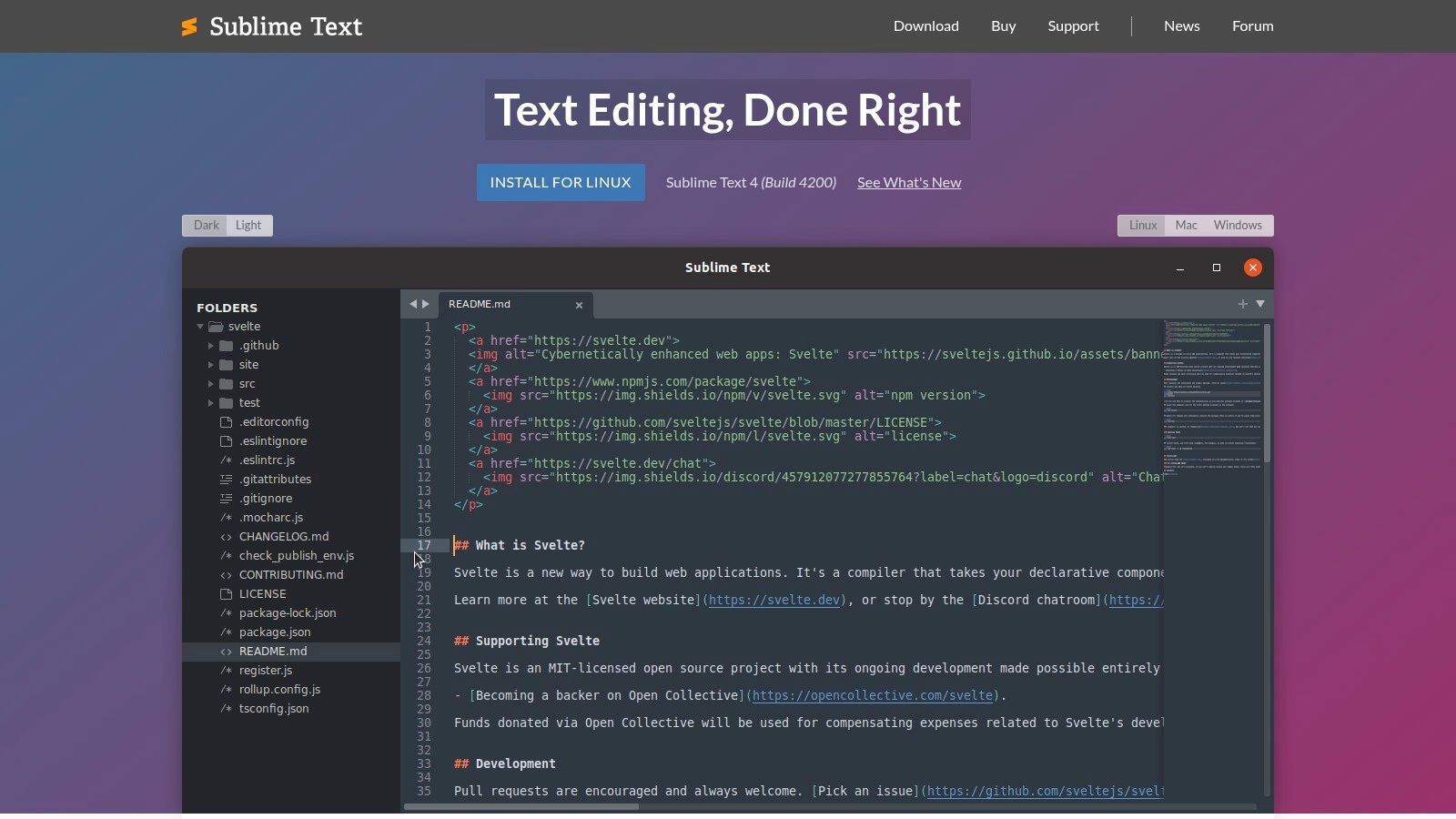
Sublime Text is the editor people often forget until they need something fast, polished, and less sprawling than VS Code. With the LSP package and gopls, it becomes a capable Go environment that stays responsive even when project trees get messy.
That responsiveness is the point. Some editors drown under customization. Sublime usually stays clean.
Where it fits
Sublime Text works well for developers who want a low-overhead editor with just enough intelligence to support serious coding. It's a good middle path between bare editors and heavyweight IDEs.
- Strong fit: Developers who care about speed, large-file handling, and a stable editing experience.
- Weak fit: Teams that want rich built-in Go workflows, integrated debugging depth, or broad collaboration features.
The commercial license means it isn't a pure cost-free option, so it occupies a slightly unusual position. If you're going to pay, some teams will pay for GoLand instead and get deeper Go support. But for developers who dislike both plugin-heavy editors and heavyweight IDEs, Sublime is still compelling.
I'd classify Sublime as a specialist productivity tool rather than a universal team standard. It's excellent for certain engineers, but usually not the single answer for an entire Go organization.
Use Sublime Text when you want speed, polish, and a lean setup that still supports modern Go language server workflows.
9. Zed
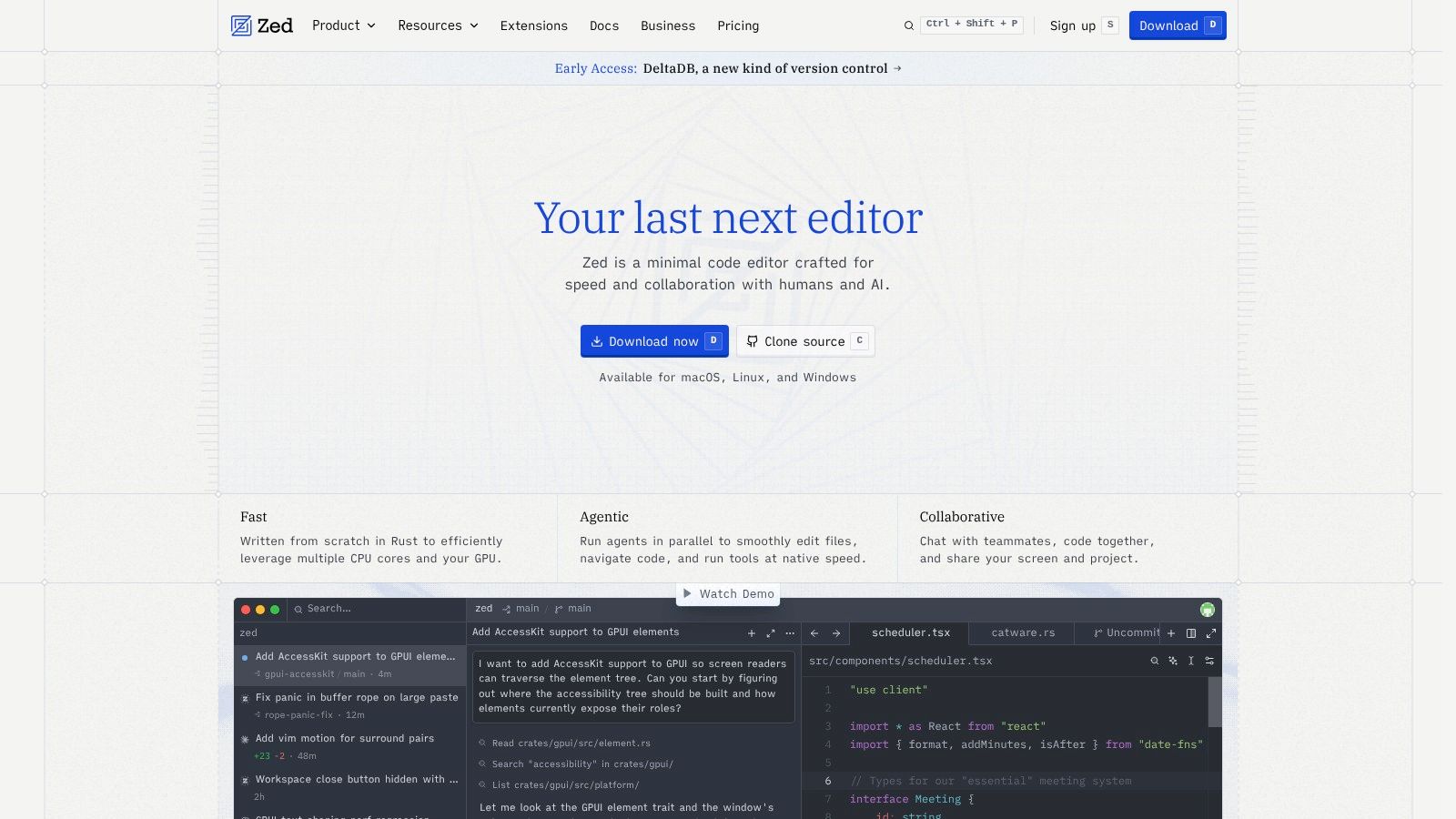
Zed is one of the more interesting newer options because it combines a modern UX, low-latency editing, collaboration features, and optional AI capabilities. It supports Go through gopls, so the core coding experience can already be solid for many projects.
What makes Zed worth watching is not that it replaces mature IDEs today. It's that it reflects where developer tools are heading. Collaborative editing, faster feedback, and AI-adjacent workflows are becoming normal expectations.
Good for forward-leaning teams
Among emerging editors in the official 2025 Go Developer Survey, Zed was one of the newer names noted as still emerging rather than dominant, which is the right way to think about it. It has momentum, but it's not yet the default answer for most organizations (official Go survey coverage of code editors).
That makes Zed a smart pilot tool, not an automatic standard.
Its current value is strongest for:
- Small, modern teams: Especially those comfortable adopting newer tooling early.
- Collaborative workflows: When shared editing sessions are part of real work, not just demos.
- AI-curious engineering groups: Teams that want modern editor patterns without committing immediately to a heavyweight stack.
Native Go debugging is still evolving, so I wouldn't hand Zed to a large backend team that depends on mature, integrated debugging every day. But for greenfield projects and technically adventurous teams, it's a real contender.
Use Zed when you want a fast, collaborative editor for Go and you're comfortable adopting a newer platform while it matures.
10. GitHub Codespaces
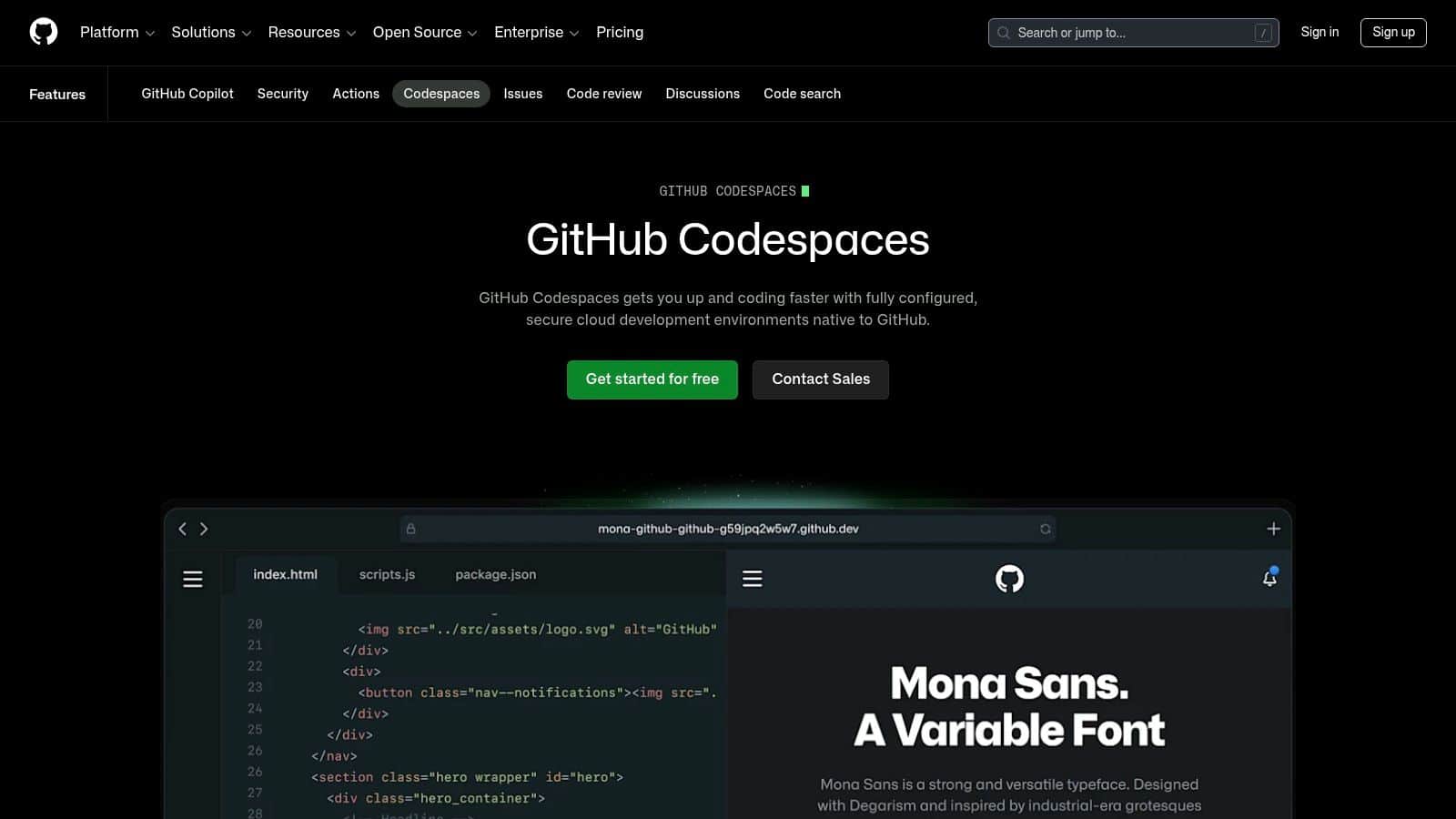
Codespaces is less about editor preference and more about organizational control. It gives teams cloud-hosted development environments that run in the browser or connect through the VS Code client, usually backed by devcontainers. If onboarding speed, reproducibility, and security governance are major concerns, Codespaces can solve problems a local IDE never will.
For leaders, this is often the most strategic tooling option on the list. It turns “works on my machine” into a policy decision instead of a recurring argument.
Why enterprises like it
The broader Go IDE options have consolidated around a small set of mainstream environments, and language-owned sources also note cloud environments such as Cloud9 and Gitpod as full Go-support options. That shift matters. Go development is no longer tied to local-only setups, which opens the door to browser-based and standardized team workflows (developer guide discussing Go IDE options and cloud support).
Codespaces fits that direction well.
- Fast onboarding: New developers can enter a prepared Go environment quickly.
- Reproducible toolchains: Teams can standardize Go, gopls, linters, and related tooling per repository.
- Governance: Access, policies, and environment drift are easier to manage centrally.
If you're thinking beyond code and into platform planning, this lines up with the same concerns covered in choosing the right technology stack for your software project. Tooling that reduces setup variance often improves delivery predictability.
The catch is ongoing usage cost and dependence on networked development environments. That's a fair trade for some companies and a poor trade for others. Teams doing regulated work, frequent contractor onboarding, or heavy internal platform standardization usually see the appeal fastest.
Use GitHub Codespaces when your priority is reproducible Go environments, fast onboarding, and tighter enterprise control.
Top 10 Go IDEs: Feature Comparison
| Tool | Core features | UX & performance | Best for / Target audience | Price & licensing |
|---|---|---|---|---|
| JetBrains GoLand | Deep Go code intelligence, refactorings, debugger, test & coverage tooling | Rich, integrated workflow; higher memory footprint but mature UX | Large Go codebases, enterprise teams needing advanced refactors | Commercial subscription |
| Visual Studio Code + Go extension | gopls-based IntelliSense, debugging, testing, huge extension marketplace, remote/devcontainer support | Fast startup, extensible; quality varies by extensions | Cross-platform teams, remote/devcontainer workflows, cost-conscious orgs | Free (open) |
| JetBrains Fleet | Lightweight multi-language IDE, native remote dev, collaborative editing, Go run/debug | Lighter than full IDE; strong remote collaboration; newer feature set | Teams wanting JetBrains UX with low client overhead and collaboration | Commercial (varies by plan/add‑ons) |
| LiteIDE | Go-centric project templates, build/run, self-contained binaries | Minimal, low overhead; simple focused workflow | Developers wanting a standalone, no-frills Go IDE | Free, open-source |
| Vim + vim-go (or gopls) | vim-go tooling, gopls LSP integration, build/test/quickfix via CLI | Extremely fast, terminal-first; steep learning curve, manual debug setup | Power users, terminal-heavy workflows, remote/SSH development | Free |
| Neovim + gopls | Native LSP client, Lua extensibility, plugins for testing & debugging | Faster startup and improved LSP UX vs Vim; highly customizable | Developers who want modern vim features and full LSP support | Free |
| GNU Emacs + go-mode + lsp-mode | go-mode + gopls LSP, integrates with Emacs ecosystem (org, Magit) | Deeply customizable; high setup effort, powerful keyboard workflows | Emacs users, teams using literate programming or custom workflows | Free |
| Sublime Text + LSP (gopls) | Polished editor with LSP client, strong navigation, fast file handling | Very responsive on large projects; lean UX | Users needing high performance on big files with minimal setup | Commercial license |
| Zed | gopls LSP, low-latency editing, built-in multi-user collaboration, optional AI | Modern, snappy UX with native collaboration; debugging evolving | Teams seeking fast collaborative editing and modern UX | Core open-source; optional token‑metered AI features |
| GitHub Codespaces | Cloud VS Code with devcontainers, reproducible Go toolchains, GH integration | Zero-setup onboarding; scalable enterprise controls; browser/desktop clients | Enterprises, onboarding workflows, secure reproducible environments | Pay-as-you-go compute & storage (billed) |
Beyond the IDE and Preparing Your App for AI Modernization
A strong IDE gets your team moving, but it doesn't solve the next layer of complexity. Once your Go application starts adding AI features, the hard problems shift. Teams need to manage prompts across environments, keep versions straight, control who can change model behavior, connect prompts to internal data safely, and understand what AI usage is costing over time.
That gap shows up fast in real projects. One team prototypes prompts in a notebook. Another hardcodes them in the app. Someone adds a second model. Logging becomes inconsistent. Costs become fuzzy. The product ships, but the AI layer is now harder to manage than the codebase itself.
That's why the editor decision should connect to a larger modernization strategy. If your developers are already using AI-enabled editors and assistants, the business also needs operational tooling around the application's own AI behavior. Coding assistance is one thing. Production AI governance is another.
Wonderment Apps addresses that operational layer with a prompt management system designed as an administrative tool for modern software teams. It includes a centralized prompt vault with versioning, a parameter manager for internal database access, a unified logging system across integrated AI models, and a cost manager so teams can see cumulative spend clearly. That combination matters because it gives both engineers and decision-makers a shared operating surface. Developers can iterate without losing control, and leaders can modernize without turning AI into an invisible cost center.
This is especially useful for companies modernizing existing platforms rather than starting from scratch. A Go service can be clean, fast, and scalable, but once AI-powered summaries, assistants, recommendations, search enrichment, or workflow automations enter the roadmap, governance becomes part of product quality. The right IDE helps you build the application correctly. The right AI administration layer helps you keep it reliable, explainable, and maintainable after launch.
If you're choosing an IDE for Go language work in 2026, treat that choice as one piece of a larger architecture decision. Pick the editor that matches your team's workflow. Then put equal energy into how AI prompts, model interactions, logging, and spend will be managed across the life of the product.
Ready to move from AI experimentation to AI operations. Request a demo of the Wonderment Apps AI modernization toolkit today.
If your team is building or modernizing a Go application and needs a partner that understands product delivery, scalable engineering, and AI operations, Wonderment Apps can help. They work with organizations that need more than code alone, from UX and mobile delivery to prompt management, AI integration, staffing, and long-term modernization support.