


The payments team didn't learn about the conversion dip from a dashboard. They learned about it from a customer email, after revenue had already slid for hours and every static threshold still looked fine. That's the exact gap anomaly detection tools are supposed to close, by learning what normal looks like and flagging the slow drift, odd spike, or broken seasonality that a fixed alert misses.
This roundup is sorted by the signal each tool sees, not by feature count. You'll find options for fintech teams watching transactions, healthcare teams watching patient-facing systems, and operations teams watching service health, judged on streaming latency, labeled-data needs, learning periods, and pricing opacity. False positives deserve that scrutiny, since the 2025 SANS Detection and Response Survey findings on false positives show they were cited as the leading challenge by 73% of respondents.
AI features add their own anomalies too, from sudden token spend to prompt behavior shifts after a model change. Wonderment Apps' prompt management system, with a prompt vault, parameter manager, cross-model logging, and cost manager, covers that layer, and you'll get a closer look at its demo near the end.
1. Datadog Watchdog and Anomaly Monitors
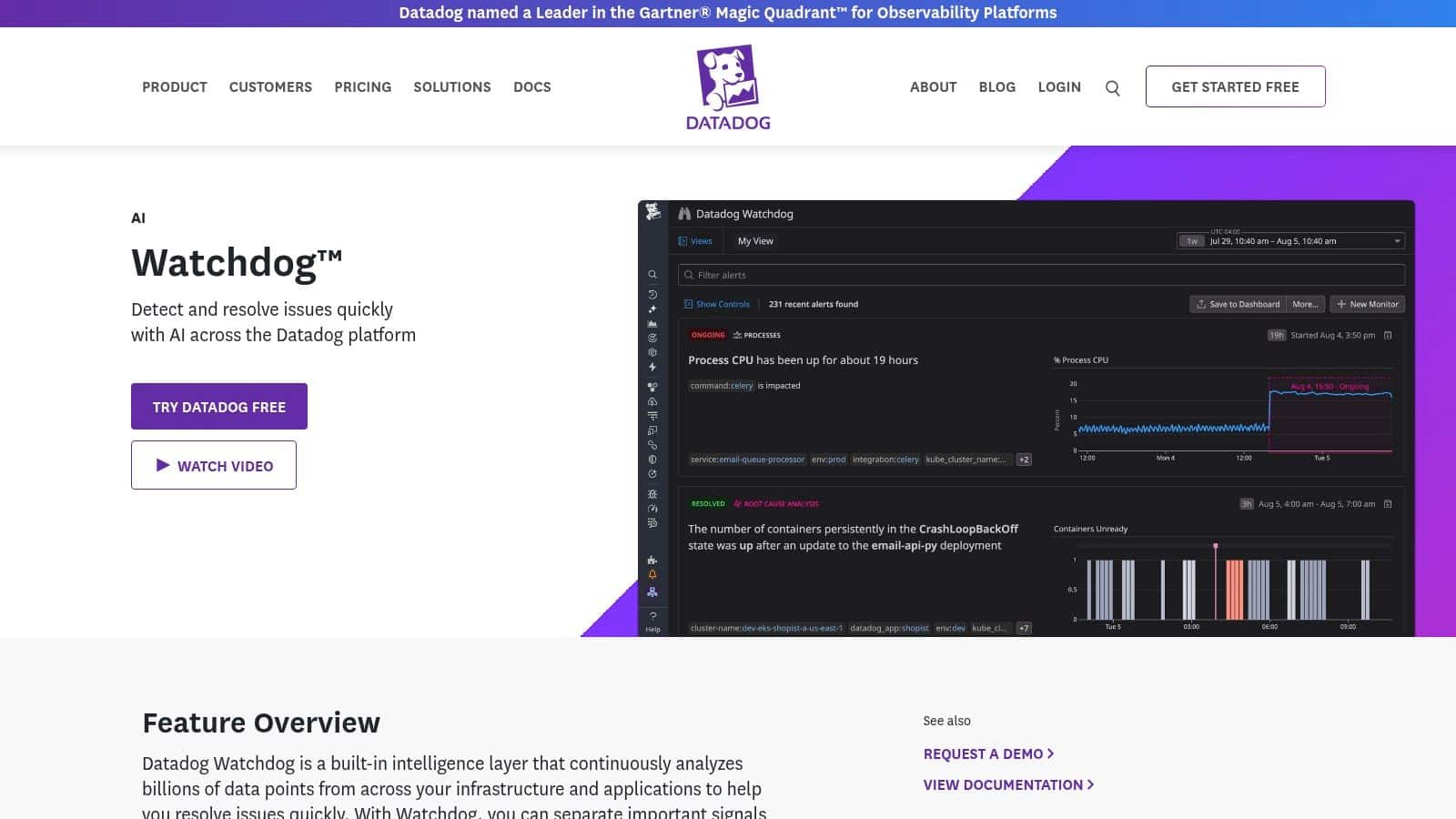
If your telemetry already lives in Datadog, this is the path of least resistance. Datadog Watchdog and Anomaly Monitors sits inside a broader observability platform covering infrastructure, applications, logs, and security, so an anomaly doesn't arrive as an orphaned alert. It arrives next to the traces and logs you need to investigate it.
What It Actually Watches
- Metric deviations: Detects values diverging from historical behavior while accounting for trends and recurring time-of-day or day-of-week patterns.
- Cross-signal coverage: Supports anomaly monitoring across metrics, APM, and logs rather than a single data type.
- Watchdog insights: Surfaces automated insights across supported Datadog products without you hand-building every monitor.
- Ecosystem depth: Connects to a broad observability and alerting ecosystem that simplifies data collection.
The tradeoff is patience and spend. Watchdog needs sufficient historical data before its patterns mean much, and costs grow with telemetry volume and every product you enable. Teams comparing it against adjacent tooling often start with a broader look at performance monitoring tools for production applications to see where anomaly detection should live. If Datadog is already your pane of glass, it's a strong default. If it isn't, you're buying a platform, not a feature.
2. Dynatrace Anomaly Detection
Large, tangled estates are where Dynatrace Anomaly Detection earns its keep. Instead of treating every metric as an island, it uses topology context and system relationships to group related signals into problems, so ten symptoms with one cause don't page you ten times. For cloud-native environments that change daily, that grouping matters more than raw sensitivity.
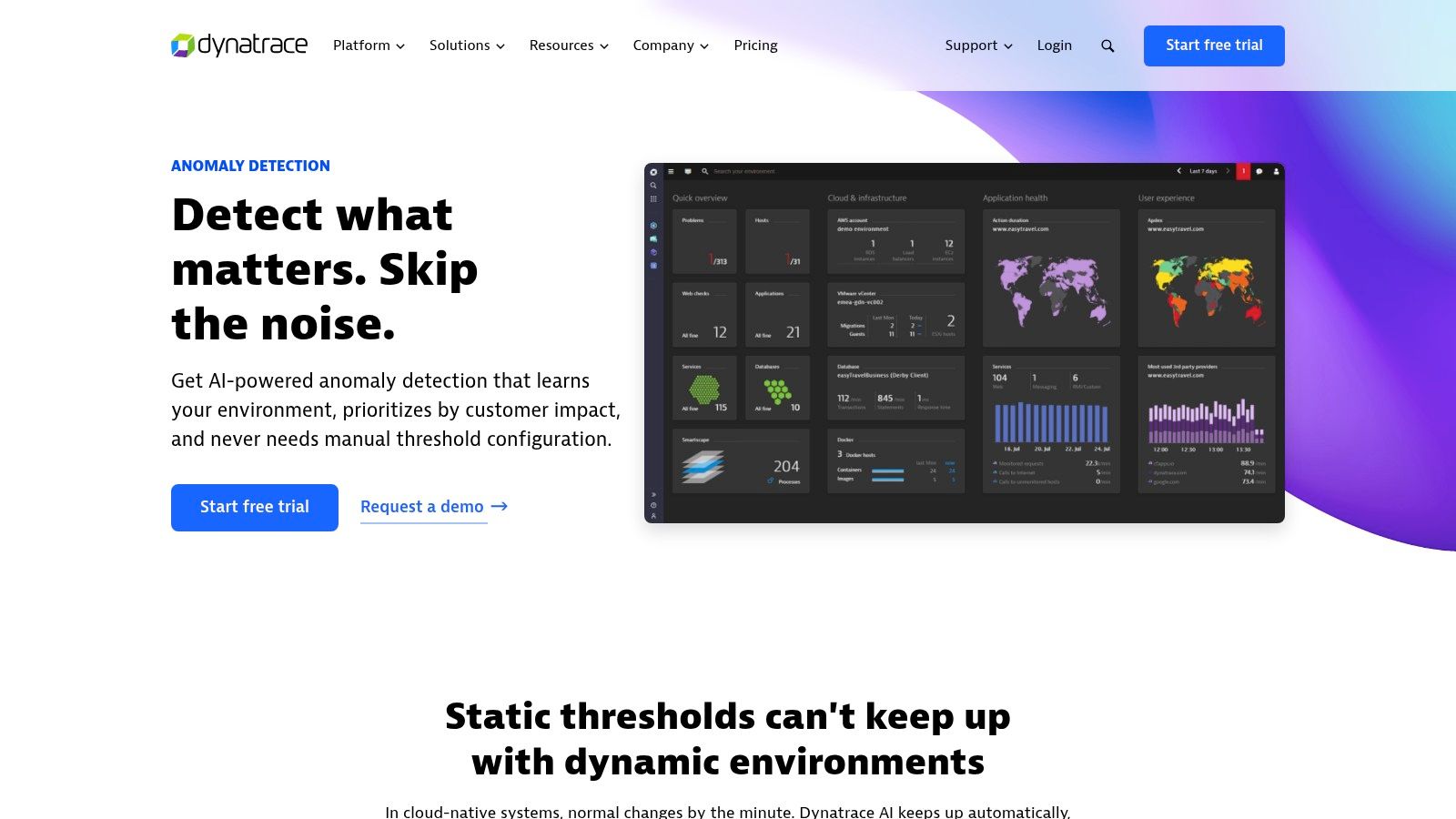
Its adaptive baselines adjust per monitored component, and custom time-series detection can pull from logs, metrics, events, and business processes. That flexibility lets you watch a checkout flow and the Kubernetes cluster under it in one mental model. The dependency context also helps prioritize, since an anomaly on a leaf service reads differently than one on a shared database.
Practical rule: If your on-call pain is alert storms from one root cause, topology-aware grouping beats a marginally smarter threshold every time.
The honest downside is scale mismatch. The platform's breadth can exceed what a small team will ever use, and usage-based pricing with annual commitments demands real consumption planning before you sign. There's a free trial and a public pricing overview, so use both and model your host count carefully before committing.
3. New Relic Anomaly Detection
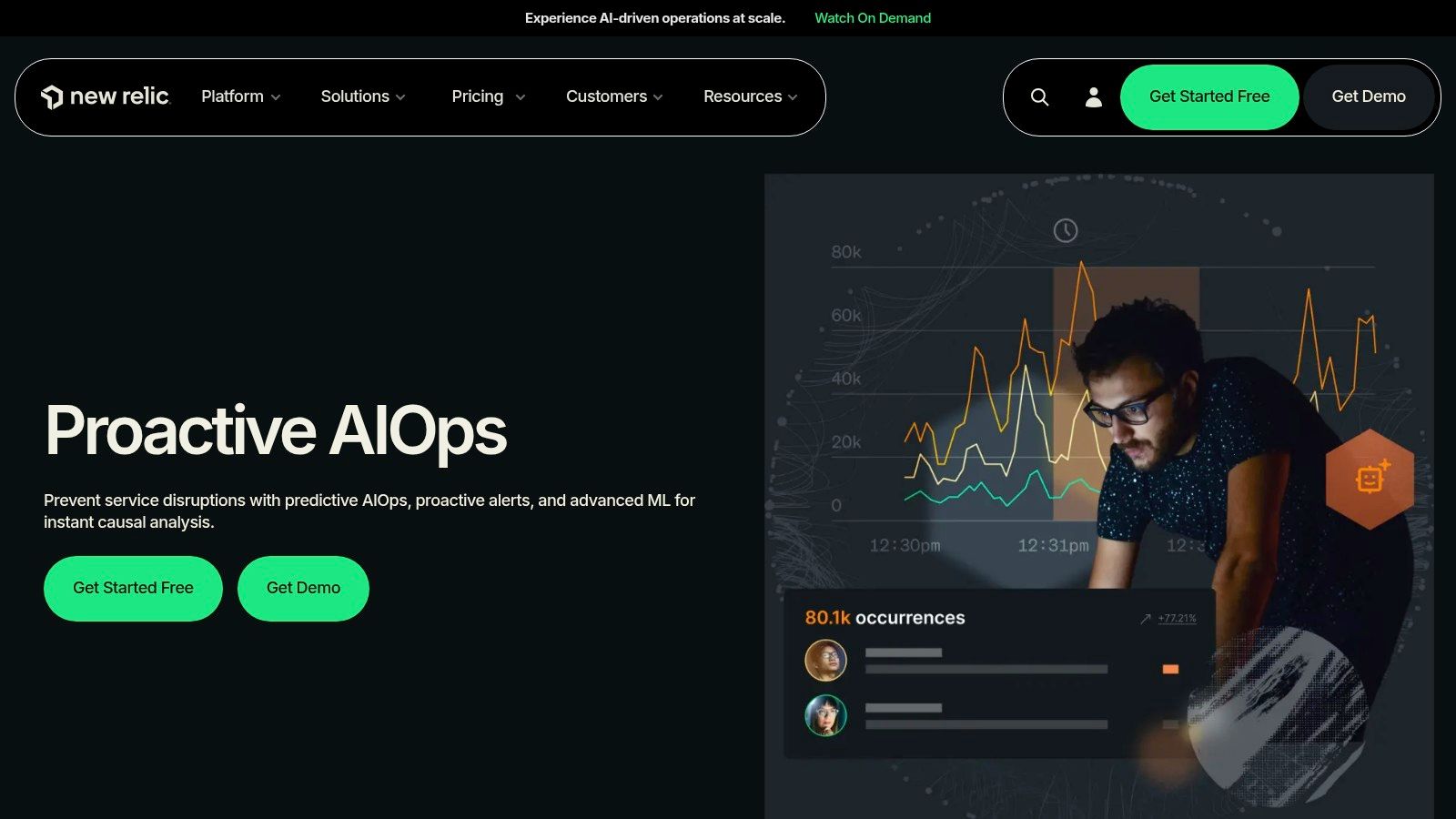
New Relic Anomaly Detection is built for teams tired of fixed thresholds crying wolf during predictable traffic cycles. It learns expected behavior from historical signals, then lets you tune how that learning turns into pages. Business-hour peaks and weekend lulls stop looking like incidents once seasonality is part of the baseline.
Tuning Controls Worth Having
- Direction control: Alert on upper deviations, lower deviations, or both, which matters when a silent drop in signups is the true emergency.
- Sensitivity settings: Dial how far a signal must stray before it counts as anomalous.
- Duration settings: Require a deviation to persist before alerting, which filters out harmless blips.
- Workflow integration: Connects directly with New Relic telemetry and alerting workflows you already run.
Plan for a runway. Learning can take one to four weeks, and new or volatile signals need time before the baseline is trustworthy. New users may also find the platform complex, and usage costs can climb as ingestion grows. A free account option and public pricing make evaluation low-risk, so test it on one noisy service first.
4. Grafana Cloud Machine Learning
Teams already living in Grafana dashboards get a useful freebie here. Grafana Cloud Machine Learning adds forecasting and outlier detection to existing monitoring workflows, and both capabilities are free to use with Grafana Cloud accounts. That's a rare sentence in this category, where pricing pages usually hide behind a sales call.
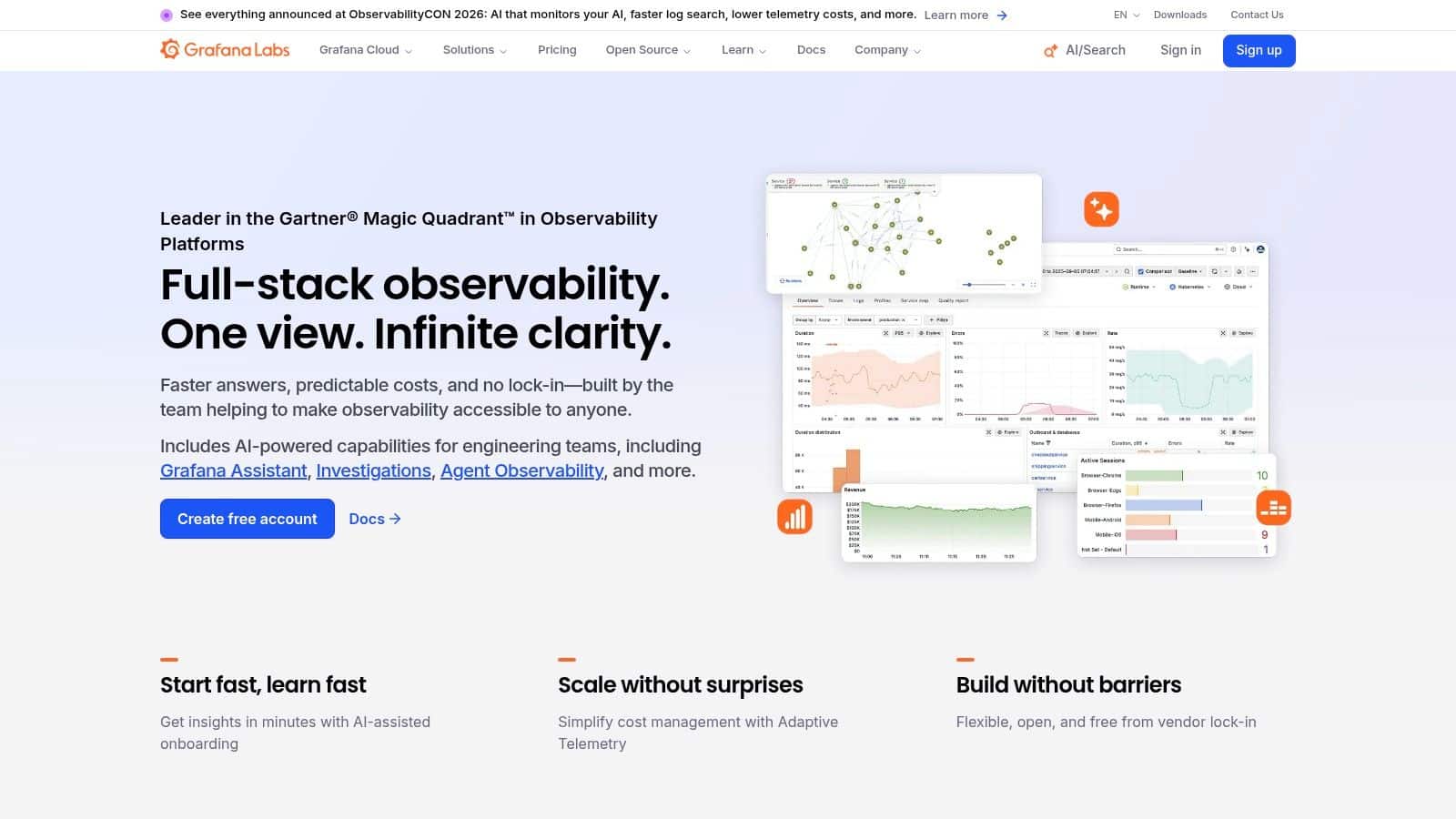
The forecasting side predicts metric behavior and flags values outside the forecast bounds. The outlier side compares related series against each other, which is perfect for spotting one service instance behaving differently from its peers while fleet averages look fine. Either result can drive an alert, so detection plugs into the routing you already trust.
Source flexibility is the other draw. Supported sources include Prometheus, Postgres, Loki metric queries, Snowflake, BigQuery, and Elasticsearch, which suits mixed stacks where metrics, logs, and warehouse data refuse to live in one place. The catch is craftsmanship. You need suitable queries and sensible comparison groups, because comparing unlike series produces confident nonsense. Confirm the supported workflow fits your deployment model before standardizing on it.
5. Amazon CloudWatch Anomaly Detection
Sometimes the best tool is the one you don't have to procure. Amazon CloudWatch Anomaly Detection adds adaptive thresholds to the metrics and alarms AWS teams already run, learning expected ranges and retraining as patterns evolve. No new agent, no new vendor review, no new invoice line from a company you've never heard of.
How AWS Teams Use It
- Expected-value bands: Alarm when a metric leaves its learned normal range instead of crossing a number someone guessed in 2022.
- Metric math support: Apply anomaly detection to expressions, so ratios and derived signals get monitored too.
- Training exclusions: Keep deployments and other unusual periods out of model training so chaos doesn't become the baseline.
- Native management: Configure through the console, CLI, CloudFormation, or SDK alongside the rest of your stack.
Keep expectations scoped. This is a metrics feature, not a general-purpose platform for arbitrary datasets, and readers working through anomaly detection in time series data will recognize both its strengths and its ceiling. Alarm costs vary with metric count and configuration, and other CloudWatch charges may apply, though AWS publishes pricing examples to model against.
6. Elastic Machine Learning Anomaly Detection
If your operational and security data already sits in Elasticsearch, Elastic Machine Learning Anomaly Detection meets it where it lives. Its machine-learning jobs run against time-series, log, and security data in the Elastic Stack, with Kibana as the investigation surface. That co-location eliminates the export pipelines that make other tools go stale.

The detection menu is broad. You get single-metric, multi-metric, and population or entity anomaly detection, plus log categorization, rare-event analysis, and time-series forecasting. Population analysis is especially handy for spotting one user or host behaving unlike everyone else, and prebuilt security anomaly detection jobs save real setup time for security teams.
A detector is only as good as the data you already index. If your logs are messy, fix ingestion before blaming the model.
Deployment flexibility cuts both ways. Elastic Cloud and self-managed options suit teams with data residency constraints, including many healthcare organizations, but self-management means sizing and operating the infrastructure yourself. Machine-learning features and anomaly-based alerting also require an eligible subscription or feature tier, so verify your license before designing around it.
7. Splunk IT Service Intelligence (ITSI)
Splunk IT Service Intelligence thinks in services, not signals. ITSI applies adaptive, data-driven thresholds to KPIs that represent service health, detects deviations from expected KPI patterns, and generates notable events for investigation. For operations teams drowning in component alerts, that service-level view is the whole point.
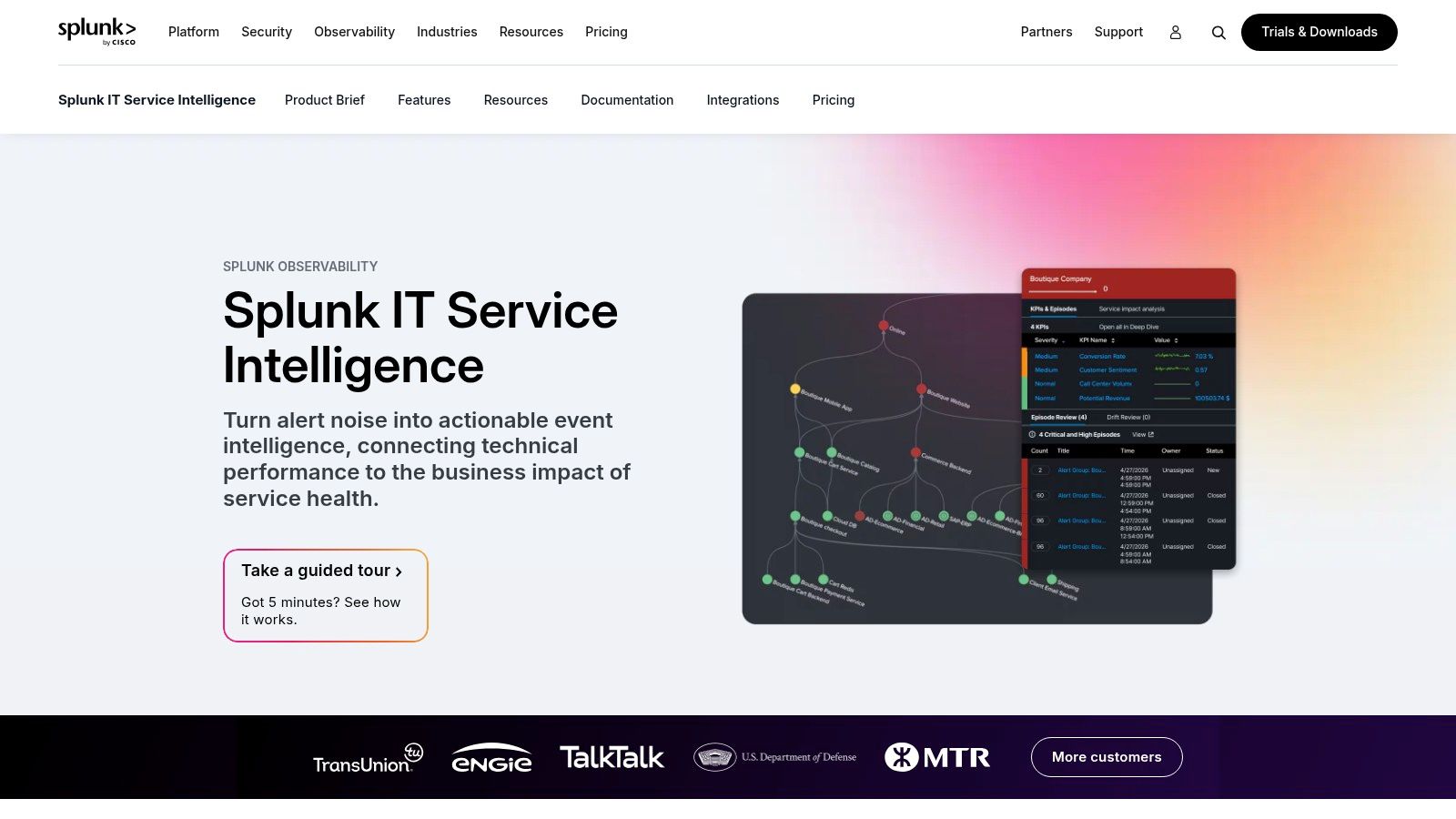
Correlation is the core skill. ITSI pulls service and operational information together so an investigator sees related events in context instead of spelunking through raw searches at 3 a.m. It runs with Splunk Cloud Platform and Splunk Enterprise, supports cloud and on-premises environments, and ships with preconfigured dashboards that shorten the path to a working service analyzer.
The prerequisites are non-trivial. ITSI requires Splunk Enterprise or Splunk Cloud Platform, so if Splunk isn't already in your stack, this is a platform adoption decision, not an add-on purchase. Pricing is quote-based, with workload-based or ingest-based purchasing options, so you'll need to evaluate your data volume or compute consumption closely. Existing Splunk shops get strong value from data and searches they already own. Everyone else should price the full stack, not just the ITSI layer.
8. Anodot Business Monitoring
Infrastructure can be perfectly green while revenue slowly leaks away. Anodot Business Monitoring exists for that uncomfortable scenario, watching business metrics and operational KPIs like revenue, transactions, payment performance, and customer experience. It's aimed squarely at retail, ecommerce, fintech, and subscription businesses where a KPI anomaly is the incident, not a symptom.
Where Business Monitoring Pays Off
- Seasonal learning: Learns metric behavior including recurring seasonal patterns, so a Monday morning surge stops triggering Monday morning pages.
- Multi-source coverage: Monitors metrics from multiple sources and business areas in one detection layer.
- Anomaly correlation: Groups related anomalies to help you investigate likely drivers instead of chasing each metric separately.
- Revenue use cases: Built-in focus on revenue and customer-experience monitoring where minutes of silence cost real money.
Scale your expectations to your size. Anodot may exceed the needs of teams wanting lightweight monitoring, and pricing isn't listed on the main product site. Ask about metric limits and contract scope early, because autonomous detection across thousands of business metrics is exactly where per-metric economics bite.
9. Google BigQuery ML Anomaly Detection
Your warehouse might already be your anomaly detector. Google BigQuery ML Anomaly Detection runs detection inside BigQuery's data and compute environment, so business datasets never get exported to a separate service. For analytics teams, that means anomaly checks become SQL, scheduled and versioned like every other query.
You get SQL functions for time-series and other anomaly-detection approaches, including the built-in TimesFM model through AI.DETECT_ANOMALIES. That makes it practical for consumer behavior, transaction metrics, and other datasets that already land in BigQuery for reporting. Multiple approaches, from built-in time-series detection to user-trained models, let you start simple and specialize later.
Know the constraints before you build. The documented AI.DETECT_ANOMALIES function evaluates only the most recent 1,024 time points, and queries and model operations are billable based on your pricing model and data processed. You'll also need enough data and machine-learning familiarity to choose and validate an approach, since BigQuery gives you the engine, not the judgment. Batch-friendly teams with warehouse-centric data will feel at home. Teams needing streaming alerts should look elsewhere in this list.
10. PyOD
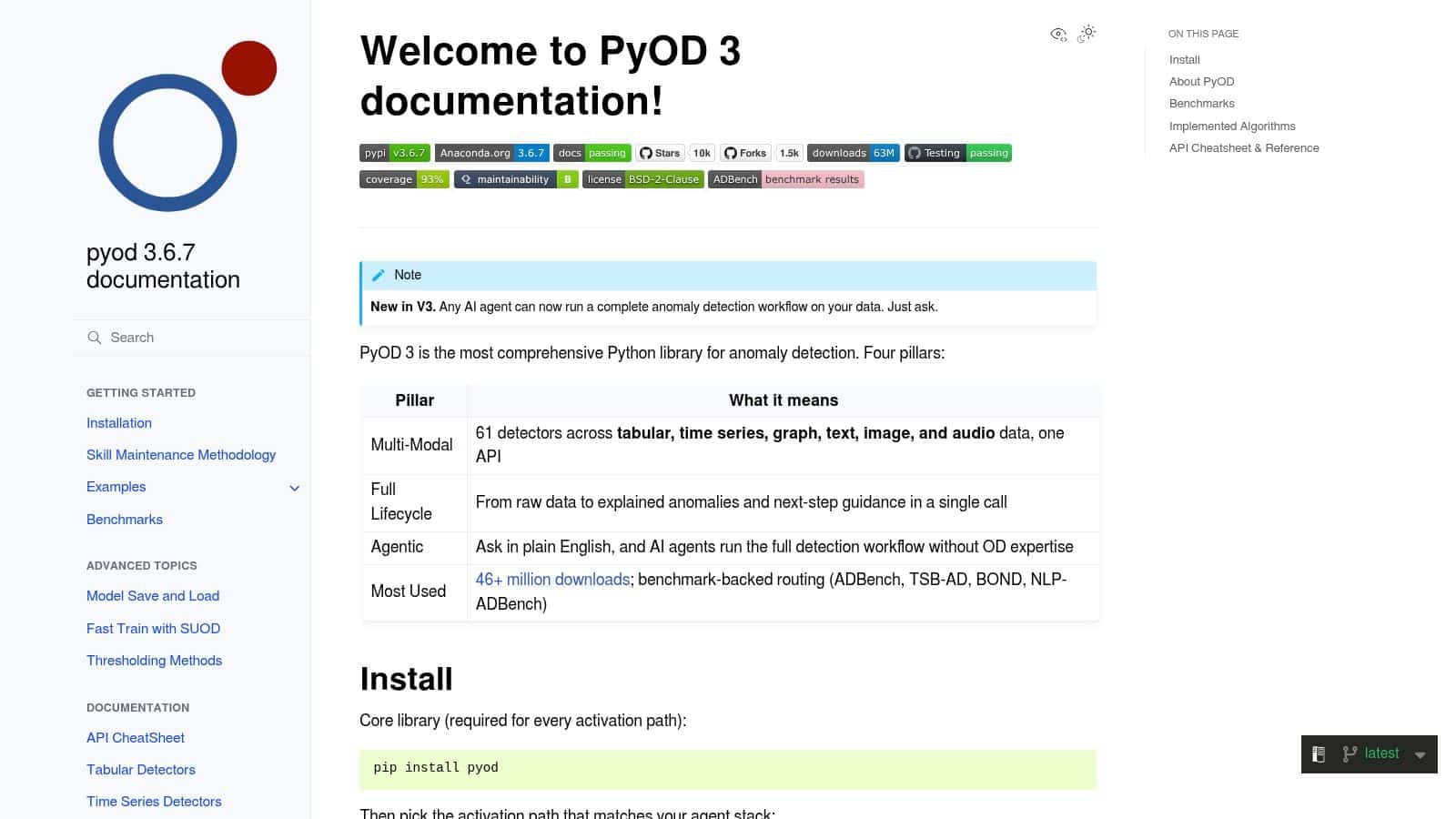
Every other entry here is a platform. PyOD is a toolkit, an open-source Python library for teams building detection directly into applications or analysis pipelines. You pick the detectors, test them, deploy them, and own what happens at 2 a.m. For the right team, that control is the feature.
What You Get and What You Owe
- Broad detector coverage: Supports tabular, time-series, graph, text, image, and audio use cases under one roof.
- Shared API: A consistent interface for fitting detectors and producing anomaly scores makes swapping algorithms cheap.
- Lifecycle tooling: Optional helpers to profile data, compare detectors, and analyze results.
- Easy installation: Available through pip or conda, with optional dependencies for some model families.
The freedom is real, and so is the bill. You're responsible for data preparation, model selection, evaluation, deployment, and monitoring, and some neural, graph, or multimodal detectors need additional dependencies. There's no turnkey enterprise alerting or incident management, so budget engineering time accordingly. Teams weighing algorithm choices will find useful grounding in this overview of anomaly detection models and approaches before committing to a custom build.
How the 10 anomaly detection tools differ on deployment, pricing, and fit
| Item | Deployment | Pricing Visibility | Best For | Main Caveat |
|---|---|---|---|---|
| Datadog Watchdog and Anomaly Monitors | Cloud observability platform | Telemetry- and product-based costs | Teams already using Datadog for observability | Needs historical data; costs can grow with telemetry volume |
| Dynatrace Anomaly Detection | Cloud platform | Public pricing overview; usage-based pricing | Large, complex, changing application estates | Broad feature set and consumption planning may be excessive for smaller teams |
| New Relic Anomaly Detection | Cloud observability platform | Public pricing and free account option | Teams tuning anomaly alerts for seasonal service signals | Baselines take time to learn; platform complexity and usage costs can increase |
| Grafana Cloud Machine Learning | Grafana Cloud | Cloud ML forecasting and outlier detection are free with Grafana Cloud accounts | Grafana teams using Prometheus or mixed data sources | Requires suitable queries and comparison groups |
| Amazon CloudWatch Anomaly Detection | AWS CloudWatch | AWS publishes pricing examples; charges vary by configuration | AWS-centric teams adding adaptive thresholds to metric alarms | Focused mainly on metrics and AWS monitoring; other CloudWatch charges may apply |
| Elastic Machine Learning Anomaly Detection | Elastic Cloud or self-managed Elastic Stack | Eligible subscription or feature tier required | Teams already using Elastic for operational or security data | Self-managed deployments require infrastructure sizing and operations |
| Splunk IT Service Intelligence (ITSI) | Splunk Cloud Platform or Splunk Enterprise | Quote-based; workload or ingest options | Splunk operations teams monitoring service health and incidents | Requires Splunk; pricing depends on data volume or compute |
| Anodot Business Monitoring | Business monitoring platform; data sources not specified | Not listed on the main product site | Businesses monitoring revenue, transactions, and other KPIs | Clarify metric limits and contract scope |
| Google BigQuery ML Anomaly Detection | BigQuery data and compute environment | Billable queries and model operations; costs depend on usage | Teams analyzing business data already stored in BigQuery | Requires BigQuery and ML familiarity; built-in function covers only the latest 1,024 time points |
| PyOD | Python library installed with pip or conda | Free and open source | Developers and data scientists building custom detection pipelines | Users manage model selection, evaluation, deployment, and monitoring |
Picking the Tool Your Data Can Actually Support
Start where your signal lives. Infrastructure metrics point you toward Datadog, Dynatrace, New Relic, Grafana, or CloudWatch. Logs and security events favor Elastic or Splunk. Warehouse tables fit BigQuery ML, business KPIs fit Anodot, and custom application data fits PyOD. Buying against your data's natural home means building export pipelines you'll maintain forever, and stale pipelines produce stale detection.
Then confirm the mechanics. Decide whether you need streaming or batch detection, because a nightly warehouse check won't protect a payments flow and a streaming platform is overkill for weekly reporting. Check how much historical data you have against each tool's learning period, since a detector trained on ten quiet days will panic at your first real traffic spike. Finally, test false-positive rates on a holdout window before committing, using data the model hasn't seen, and count how many alerts your team could realistically investigate.
That discipline matters because normal doesn't sit still. Research on production detection highlights concept drift, where seasonal demand, new products, and changing customer behavior degrade a detector's assumptions over time, as described in these 2025 real-time anomaly detection research slides on concept drift. Ask every vendor how the tool retrains, how thresholds adapt, and how you'll know when the detector itself has stopped matching reality.
Segment needs sharpen the choice further. Fintech teams should prioritize low-latency transaction signals and audit trails that show why an alert fired. Healthcare teams should weight data residency and self-managed deployment options heavily, which is where Elastic's flexibility earns attention. Operations teams should favor fit with the existing observability stack, because an anomaly tool nobody opens during an incident is shelfware with a subscription fee.
The newest signal source is your own AI features. Wonderment Apps extends this same thinking to AI-integrated products through its prompt management system, which combines a prompt vault with versioning, a parameter manager for internal database access, logging across integrated AI models, and a cost manager that shows cumulative spend. The cost manager's spend view is the most practical example of anomaly thinking applied to AI budgets. When token spend jumps after a prompt change or model swap, you see the cumulative curve bend, tie it back to the exact prompt version in the vault, and check the cross-model logs to find which feature drove it. That's baseline, deviation, and investigation context, applied to your AI bill instead of your servers. If that layer is missing from your stack, requesting a demo through Wonderment Apps is a sensible next step alongside whichever detection tool you choose above.
If you're adding anomaly detection to a custom web or mobile application, or modernizing an existing product with AI features that need prompt versioning, cross-model logging, and token cost control, Wonderment Apps can design and build that layer with you. Visit Wonderment Apps to request a demo of the prompt management system and talk through how detection should fit your stack.