

Your desktop app probably started as a sensible idea. A pricing tool for your sales team. A workflow console for operations. A reporting interface nobody wants to run from a terminal anymore. Then the brief changed. Now stakeholders want search, recommendations, summaries, anomaly alerts, and some kind of AI assistant built into the product.
That's where choosing the best Python GUI library stops being a developer preference and becomes a product decision. The interface is the front door, but the primary challenge is what sits behind it. If your app calls AI models, you need a way to manage prompts, control parameters, log activity, and watch costs without turning the codebase into a compliance headache. That's one reason teams look for an administrative layer around AI features instead of scattering prompt logic across the app itself.
The library choice matters because it affects packaging, deployment, hiring, maintenance, and how far you can push the user experience before you need a rewrite. It also affects how easily you can support the kind of smooth, guided flows that matter when you're optimizing app user journeys. A clunky admin tool can still cost real money if employees avoid it or work around it.
Below are the Python GUI options I'd put in front of a client, with the trade-offs that matter in practice. Some are better for enterprise desktop software. Some are better for internal dashboards. Some are better when AI features need to move fast and deployment friction needs to stay low.
1. PySide6
PySide6 is the option I reach for when a client says “desktop app” but really means “serious product.” It gives you Qt 6 through the official Python bindings, which means mature widgets, strong platform integration, and room to grow into more complex UI patterns without jumping frameworks.
For business software, that matters. Teams rarely regret having too much UI capability. They regret hitting limitations after design, QA, and deployment are already invested. PySide6 supports both traditional widget-heavy applications and more polished interface work through Qt Quick and QML, so it can cover conservative enterprise tooling and more branded products in the same ecosystem.
Where PySide6 earns its keep
- Broad UI surface: You get access to widgets, networking, multimedia, charts, web embedding, and other parts of the Qt stack from one framework.
- Good fit for long-lived products: If you expect the app to stay in market for years, mature tooling and documentation reduce risk.
- Strong design workflow: Qt Designer and Creator help when developers and designers need a cleaner handoff.
A lot of framework discussions ignore the staffing angle. PySide6 helps because teams familiar with Qt can onboard faster than they can with more niche toolkits, and its architecture lines up well with larger engineering practices. If you're comparing approaches across stacks, Wonderment's guide to user interface frameworks is a useful companion read.
Practical rule: Choose PySide6 when the app has to impress users, survive procurement review, and still be maintainable after the original developer moves on.
The downside is complexity. Qt is deep. Bundle size can grow if you pull in lots of modules, and junior teams can build awkward abstractions if they don't set UI architecture rules early. Still, if the question is “best Python GUI library for an enterprise-grade desktop app,” PySide6 belongs near the top of the shortlist.
Use PySide6 on Qt for Python when you need desktop software that can mature into a real product line, not just a utility.
2. PyQt6
A common client scenario looks like this. The team already has Qt experience, the product needs a polished desktop interface, and legal review cares as much about licensing terms as engineering cares about widgets. In that situation, PyQt6 is usually a business decision before it is a technical one.
PyQt6 still belongs on any serious shortlist for the best Python GUI library. It gives teams access to the Qt ecosystem through Riverbank's bindings, which makes it a strong fit for desktop products that need mature controls, embedded web content, charts, and high-quality interaction patterns. The bigger question is whether its licensing model and vendor path fit how the company plans to ship, support, and scale the product.
That distinction matters more than many teams expect. PyQt6 and PySide6 can both support ambitious desktop applications, including AI-assisted tools that need rich data views, background tasks, and integrations with local or cloud services. The split usually happens in procurement, compliance, and long-term maintenance planning. If you are evaluating frameworks as part of a broader platform decision, this guide on choosing the right technology stack for your project is a useful complement.
Where PyQt6 makes sense
PyQt6 is a good choice when the organization already has Qt knowledge and wants to keep delivery risk low. Existing codebases, internal expertise, and established vendor approvals can save more time than a marginal difference between two nearly equivalent toolkits.
It also fits products that need desktop depth, not just a simple form layer. Teams building trading tools, operations consoles, engineering dashboards, or AI-enabled analyst workstations often need advanced tables, custom rendering, web views, and responsive event handling in one stack. PyQt6 handles that class of application well.
Choose PyQt6 when your product strategy already points to Qt and the business is comfortable with the licensing and support model.
The trade-off is straightforward. PyQt6 is not the obvious default for greenfield teams that have no Qt background and want maximum licensing flexibility. In those cases, the technical gap between PyQt6 and PySide6 is small enough that legal terms, distribution plans, and future hiring should carry real weight in the decision.
For teams that already know the Riverbank ecosystem, PyQt6 from Riverbank Computing remains a practical option for building desktop software that can grow from a departmental tool into a maintained product.
3. Tkinter
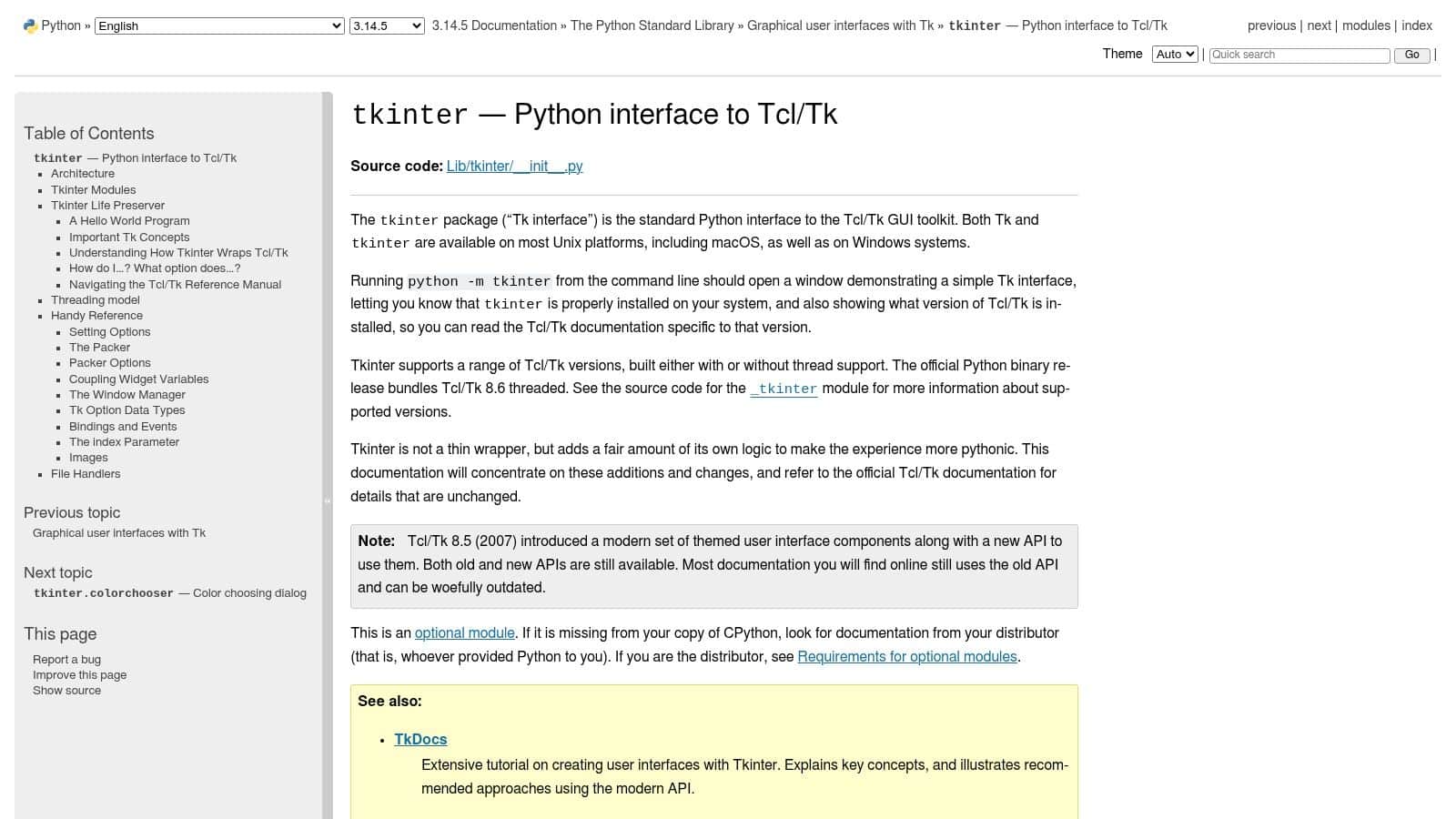
Tkinter is still the safest default when your highest priority is reach with the least operational friction. That sounds unglamorous, but it wins a lot of real projects. Small internal tools, audit utilities, back-office helpers, and training applications don't need a giant framework. They need to install cleanly, launch fast, and keep working.
Its biggest strength is simple and unusually important. GeeksforGeeks notes that Tkinter comes pre-installed with Python. For distribution, support, and training, that advantage is hard to overstate. Fewer dependencies mean fewer surprises across teams that already have Python available.
When Tkinter is the right answer
- Internal business tools: Great for admin panels, file processors, form-based tools, and utility apps.
- Low-risk deployment: No extra GUI dependency on most Python setups reduces packaging headaches.
- Education and onboarding: It's easier for mixed-skill teams to understand and maintain.
That doesn't make it modern in every sense. Tkinter is primarily a thin wrapper around native widgets, and that shows when you try to build highly branded experiences or touch-first layouts. It's capable, but not expressive in the way product teams often want once design expectations rise. Wonderment's piece on choosing the right technology stack aligns with this broader point. The “best” choice depends on the job, not the trend.
If the app is mostly forms, controls, file actions, and light reporting, Tkinter often beats more fashionable options because it removes failure points.
Tkinter remains one of the strongest historical baselines for the best Python GUI library discussion because it has shipped with Python for decades and continues to make sense where installation simplicity matters more than interface ambition. Use Tkinter in the Python documentation when you want reliability, not ceremony.
4. wxPython
wxPython appeals to a certain kind of engineering lead. Usually the one who doesn't want a visual science project and doesn't want to explain to users why the app looks slightly “off” on their operating system. It wraps wxWidgets and leans on native controls, so applications tend to feel at home on Windows, macOS, and Linux without a lot of custom theming work.
That native feel matters more than many teams admit. For line-of-business apps, trust often comes from familiarity. If the controls behave like the platform expects, users need less training and support.
Where it works well
wxPython is a good fit for classic desktop applications: inventory tools, scheduling systems, internal editors, and operational consoles. It has a long history, stable patterns, and a lower “framework identity” than some alternatives. Users often see the app first, not the toolkit.
There's also a maintenance advantage. Teams that want pragmatic desktop software often find wxPython easier to justify than a more sprawling framework, especially when the UI doesn't need advanced animation, heavy web embedding, or a custom design language.
- Native-looking controls: Helpful when users expect OS-consistent menus, dialogs, and behavior.
- Solid desktop scope: Best for conventional applications rather than experimental interfaces.
- Reasonable long-term stability: Mature enough for organizations that value predictability.
The trade-off is ecosystem gravity. Qt still tends to have a bigger orbit for tutorials, tooling, and advanced modules. Packaging can also get awkward on some Linux targets, which matters if your deployment environment is fragmented.
For teams building straightforward desktop software with a native feel, wxPython is still a credible pick. It's not the loudest option on the list, but it often matches the actual needs of business software better than trendier choices.
5. Kivy
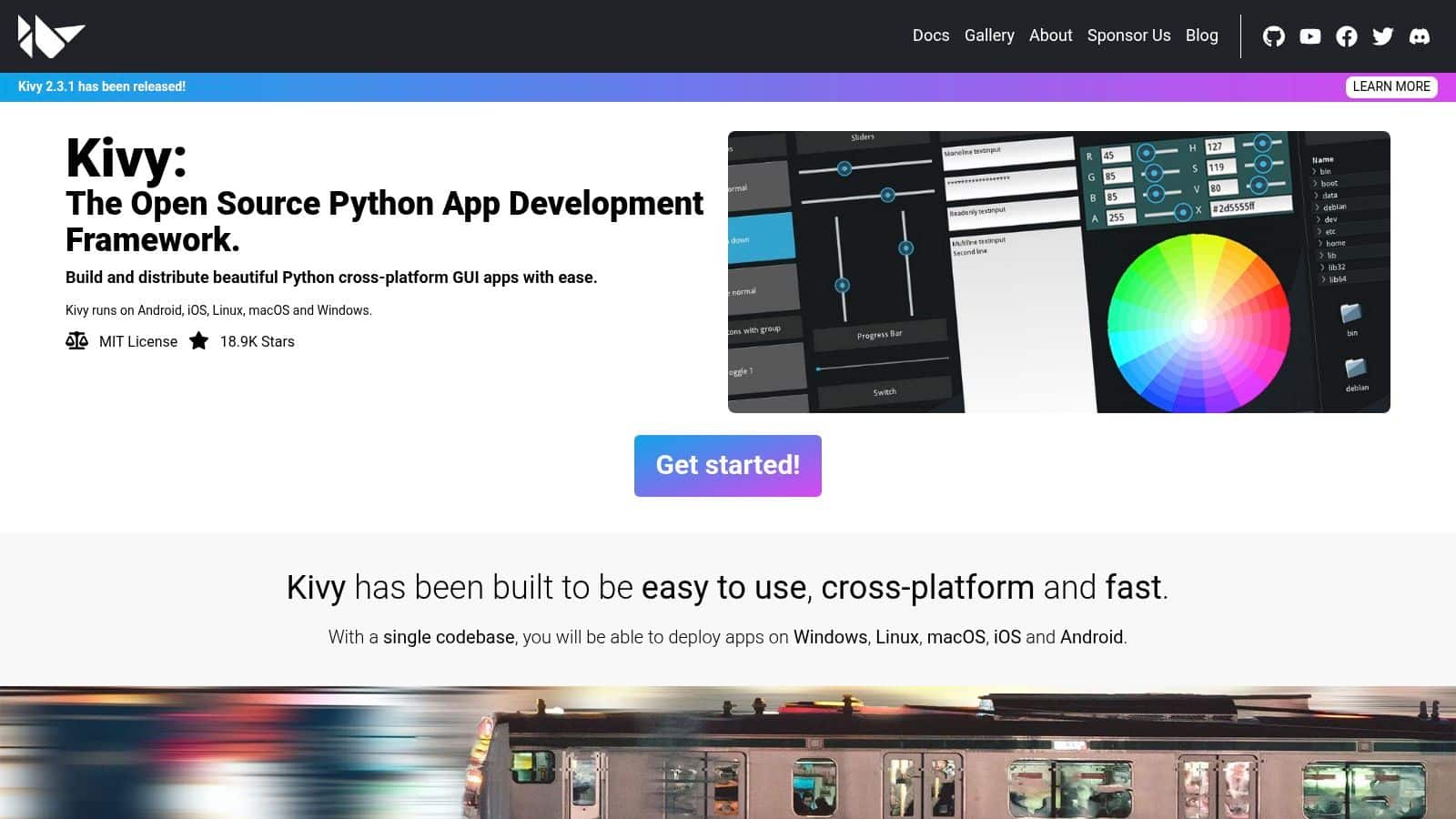
Kivy makes sense when the product brief includes movement, touch, and cross-platform ambition from day one. It doesn't try to mimic native desktop widgets in the same way as Tkinter, wxPython, or Qt widget apps. Instead, it gives you a rendering model that's better suited to custom interfaces, gestures, and more dynamic interaction patterns.
That makes Kivy a different category of answer to the best Python GUI library question. It's less about “best general desktop toolkit” and more about “best if your app behaves more like a modern product than an office utility.”
Why Kivy stands out
Kivy is especially useful when one codebase needs to span desktop and mobile with a highly customized UI. If your app needs large touch targets, animation, interactive controls, or a visual language that doesn't map neatly onto native desktop conventions, Kivy gives you more freedom.
That freedom comes with responsibility. You won't get polished results by default. Teams have to design deliberately because Kivy won't hide weak UX behind familiar native controls.
Custom UI freedom is only an advantage if the product team has the design discipline to use it well.
Kivy also works nicely for AI-assisted applications that need visual interaction beyond simple forms. Think annotation tools, field apps, guided inspection flows, or mobile experiences where users capture data and receive model-driven feedback inside the same interface.
The downside is that packaging and mobile delivery introduce real learning curves. It's also not the best fit for conservative desktop software where users expect standard menus, dialogs, and platform-specific behavior. But if your roadmap includes mobile and a custom interface layer, Kivy deserves serious attention.
6. Dear PyGui
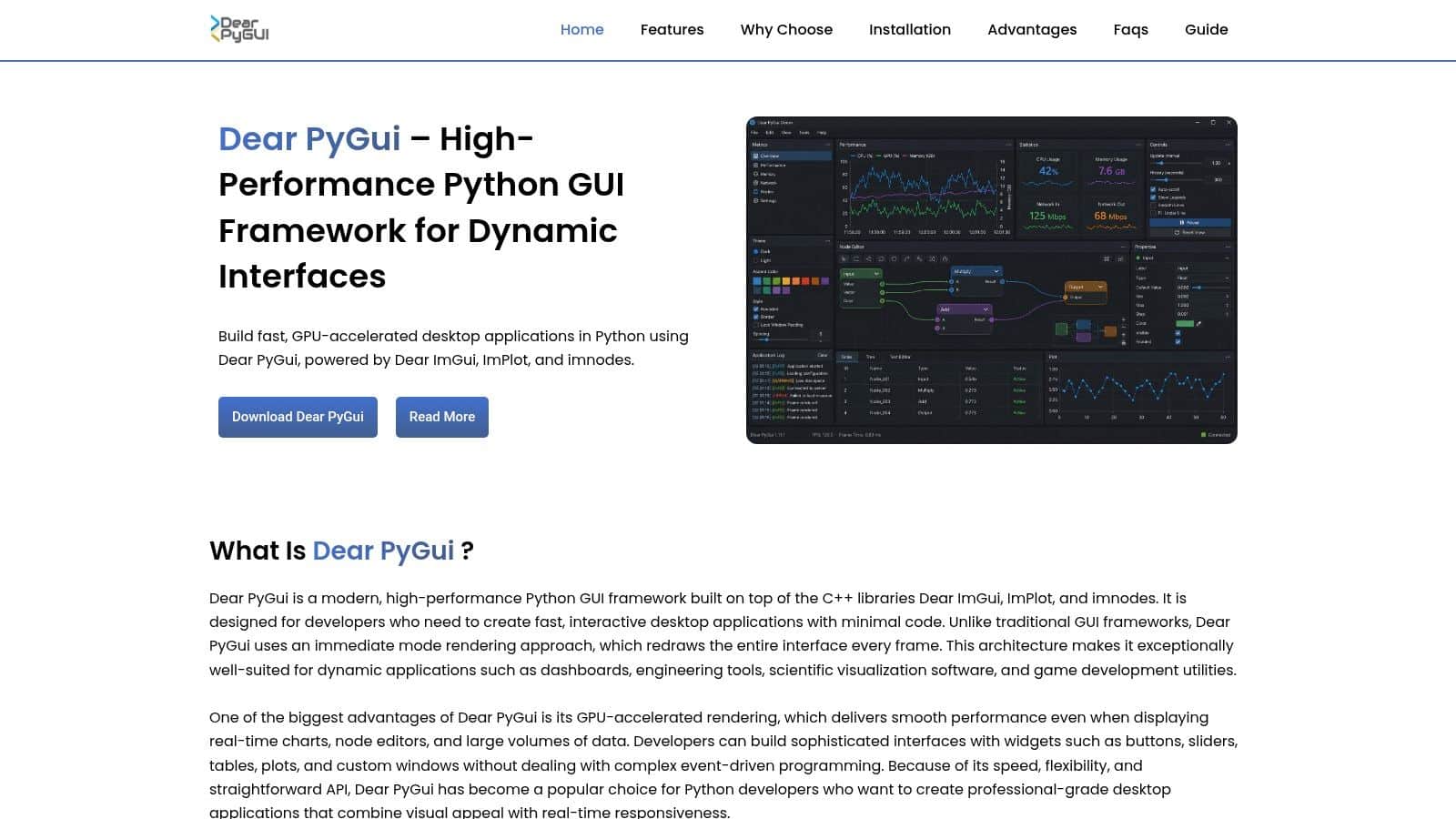
Dear PyGui is the one I'd put in front of teams building operator tools, internal dashboards, editors, or data-heavy applications where responsiveness matters more than native widget fidelity. It follows an immediate-mode style inspired by Dear ImGui, which gives it a different feel from traditional desktop frameworks.
That difference is the point. If your interface updates constantly, renders lots of controls, or needs fast iteration around real-time visuals, Dear PyGui can feel refreshingly direct.
Best for internal power tools
This framework shines in applications where users are experts, not casual consumers. Think model tuning consoles, simulation panels, prompt testing environments, or AI operations dashboards where the screen changes often and the interface needs to stay snappy.
Its built-in plotting, docking, and node-editor style features are especially useful for products that expose system state, workflows, or data relationships. That's valuable when you're building software for analysts, engineers, or operations teams who need dense information and fast interaction.
- Rapid tool building: Minimal boilerplate helps teams move quickly.
- Strong for dynamic interfaces: Good fit for dashboards and visual editors.
- Desktop-focused: Ideal when web and mobile aren't primary requirements.
The trade-off is aesthetics and its operational model. Dear PyGui doesn't behave like a traditional native application toolkit, and that can be a mismatch for customer-facing software where polish and platform conventions matter more. But for internal AI tooling, it's often one of the most efficient choices on the board.
If you're building a control surface for prompts, logs, model outputs, or operational metrics, Dear PyGui can be a better business decision than forcing a heavier framework into a highly dynamic use case.
7. PyGObject
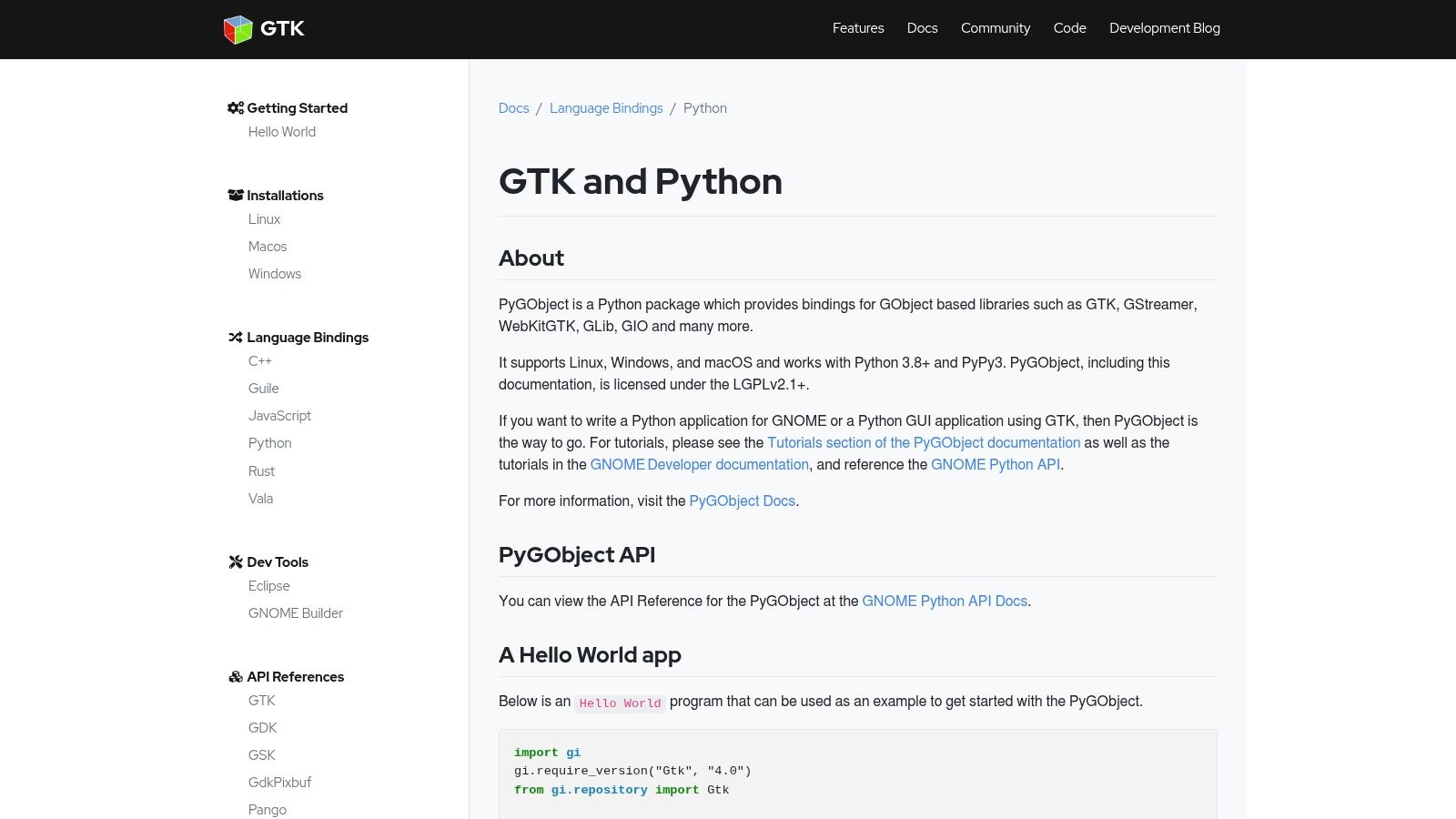
PyGObject is the right recommendation when Linux is the center of gravity, not an afterthought. It gives Python access to GTK and related parts of the GNOME stack, which makes it attractive for desktop products that need strong integration with Linux environments, media handling, or system-level capabilities.
A lot of teams overlook this because they assume every GUI discussion is really about Windows and macOS. That assumption breaks down fast in operational software, kiosks, industrial systems, and public-sector environments where Linux is common.
Where it fits best
If your users live in the GNOME or broader FreeDesktop world, PyGObject gives you a more natural path than trying to make another toolkit feel native there. It also opens doors to adjacent technologies like GStreamer and WebKitGTK, which can matter for media-heavy or embedded-browser workflows.
This is also a strong option for organizations that prefer open desktop stacks and want alignment with GTK4 and LibAdwaita design patterns. The result can be clean and modern, but it will feel more at home on Linux than on other platforms.
Choose PyGObject when platform integration matters more than cross-platform marketing language.
The caution is simple. Cross-platform support exists, but the community center of mass is still Linux. If your customer base is heavily Windows-first, another toolkit usually produces less friction. For Linux-aligned products, though, PyGObject for GTK in Python remains a very sensible choice.
8. BeeWare Toga
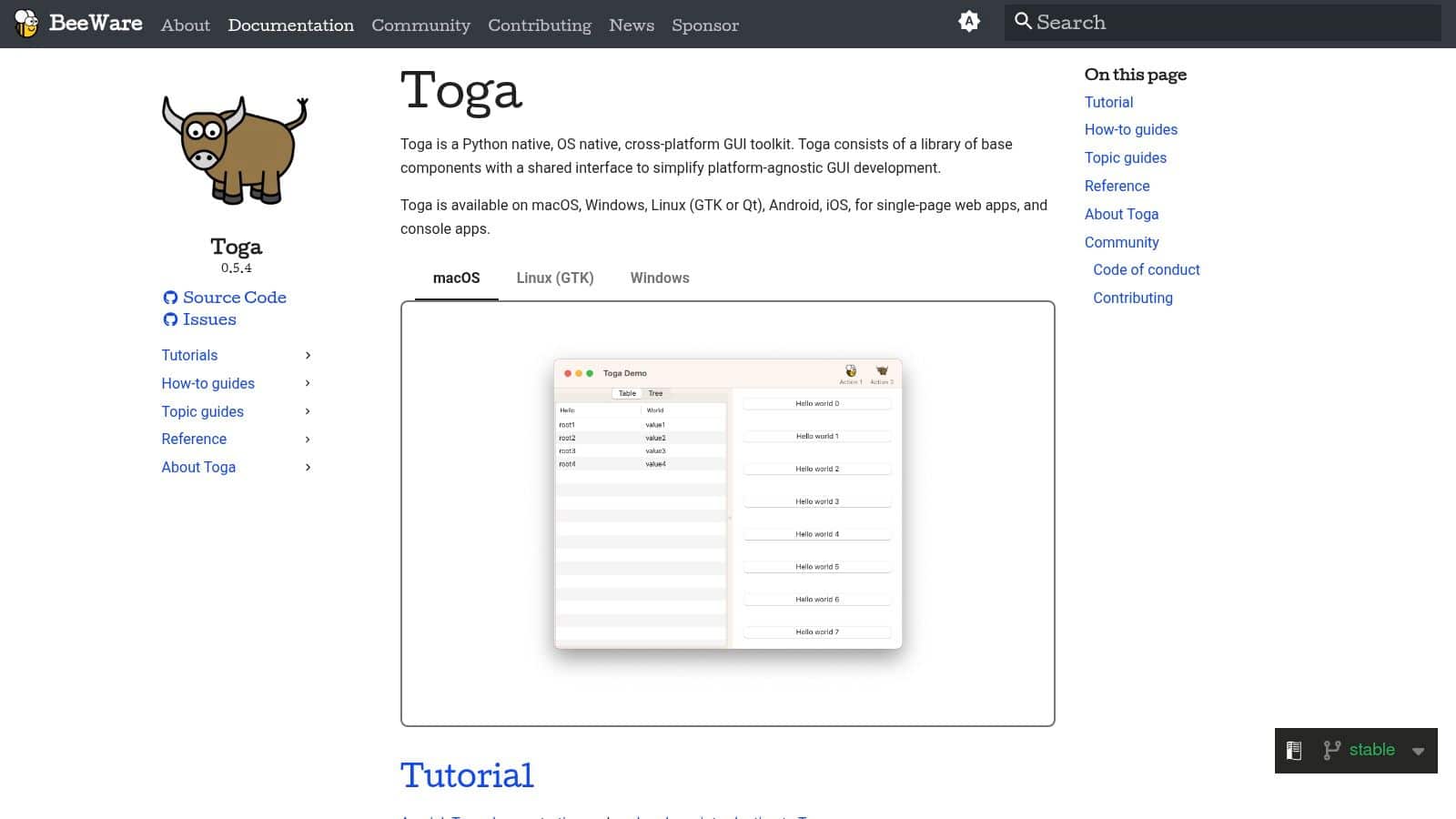
A product team needs a desktop app on macOS, Windows, and mobile, but does not want to split work across Python for business logic and another language for the interface. BeeWare Toga exists for that kind of decision. It gives Python teams a path toward native controls on each platform, backed by the wider BeeWare toolchain.
That matters if the GUI is part of a longer product roadmap rather than a one-off utility. Toga is one of the few options here that treats Python as the primary language across interface, packaging, and application logic. For teams building AI-assisted internal tools, review consoles, or field apps, that can reduce context switching and keep experimentation faster in the early stages.
The business case for Toga
Toga makes the strongest case in organizations that want broad platform ambition without taking on the size and licensing considerations that often come with Qt-based stacks. It also suits teams that care about native platform behavior and do not want the visual trade-offs of a custom-drawn interface.
Briefcase adds to the value because packaging is often where prototypes stall. A coherent path from Python code to distributable apps helps smaller teams move from proof of concept to pilot deployment with less rework.
The trade-off is maturity. Toga has a smaller ecosystem, less third-party guidance, and fewer examples for complex desktop patterns. If the roadmap includes advanced data grids, highly customized workflows, or heavy enterprise UI requirements, expect more implementation risk than with older frameworks.
That does not rule it out. It means Toga is a better fit for teams that can tolerate some framework rough edges in exchange for strategic flexibility.
- Python-first development: Keeps application logic, UI work, and experimentation closer together.
- Native-control approach: A sensible option for products that need to feel at home on each operating system.
- Smaller support ecosystem: Better for measured pilots than for high-risk, deadline-heavy enterprise builds.
For AI-enhanced applications, the pertinent question is not whether Toga can draw windows and buttons. It can. The question is whether your team wants a Python-centered foundation that makes it easier to connect local interfaces to model orchestration, agent tooling, and internal automation services over time. If that direction fits the product strategy, BeeWare Toga is worth a pilot.
9. PySimpleGUI
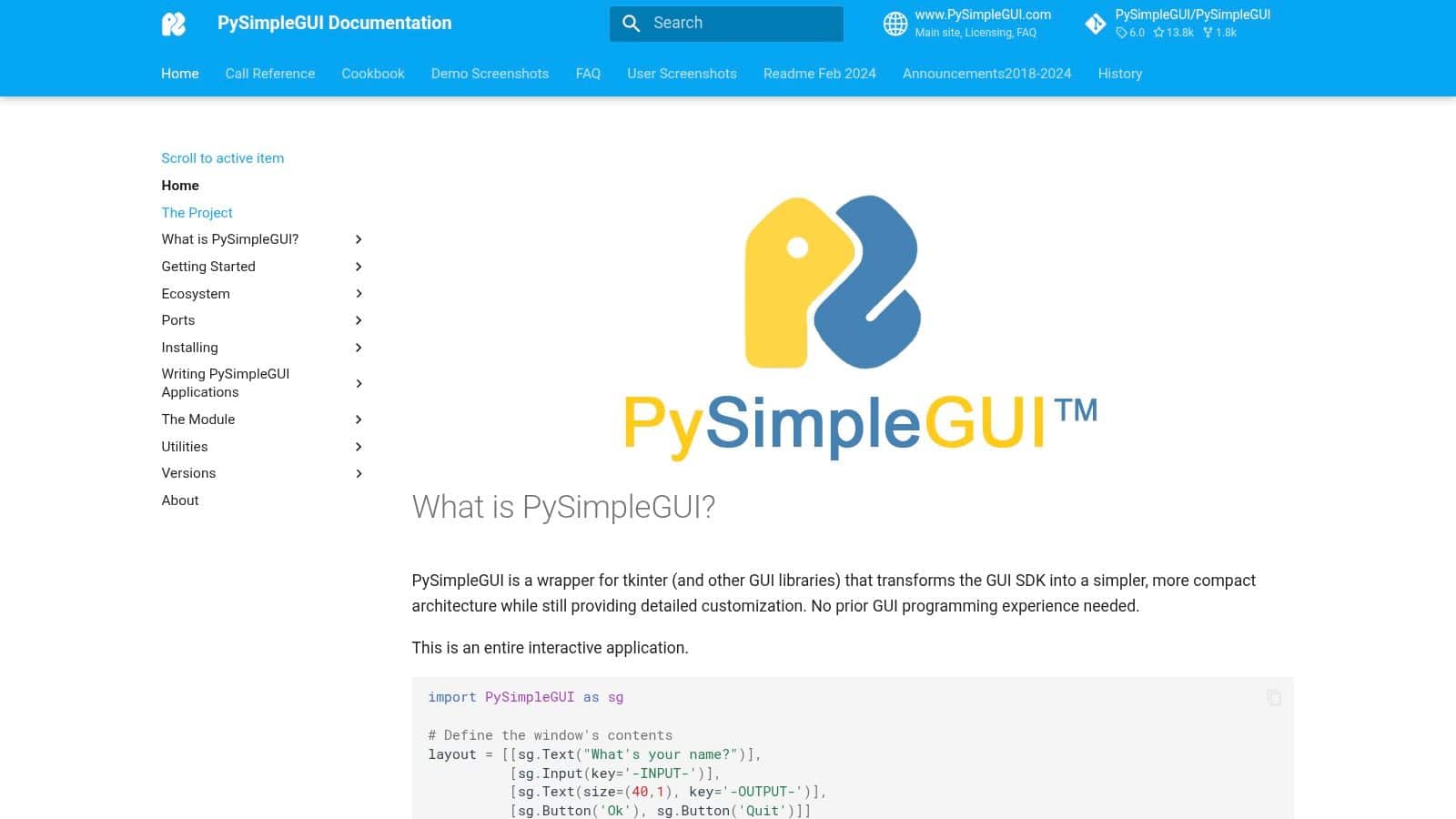
PySimpleGUI is the fastest route from “we need a screen” to “the team can use it.” That's its value. It reduces GUI work to a much simpler abstraction, often over Tkinter, and that makes it a practical choice for forms, admin panels, small utilities, and internal workflows where speed matters more than deep UI control.
For many businesses, that's enough. Not every application needs a polished product team and a design system. Sometimes you need a stable interface around a process that currently lives in spreadsheets, shell scripts, and inboxes.
Where it wins and where it breaks
PySimpleGUI is excellent for quick tools with obvious interface patterns: input fields, file pickers, tables, action buttons, and status displays. It lets Python-heavy teams produce something usable without investing heavily in desktop framework expertise.
That can be especially useful in AI modernization work. If you're exposing prompt testing, review workflows, or lightweight human-in-the-loop approval steps, the abstraction can get you to a working internal tool quickly.
The catch is predictable. Once the UI becomes more custom, more interactive, or more productized, PySimpleGUI starts to feel like a ceiling rather than a shortcut. Teams then face a decision: keep stretching the abstraction or move to the underlying toolkit directly.
If the interface is mostly a workflow shell around business logic, PySimpleGUI is often enough. If the interface is part of the product strategy, it usually isn't.
I wouldn't recommend it for flagship customer software, but I would recommend it for many internal operations apps where time-to-utility matters most. For that class of project, PySimpleGUI remains a very practical option.
10. Flet
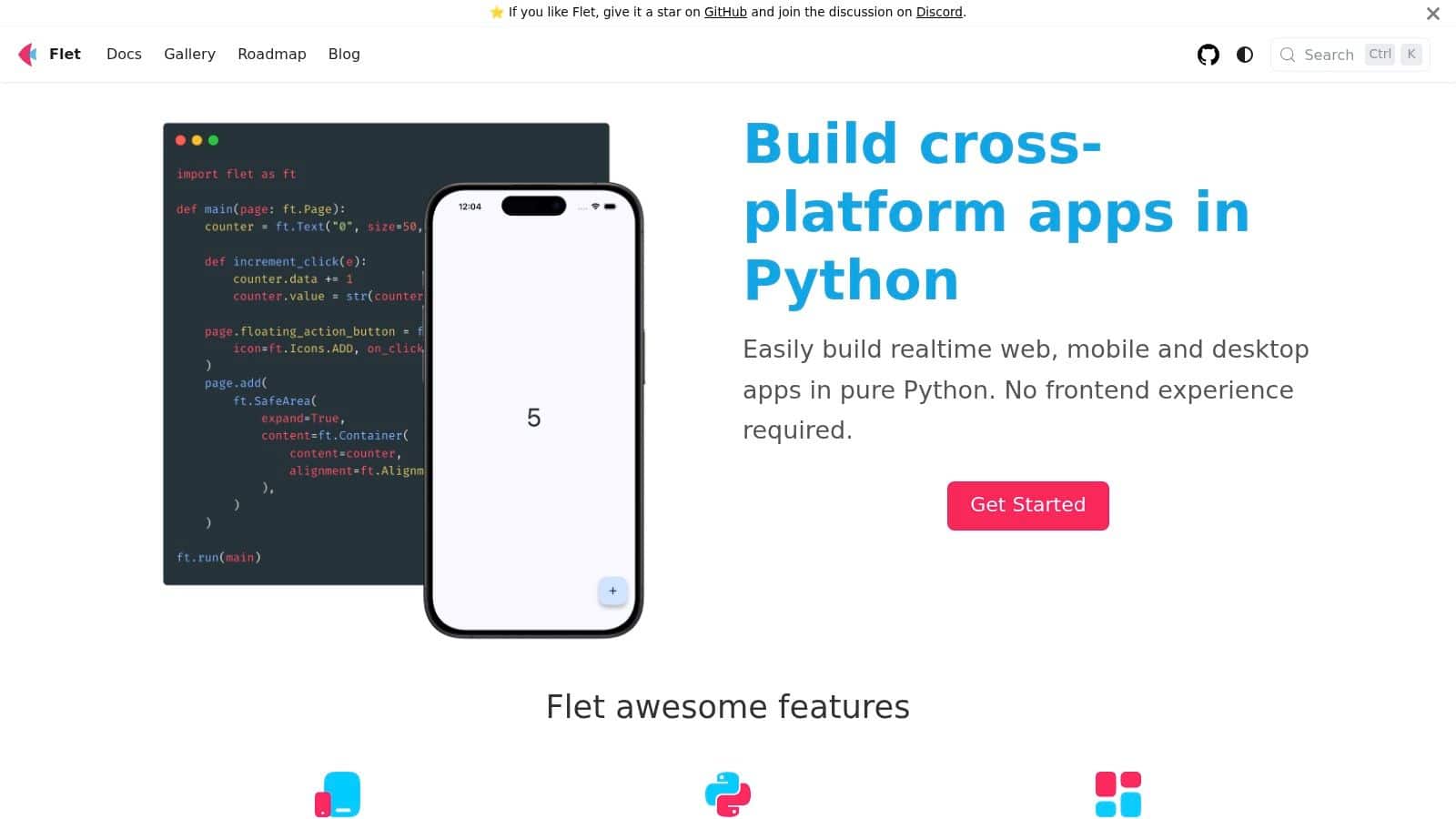
Flet is one of the more interesting modern answers to the best Python GUI library question because it reflects a bigger shift in how teams think about interfaces. Instead of starting from classic desktop widgets, it uses Flutter under the hood so developers can write Python while targeting web, desktop, and mobile experiences with a more modern UI style.
That makes Flet attractive for product teams that want broad reach without introducing Dart into the stack. It also fits organizations that care less about native widgets and more about consistent visuals across platforms. If your design team wants one interface language everywhere, that trade can be worth it.
Why browser-first thinking changes the decision
The old desktop-only framing is getting weaker. A newer category of Python UI tools is focused on browser delivery and remote access, and that matters for internal tools, analytics consoles, and AI-enabled admin systems. Anvil's overview notes that browser-delivered options are increasingly relevant, and NiceGUI is explicitly positioned as a Python-based UI framework that runs in the web browser. That broader market shift helps explain why Flet feels timely.
It also aligns with modern UX expectations around responsive design and multi-platform planning. Wonderment's perspective on UX and UI design in 2022 is still relevant here because interface consistency and usability don't get easier when you add more platforms.
- Cross-platform delivery: Useful when the roadmap includes browser, desktop, and mobile touchpoints.
- Modern visual style: Better fit for branded applications than older utility-first toolkits.
- Non-native runtime: Accept this trade before committing.
Flet won't satisfy teams that need strict native controls or very mature enterprise desktop conventions. But if you want one Python-driven path to modern cross-platform UI, Flet is a strong contender.
Top 10 Python GUI Libraries, Feature Comparison
| Framework | Core focus / Key features | UX & performance | Best for (target audience) | Strengths / unique selling points | Limitations / licensing |
|---|---|---|---|---|---|
| PySide6 (Qt for Python) | Official Qt6 Python bindings: Widgets, QML, WebEngine, multimedia, cross‑platform | Native look & high perf; mature tooling | Enterprise desktop apps needing long‑term support | Official Qt support, rich widget set, Designer/Creator integration | Steep learning curve, larger bundles; LGPL (Qt) + commercial Qt available |
| PyQt6 | Qt6 bindings from Riverbank; broad module coverage | Native feel and performance like Qt | Teams with PyQt expertise or who need Riverbank commercial support | Mature, widely adopted, optional Riverbank commercial support | Licensing: GPLv3 for OSS or commercial license; similar size/complexity to Qt |
| Tkinter | Python's built‑in GUI (Tcl/Tk); basic widgets, ttk theming | Very lightweight, low overhead, stable | Small utilities, internal admin tools, teaching, quick prototypes | Zero-install on many Python installs; very easy to start | Limited modern components and theming; not ideal for complex UIs |
| wxPython | wxWidgets bindings using native OS controls | Native‑looking, stable performance | Cross‑platform apps that prioritize native controls | Feels native across platforms; mature and pragmatic | Smaller ecosystem than Qt; packaging quirks on some Linux targets |
| Kivy | OpenGL/GPU‑accelerated framework for touch & animated UIs; mobile toolchains | Smooth animations, responsive on GPU; custom non‑native visuals | Touch/gesture apps, single codebase mobile+desktop UIs | Great for custom, animated UIs; active community and mobile paths | Non‑native widgets; mobile packaging has a learning curve |
| Dear PyGui | Immediate‑mode, GPU‑accelerated GUI (ImGui style); built‑in plots/node editors | Extremely fast, ideal for real‑time visuals | Dashboards, editors, data‑intensive internal tools | High FPS, simple API for rapid prototyping of complex visuals | Non‑traditional widget model; desktop‑only (no mobile/web) |
| PyGObject (GTK for Python) | GTK4/LibAdwaita bindings, GObject, GStreamer, WebKitGTK | Strong on Linux; adaptive GNOME‑style UIs | GNOME/GTK‑aligned Linux apps, multimedia integrations | Deep GNOME integration; modern GTK widgets and adaptivity | Smaller Windows/macOS community; differing HIG from other OSes |
| BeeWare Toga | Pure‑Python native widget mapping; part of BeeWare toolchain | Pythonic API, aims for native look on each OS | Developers seeking write‑once, Python‑first native apps | Clean, portable API; Briefcase packaging toolchain | Younger ecosystem; feature completeness lags large C++ toolkits |
| PySimpleGUI | High‑level abstraction (Tk/Qt/wx backends); compact API | Fast to build forms/tools; straightforward UX | Beginners, rapid prototypes, simple admin apps | Fastest time‑to‑first‑app, rich cookbook, multi‑backend | Limited control for complex/custom UIs; abstraction can be limiting |
| Flet | Python API on top of Flutter rendering; web/desktop/mobile targets | Modern, attractive Flutter‑rendered UIs; responsive | Teams wanting Flutter visuals without Dart | Single‑language (Python) workflow; cross‑platform via Flutter engine | Not native widgets (Flutter runtime); newer ecosystem, platform caveats |
Making Your Choice and Powering Your App's IQ
A common failure pattern looks like this. A team picks a Python GUI library because the first prototype feels fast, then six months later they are fighting packaging issues, weak state management around AI features, or a UI model that does not fit the final product. Library choice affects delivery speed, hiring, maintenance cost, and how easily the app can absorb new capabilities.
The right choice starts with the business model behind the interface. Tkinter still makes sense for small internal tools that need near-zero setup on machines that already run Python. PySide6 and PyQt6 fit teams building long-lived desktop software with heavier workflows, richer widgets, and stricter expectations around polish. Kivy is a better bet for touch-first products and cases where mobile matters. Dear PyGui can outperform traditional widget toolkits for operator consoles, data tools, and apps that need high-frequency visual updates.
The bigger strategic question is distribution. Some teams still need an installed desktop app because they work in regulated environments, require local hardware access, or cannot depend on a browser session. Others will get a better outcome from a web-delivered interface because deployment is easier, updates are centralized, and support overhead drops. The Python GUI field now sits beside browser-first app frameworks, which means the decision is no longer just about widgets. It is about how the product reaches users and how much operational friction the business is willing to carry.
User expectations have changed too. A desktop app is no longer judged only by forms, menus, and dialogs. Clients ask for live charts, searchable activity history, recommendations, generated summaries, and interfaces that help staff make decisions faster. That pushes the conversation past UI controls and into architecture.
AI features make that shift more obvious. Once the application starts calling language models, drafting outputs, classifying records, or querying internal knowledge, scattered prompt strings inside callbacks become a maintenance problem. Teams need version control for prompts, parameter handling, logging, auditability, and cost visibility. Without that layer, every new screen increases risk and makes troubleshooting slower.
Wonderment Apps addresses that operational side with a Prompt Management System that separates AI administration from the GUI code. It includes a prompt vault with versioning, a parameter manager for internal database access, unified logging across integrated AI systems, and a cost manager for tracking cumulative spend. That separation is practical for teams updating existing software or launching AI-assisted workflows under real delivery pressure.
Make the GUI decision based on deployment target, UI complexity, team skill set, and expected lifespan of the product. Then make a second decision with the same discipline: how the application will control and monitor its AI behavior in production. That is what turns a working interface into software a business can scale.
For a broader product planning lens, this piece on SaaS multi-platform app strategy is a useful companion.
If you're planning a Python desktop, web, or cross-platform app and want AI features that are manageable in production, Wonderment Apps can help you design the interface, integrate the right models, and add an administrative layer for prompt versioning, logging, parameter control, and spend tracking. Schedule a demo to see how that toolkit can plug into your application roadmap.