

A product team spots a conversion drop and opens its analytics dashboard. The numbers show where the decline starts, but not whether onboarding broke, navigation confused new users, the pricing page lost credibility, or one customer cohort changed its behavior. That's the point where behavioral analytics becomes useful, and where choosing a tool by its feature list alone can send a team in the wrong direction.
The right choice starts with the decision you need to make, the people whose behavior you need to understand, the events you can reliably collect, and the privacy and operational limits you have to respect. Behavioral analytics tools can help teams examine acquisition, navigation, engagement, and conversion signals together, rather than treating visits as the whole story. A peer-reviewed study of web analytics describes measures including sessions, page views, navigation, device type, time spent, and bounce rate, illustrating how observed activity can complement what users say they did. (The study on web analytics and observed user behavior)
Wonderment Apps approaches analytics as part of a broader product system: useful measurement should connect to scalable software experiences, thoughtful AI integration, and a clear plan for acting on what teams learn. That's also why its prompt management system is relevant to modernizing an application. Developers can add an administrative tool for managing AI prompts, parameters, logs, and costs without treating AI integration as a one-off feature.
This roundup compares ten tools by the work they do well, their implementation trade-offs, and their fit across ecommerce, fintech, healthcare, media, and public-sector products. Pricing and plan details can change, so treat free tiers, usage allowances, and quote-based plans as starting points to verify before making a decision.
1. Amplitude
When a team needs to understand which product behaviors relate to activation or retention, Amplitude offers more depth than basic pageview reporting. Its event-based analytics support web and mobile products, with funnels, retention reports, behavioral cohorts, and user journeys for examining how people move through a product. (Amplitude)
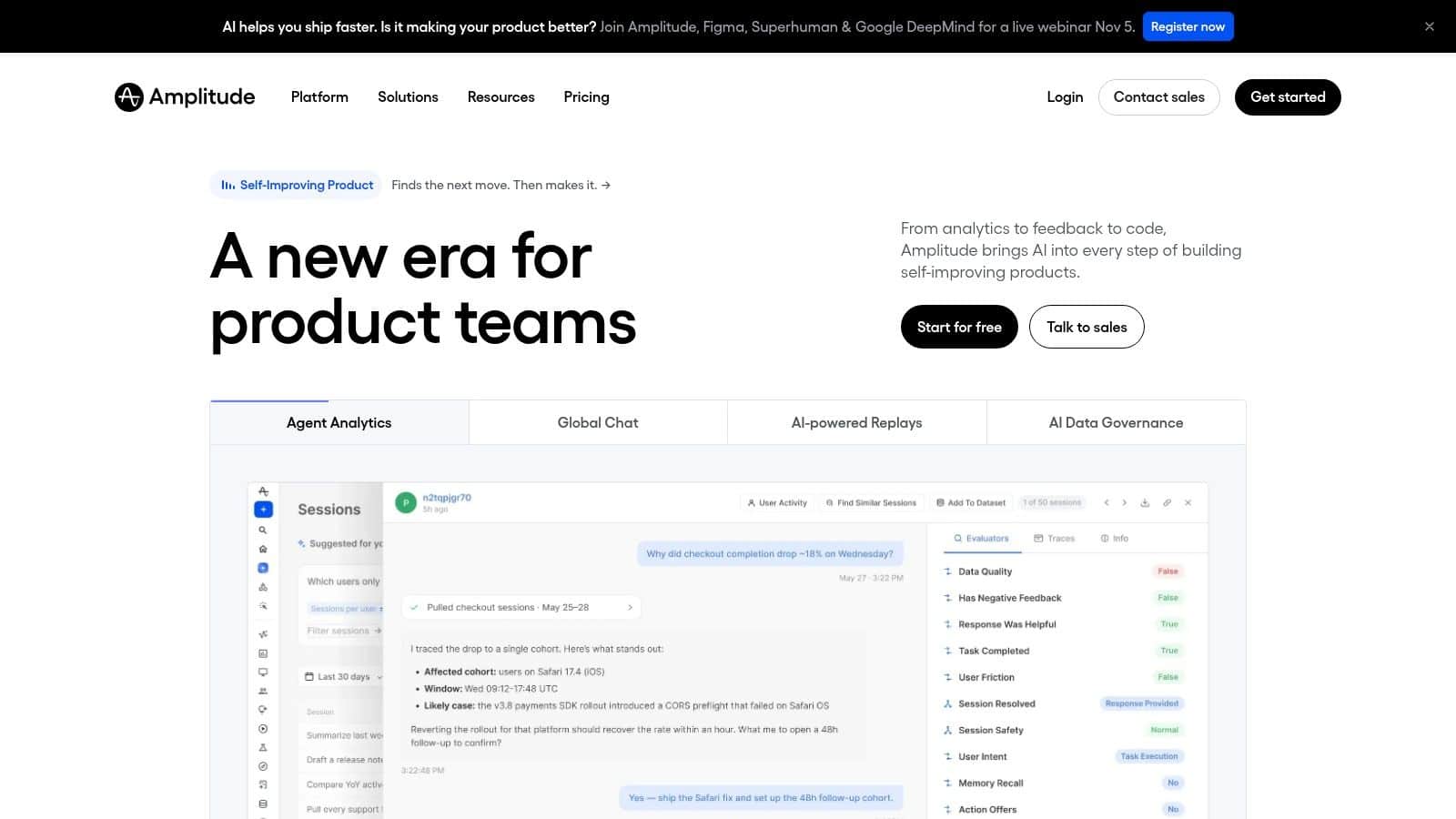
Teams can use the broader platform for session replay, experimentation, feature flags, and in-product guides, as well as integrations that send behavioral data to other systems. That combination can reduce the need to stitch together separate analytics and activation products. Amplitude publishes a free plan that includes unlimited seats, which gives smaller teams a way to explore the product before committing.
The trade-off is that analytical depth doesn't come for free in staff time. Teams need to agree on event definitions, configure governance, and learn how to use advanced analysis well. Event-volume pricing also needs attention as a product grows, and the full platform may be more than a small team needs if its main question is just whether a specific page is working.
Practical rule: Choose Amplitude when teams will act on behavioral findings inside the same product workflow, not just export a dashboard for occasional review.
For teams evaluating how behavioral measurement fits into a wider product practice, Wonderment Apps also offers a guide to behavioral analytics. Use it to frame the decisions you need the platform to support, then test whether your event model can answer them clearly.
2. Mixpanel
Mixpanel is a good fit when product managers and marketers need to investigate event data without turning every question into a data-team request. Funnels, trends, retention reports, behavioral cohorts, user profiles, and dashboards help teams examine where people activate, find value, or drop off. (Mixpanel)
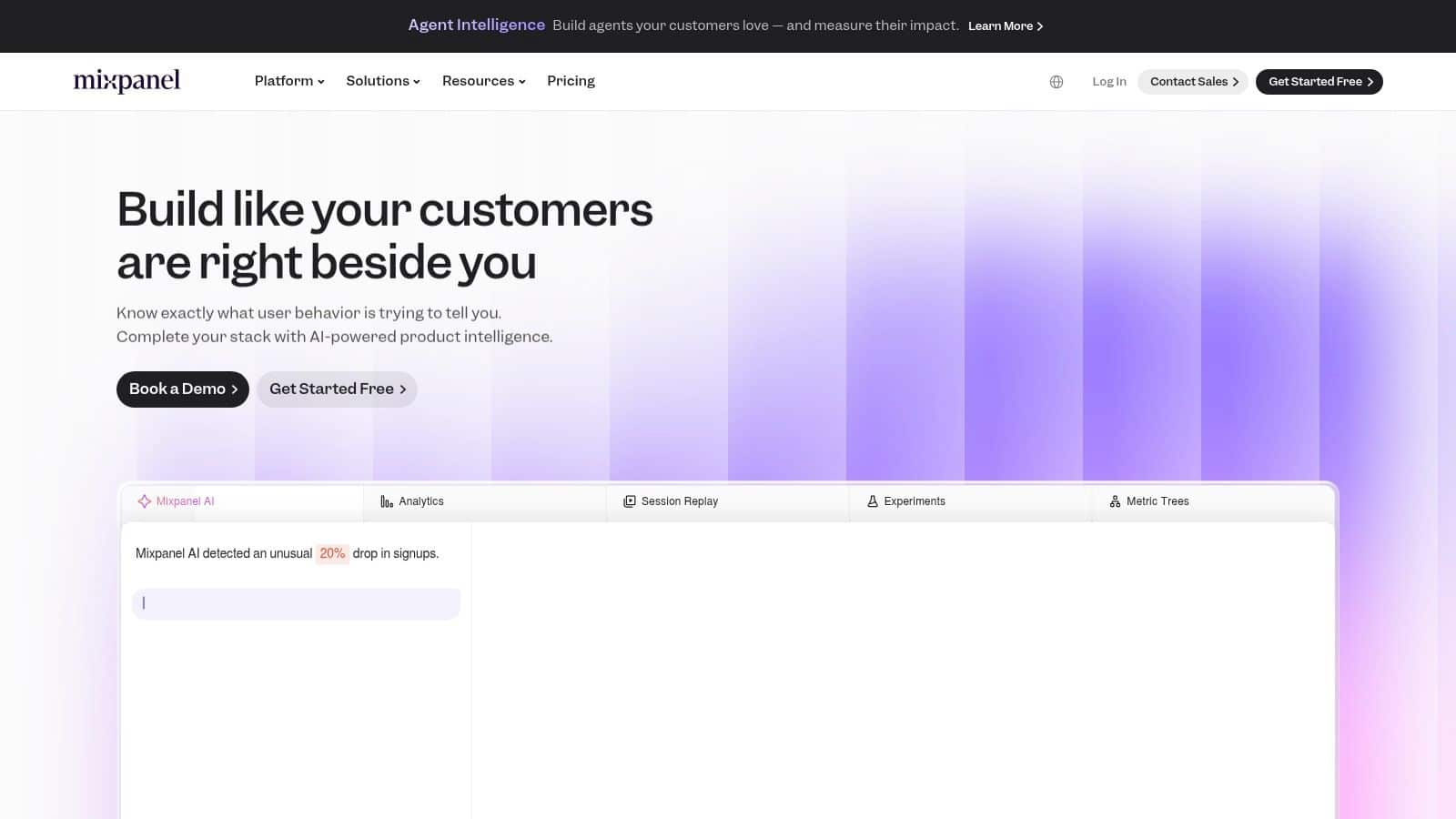
For product-led SaaS and fintech teams, that self-service analysis can be especially useful around signup, onboarding, and recurring product use. B2B teams can add group analytics for account-level questions, although that capability may require a paid plan or add-on. A free entry point can help a smaller team validate its instrumentation and reporting habits before expanding.
The limitation is familiar to anyone who has inherited a messy event stream: analysis is only as useful as the underlying taxonomy. If “activated” means one thing to product and another to marketing, a polished funnel won't settle the argument. Mixpanel also emphasizes product-event analysis rather than visual website diagnostics, so teams wanting heatmaps or detailed replay may need a companion tool.
Don't skip the naming workshop. Agree on event names, properties, and ownership before multiple teams start building reports from the same data.
Cohort analysis can help distinguish a broad product problem from a change affecting a specific group. Wonderment Apps explains the concept in its overview of what cohort analysis means, a useful companion when teams are deciding which user segments matter to their product question.
3. Heap
Heap's defining advantage is that it automatically captures many user interactions, giving teams room to investigate questions they didn't think to instrument in advance. That can be valuable after a release, when the team realizes it needs to understand a click or navigation pattern that nobody explicitly planned to track. The platform supports funnels, charts, and journey analysis, with session replay, heatmaps, and error analysis available through Experience Analytics. (Heap)
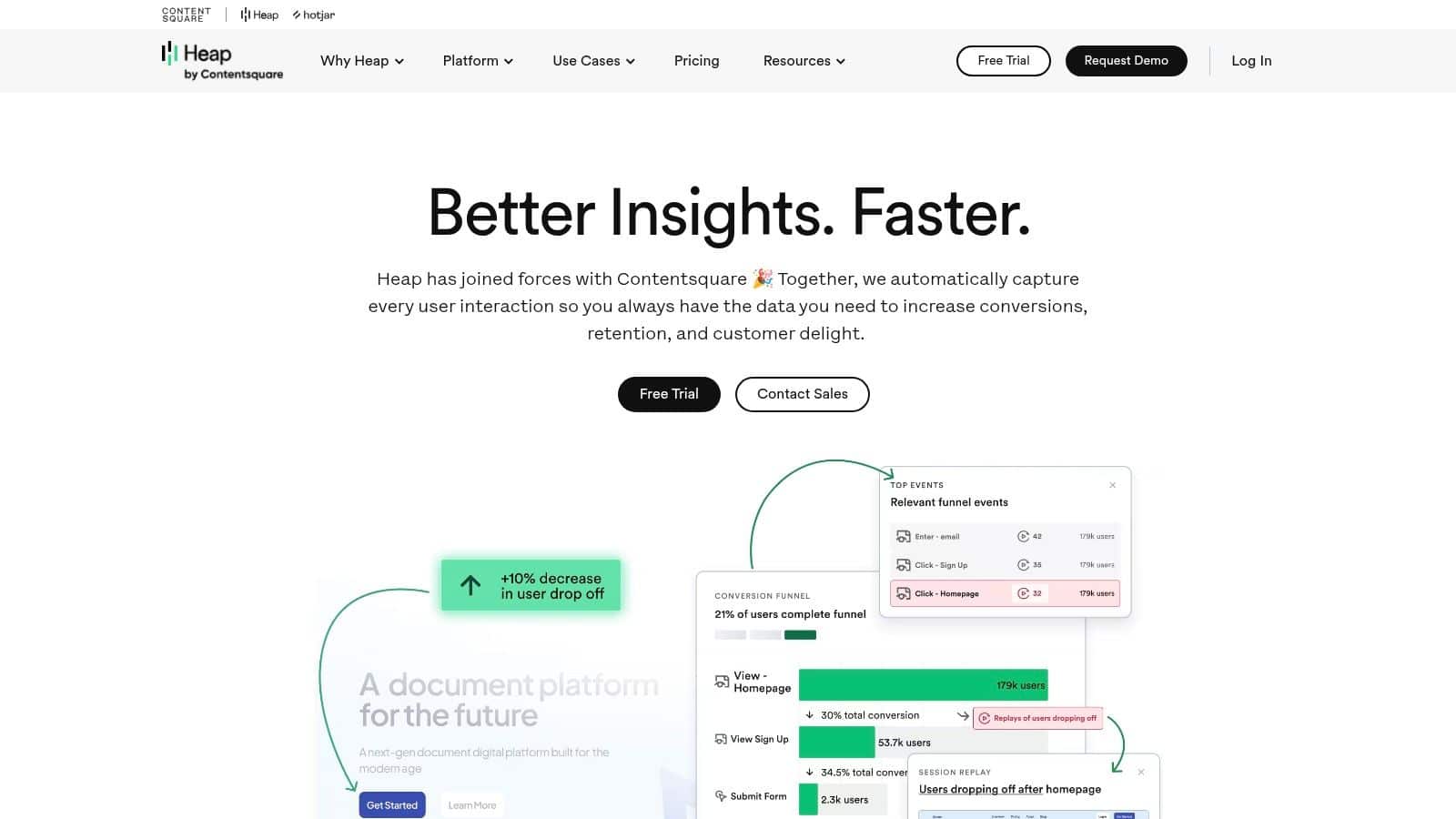
Retrospective analysis is a real operational benefit: teams can explore previously collected interactions instead of waiting for a new tracking release. A free plan is available for small projects, while data warehouse connections, customer-engagement integrations, and other advanced capabilities may be tied to higher tiers or add-ons.
The flip side is the risk of collecting more than a team can interpret. Automatic capture can create noisy data unless someone owns governance, naming conventions, and decisions about what counts as a meaningful interaction. Replay and warehouse connections can also affect cost, and higher-volume or enterprise pricing isn't fully listed publicly. Confirm what the plan includes, and who will keep the resulting event catalog usable.
Mobile teams should also think through how app events differ from website interactions before comparing reports across platforms. Wonderment Apps covers practical considerations in its guide to mobile application analytics, including why an analytics setup should reflect the product experience rather than just copy a web event list.
4. PostHog
PostHog suits engineering teams that want behavioral analysis close to the product-development workflow. It brings event-based product analytics together with session replay, feature flags, experiments, surveys, error tracking, and data warehouse capabilities. Teams can also choose self-hosting when infrastructure and data-control requirements justify running and maintaining the system themselves. (PostHog)
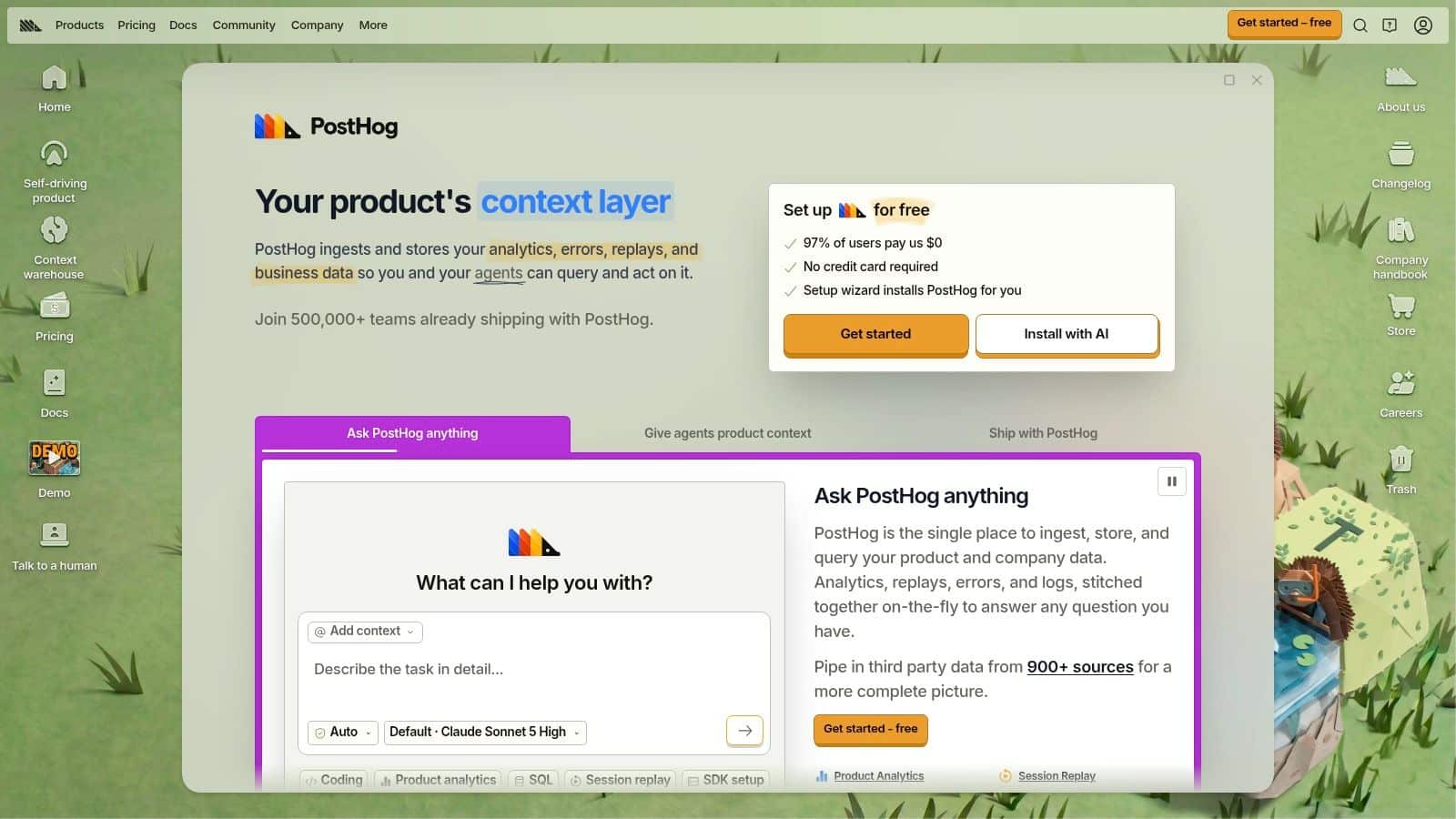
That breadth can make it easier to move from an observed problem to a controlled product change. For example, an engineering team can investigate a drop-off, test a revised flow, and use feature flags to manage its rollout without treating analytics as a separate reporting destination. PostHog also publishes free monthly allowances across multiple products.
A wide toolkit demands deliberate setup. Usage across analytics, replay, and other products can make cost forecasting less straightforward than pricing one focused tool. Self-hosting gives teams more control, but it also creates deployment, security, and maintenance work. Don't choose that route just because it sounds more private; confirm that the organization can operate it reliably.
PostHog's developer-facing features may also suit teams building interfaces where user feedback is part of ongoing iteration. For an example of a product-focused integration, see PinDrop feedback on iOS widgets. The useful lesson is to connect measurement with a decision-making loop, not to add every available feature because it sits in the same menu.
5. Pendo
Pendo links product usage analytics with in-app guidance and feedback, so teams can move from identifying an adoption problem to delivering help inside the application. Its analytics cover pages, features, and user journeys, while guides, onboarding experiences, and feedback options such as NPS surveys support follow-up. Pendo offers analytics and guidance for web and mobile applications. (Pendo)
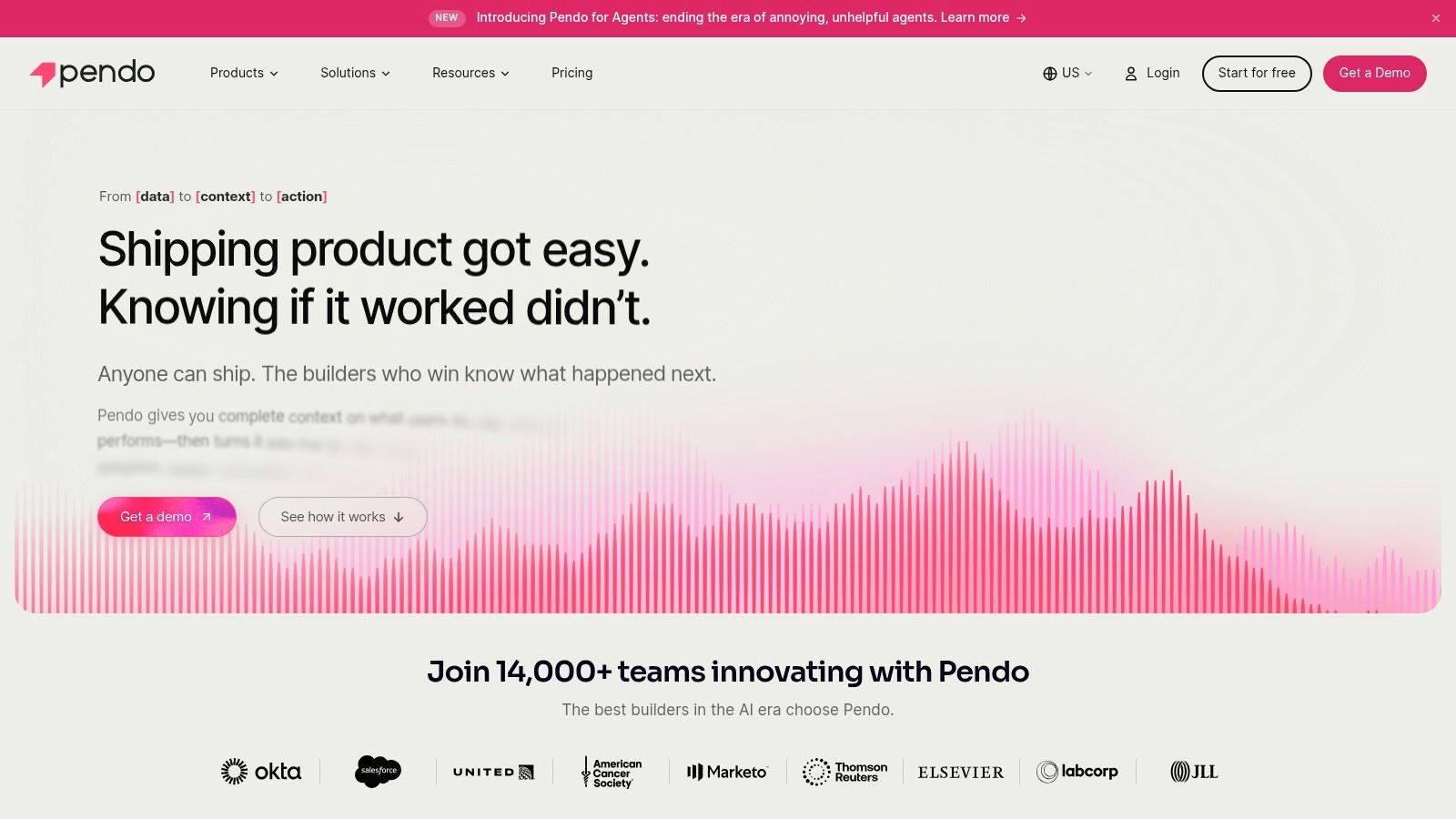
That makes it a natural candidate for SaaS and enterprise teams improving adoption of complex software. If analytics show that users repeatedly miss a key feature, a product team can consider whether the problem calls for a better interface, a guide, or a change to the workflow. Keeping measurement and intervention in one platform can shorten the handoff between diagnosis and response.
Pendo is less compelling for teams seeking only event reporting. Its combined analytics and guidance may exceed the needs of a product with a simple usage model, and paid plan prices are generally quote-based. A limited free option is available, but monthly active user limits should be reviewed against expected product growth before a pilot becomes a dependency.
Use guidance to solve a real usability problem, not to paper over one. Repeated prompts can add friction when the underlying flow needs redesign.
For applications serving internal staff as well as customers, test guides with representative users. An onboarding message that helps a first-time user may distract an experienced one, so segment delivery based on behavior and validate whether the intervention improves the intended journey.
6. Contentsquare
Contentsquare is designed to help teams diagnose website and digital-experience friction, particularly across ecommerce and retail journeys. Session replay, heatmaps, funnel analysis, and journey analysis let teams combine visual evidence with aggregate patterns. Depending on the plan, teams can also access zone-based heatmaps, surveys, and more advanced cross-session or cross-device analysis. (Contentsquare)
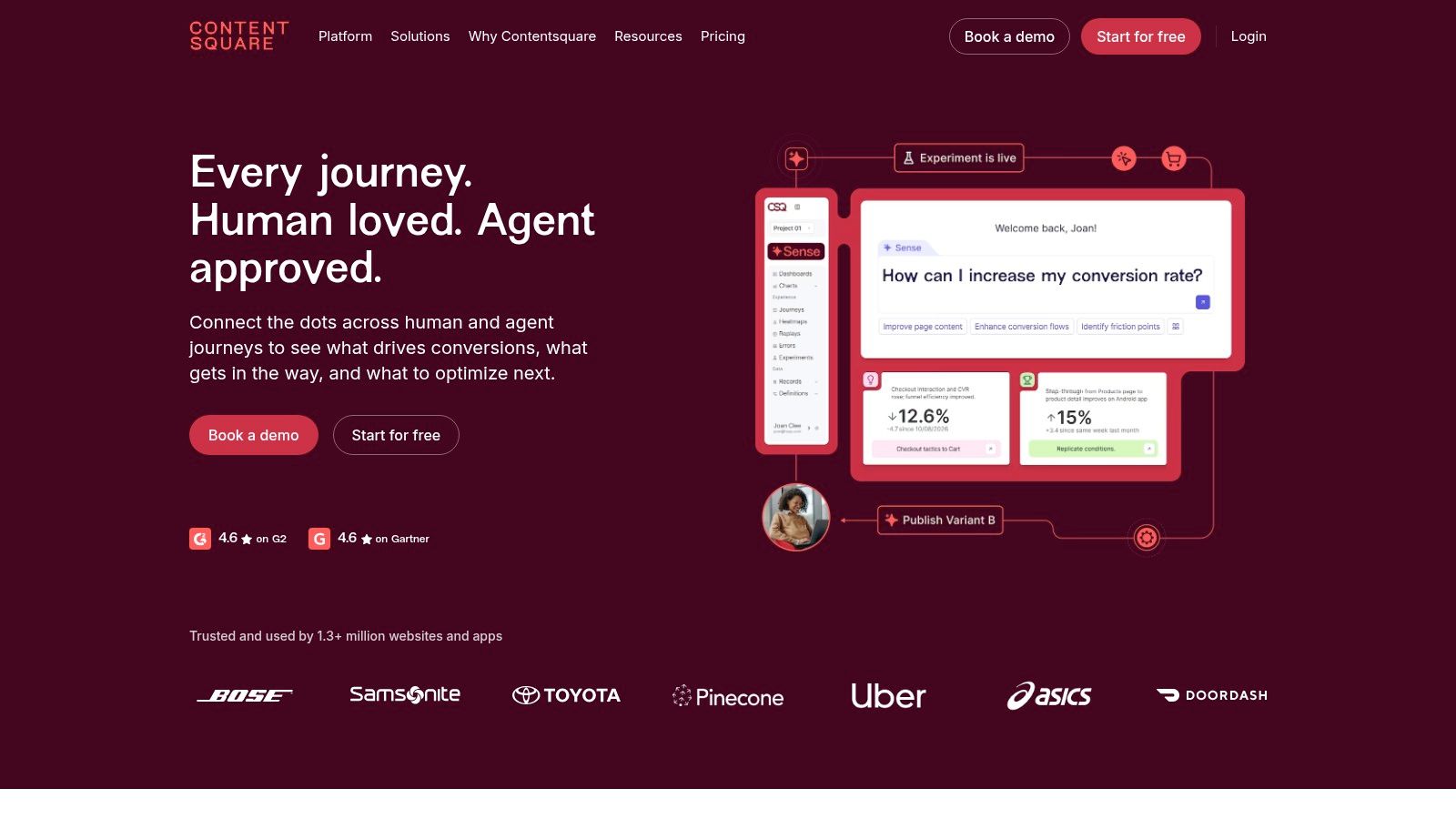
This approach can help an ecommerce team investigate why shoppers leave a product detail page or struggle to complete a purchase. A funnel can locate the stage where completion declines; replay and heatmaps can give the team context about what visitors tried to do. Public pricing provides a starting point for evaluation, but session allowances and project limits need to match actual traffic and measurement needs.
The platform may be excessive if a team wants only basic website analytics. More advanced journey analysis and enterprise capabilities may require higher tiers, so confirm which reports are included rather than assuming a feature appears in every plan.
Benchmarking can help teams avoid treating one conversion rate as a diagnosis. The 2026 digital-experience benchmark dataset covers 99 billion web sessions from more than 6,500 websites across nine industries, including desktop and mobile journeys, according to Contentsquare's benchmark resource. Those figures describe the benchmark's scale, not a promise that any individual site will perform similarly. For a useful comparison, segment by industry, device, and journey stage, and preserve event-level context such as entry source and interaction sequence.
7. Fullstory
When a customer reports a confusing checkout or a support team can't reproduce a product issue, Fullstory's session replay can help reveal what happened in context. The platform combines replay with behavioral analytics, funnels, conversion analysis, heatmaps, and tools for identifying experience opportunities. Its insights can be useful across product, UX, and engineering workflows. (Fullstory)
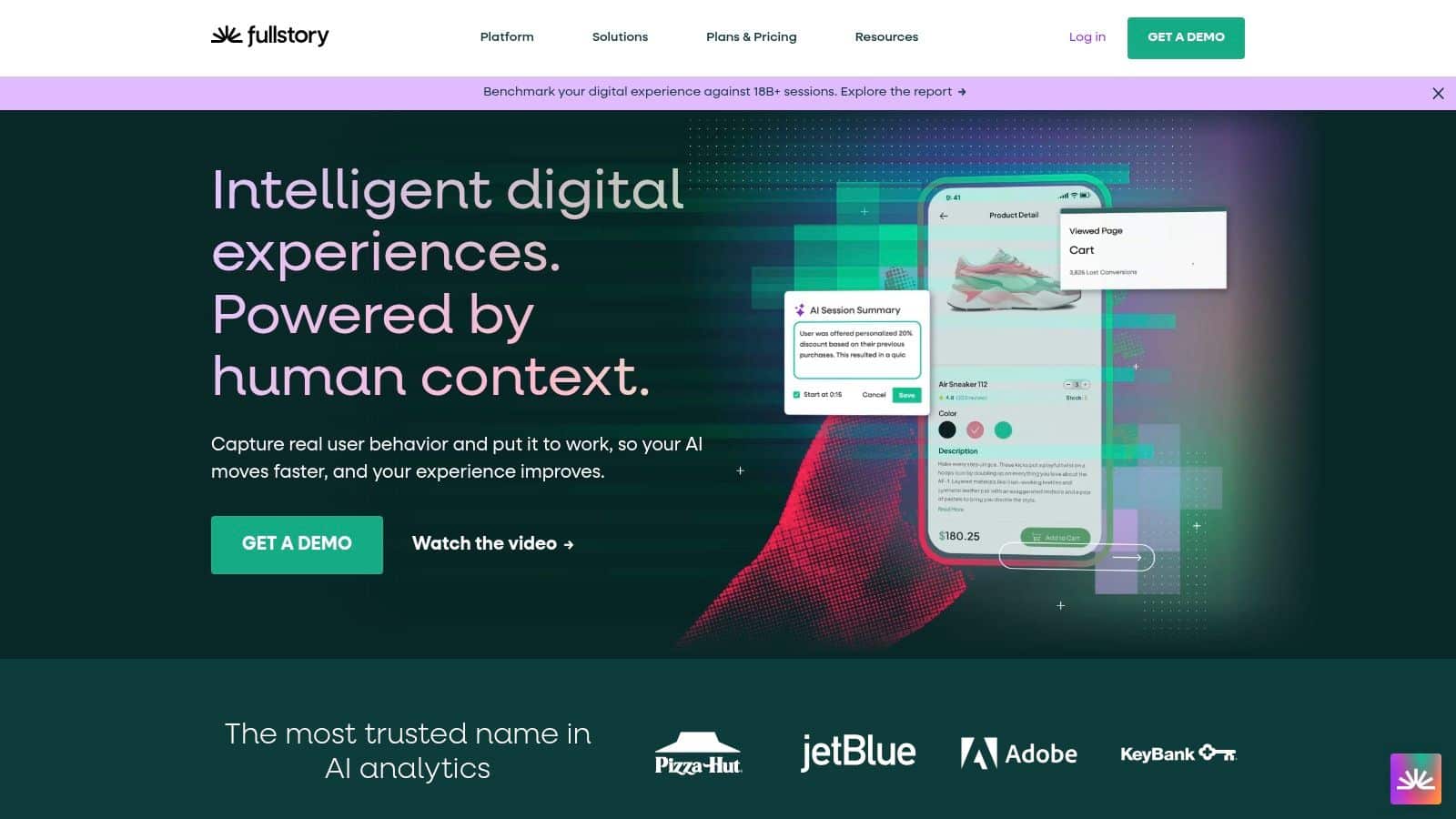
The strength is investigative detail. A conversion funnel may show that users abandon a step, while a replay can reveal whether they hesitate, click an unresponsive control, or encounter an error. A free plan gives small teams a starting point, and the platform can support collaboration among people diagnosing the same issue.
Replay also deserves careful governance. Teams should decide what information can be captured, which fields need masking, who can access recordings, and how long data should be retained. Those controls are particularly important in healthcare and fintech, where a session may expose sensitive information even when the team's original purpose is nothing more than usability analysis.
Paid pricing isn't presented as a simple public rate and may require a sales inquiry. Fullstory may also need to sit alongside a dedicated product analytics platform if teams need deeper event-based cohort and retention analysis. Treat replay as evidence for investigation, not a substitute for a well-defined event model or a thoughtful conversation with users.
8. Hotjar
Hotjar is a practical option when a web or ecommerce team already has traffic and conversion reporting but wants to see how visitors interact with important pages. Click and scroll heatmaps, session recordings, surveys, and feedback collection provide visual and qualitative context. Funnels and trends are available on qualifying plans. (Hotjar)
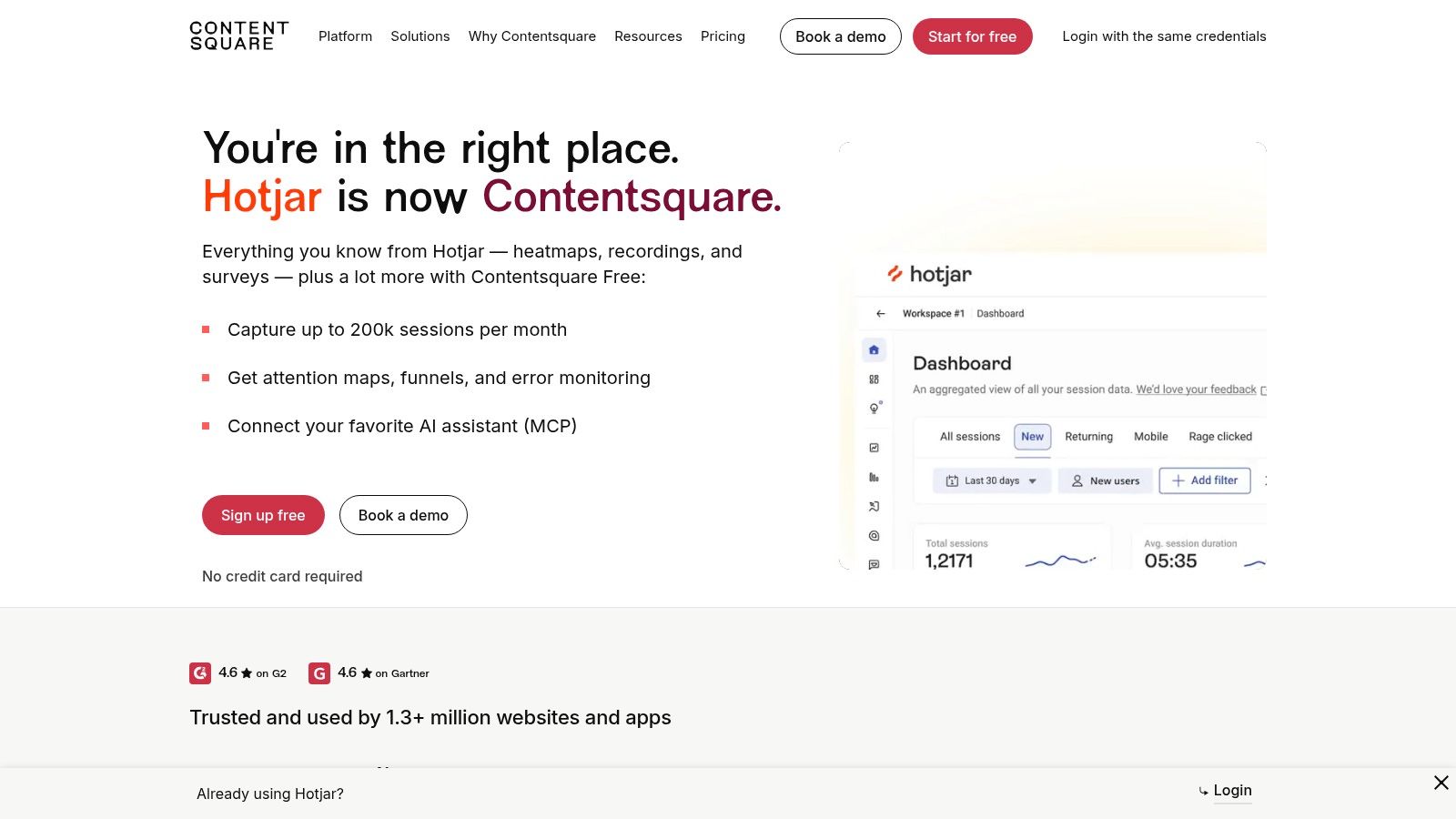
The appeal is accessibility. A product or marketing team can inspect a page, gather visitor feedback, and develop a hypothesis without first building a complex event-analysis workflow. A free plan is available for small-scale use, but session allowances vary significantly by plan. Check those limits against the pages and journeys you intend to study.
Hotjar focuses more on experience insight than deep product-event analytics. It's not the obvious choice if the core requirement is detailed analysis of in-app feature use, account-level behavior, or warehouse-scale reporting. Hotjar is part of Contentsquare, and product packaging may evolve, so compare current plan definitions rather than assuming older feature distinctions still apply.
Privacy matters here, too. A recording may be easy to watch and still be inappropriate to collect in its default form. Use masking and consent-aware instrumentation, and decide whether each recording supports a specific question before enabling collection broadly. A privacy-first Hotjar comparison can provide another perspective when assessing how feedback and replay should fit into a privacy-conscious measurement approach.
9. Microsoft Clarity
Microsoft Clarity gives website and app teams a free way to inspect visitor journeys through session recordings, heatmaps, funnels, segments, and ecommerce behavior insights. It also offers AI summaries and question-based analysis, which can make visual behavior evidence easier to explore without first building custom dashboards. Microsoft describes Clarity as free to use without a paid upgrade requirement. (Microsoft Clarity)
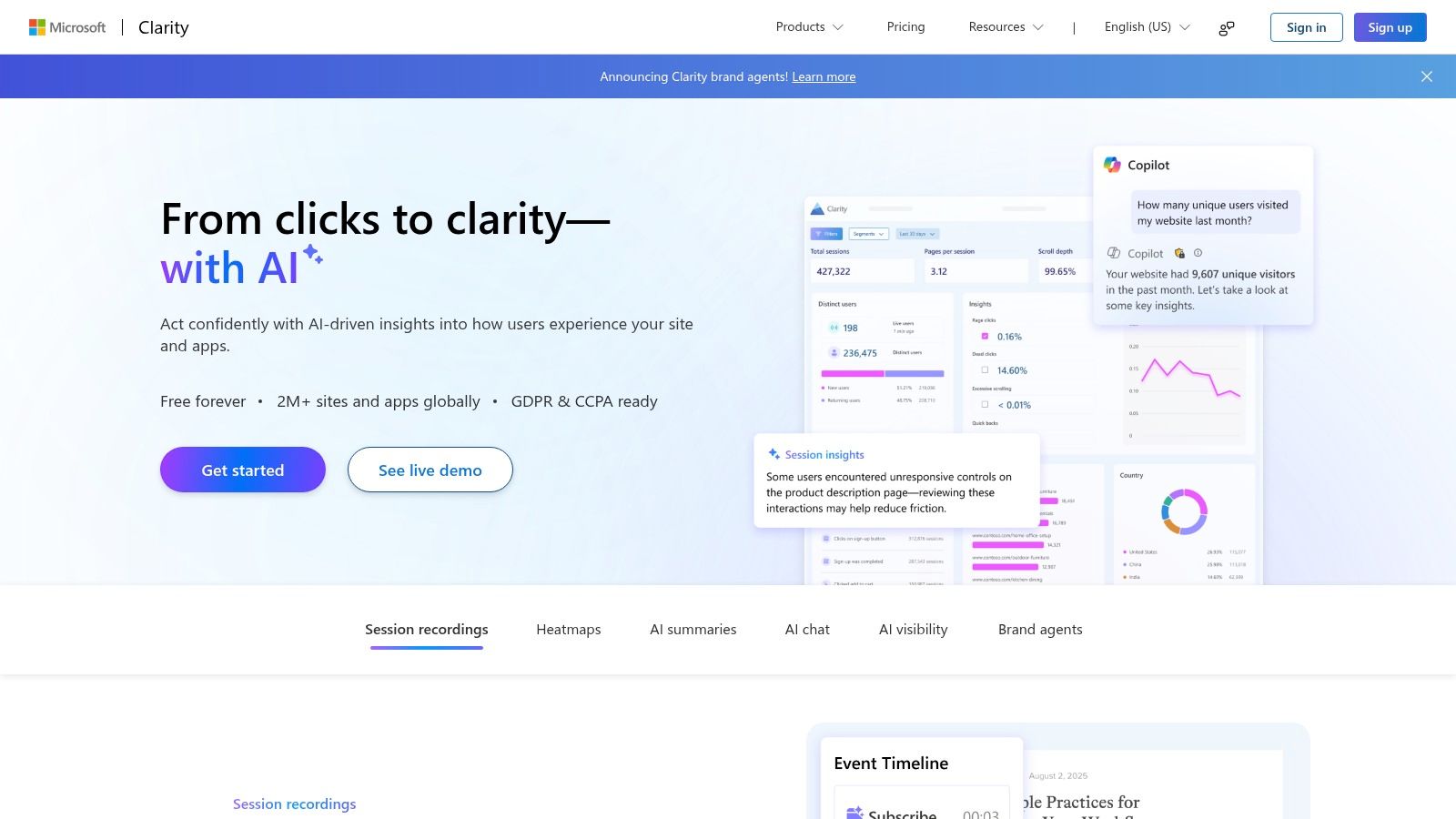
That makes Clarity a low-friction starting point for teams asking practical usability questions: are visitors reaching the call to action, scrolling past important information, or struggling on a key page? A team can begin with visual analysis before deciding whether it needs a larger experience or product analytics platform.
Free access doesn't make privacy review optional. Session replay needs appropriate consent, masking, and controls for the information captured. Teams should also verify that Clarity's data model and integrations fit their reporting requirements. It isn't a replacement for a full event-analytics or data-warehouse platform when the job calls for detailed custom analysis across systems.
Clarity works best when the question is specific and the team has a route from observation to action. If an apparent problem appears in recordings, validate it against event data, support feedback, or a controlled product change. A heatmap can show where visitors clicked, but it can't tell you on its own what they intended or whether a design change caused a business outcome.
10. Google Analytics for Firebase
For mobile-first teams already using Firebase, Google Analytics for Firebase is a no-cost app analytics option that connects behavioral reporting with the Firebase ecosystem. It supports automatic and custom event measurement for iOS and Android, user properties and audiences, and reporting on app use, engagement, acquisition, and ecommerce events. Teams can export data to BigQuery for more customized analysis. (Google Analytics for Firebase)
That combination can work well when a team wants to connect app behavior with acquisition and campaign measurement. User properties and audiences help organize users into useful segments, while custom events let teams define actions that matter to their product rather than relying only on broad engagement measures.
The product is oriented toward app and marketing analytics, not visual session replay. Teams that need to watch individual journeys or inspect page-level friction will need another tool. Advanced analysis may also call for BigQuery skills and additional data work, so “no cost” doesn't mean “no engineering effort.”
Before implementation, review the event model and decide how app events will map to the questions product, marketing, and analytics teams need to answer. Keep naming consistent across iOS and Android, and confirm that the reporting can distinguish acquisition activity from meaningful product use. For privacy-sensitive applications, build consent and data-minimization requirements into the instrumentation plan instead of treating them as a later configuration task.
Behavioral Analytics Tools: Top 10 Comparison
| Tool | Core Capabilities | Best For | Standout Value | Pricing / Considerations |
|---|---|---|---|---|
| Amplitude | Funnels, retention, cohorts, journeys, experimentation | Teams seeking product analytics and growth tools | Deep behavioral analysis with connected activation features | Free plan; event-volume pricing |
| Mixpanel | Funnels, trends, retention, cohorts, user profiles | Product-led SaaS and fintech teams | Self-service exploration of conversion and engagement | Free entry point; some features are paid add-ons |
| Heap | Automatic interaction capture, funnels, journeys, replay | Teams needing to investigate past user behavior | Analyze interactions without defining every event in advance | Free plan; advanced features may cost extra |
| PostHog | Analytics, replay, feature flags, experiments, error tracking | Developer-focused product teams | Broad product toolkit with self-hosting option | Free usage allowances; costs vary by product usage |
| Pendo | Product analytics, in-app guides, feedback, surveys | SaaS and enterprise teams improving adoption | Combines insights with in-app guidance | Limited free option; paid pricing is generally quote-based |
| Contentsquare | Replay, heatmaps, funnels, journey analysis | Ecommerce and retail teams diagnosing friction | Visual evidence paired with journey and funnel analysis | Public pricing starting point; advanced features may require higher tiers |
| Fullstory | Session replay, journeys, funnels, heatmaps | Product, UX, and operations teams investigating issues | Replays show context behind drop-offs and support problems | Free plan; paid pricing may require a sales inquiry |
| Hotjar | Heatmaps, recordings, surveys, feedback | Web and ecommerce teams improving page experience | Combines visual behavior insights with user feedback | Free plan; recording allowances vary by plan |
| Microsoft Clarity | Recordings, heatmaps, funnels, AI summaries | Teams seeking accessible website behavior insights | Free visual analytics without a paid upgrade | Free; not a replacement for full event analytics |
| Google Analytics for Firebase | App events, audiences, engagement, BigQuery export | Mobile-first teams using Firebase | Connects app behavior with Google marketing tools | No-cost; deeper analysis may require BigQuery skills |
Turn the Right Data Into Better Product Decisions
Start with the business question, not the vendor shortlist. Define what decision the team needs to make, which users and events are involved, and what evidence would change the plan. If the question is why shoppers abandon checkout, a visual experience tool may help expose friction; if it's whether a new feature improves retention, an event-based product analytics tool is likely a better fit.
Then run a representative pilot. Choose one journey and instrument its important steps consistently across the relevant platforms. Check whether the tool can distinguish meaningful behavior from incidental activity, and involve the people who will use the reports. Product managers, UX researchers, engineers, marketers, and analysts may need different views of the same customer journey, but they should be able to work from a shared definition of events and outcomes.
Model expected event volume and replay traffic before you commit. Usage-based pricing can be hard to predict when several products collect data, and replay can create a different operational footprint from event reporting. Confirm the plan's allowances and the practical work required to keep tracking accurate as the application changes.
Privacy and data quality belong in the selection decision, not in a later implementation ticket. Verify consent requirements, data residency, retention, access controls, masking, and integration needs. The behavior you observe may also be incomplete: a study of large-scale browsing histories used records from approximately 250,000 anonymized individuals collected between June 2009 and May 2010, paired with demographic attributes, illustrating both the research value of broad behavioral records and the privacy considerations raised when behavior is connected to user characteristics. (The Nielsen MegaPanel web-browsing study)
Bias also deserves active attention. Digital traces can overrepresent people who are highly connected or digitally engaged, while missing those who use assisted or offline service channels. Compare observed users with the eligible population, segment results by access and channel where appropriate, and validate high-impact interpretations through research or operational outcomes. The research on bias and incomplete digital traces is a reminder that more collected data doesn't automatically mean a more representative picture.
Fit depends on the organization. Ecommerce teams may prioritize journey and heatmap visibility. Fintech and healthcare teams may need stronger governance and controlled handling of sensitive information. Media teams may focus on engagement funnels and return behavior, while public-sector teams may place added weight on transparency, accessibility, and procurement fit. Privacy expectations are also mainstream: 70% of U.S. consumers are familiar with state-level privacy legislation, according to the IAB Consumer Privacy Report. Treat consent as part of the experience, not merely a banner to dismiss.
Behavioral analytics is most useful when it supports a repeatable cycle: observe, investigate, decide, and check whether the change helped. The global behavior-analytics market was estimated at USD 6.26 billion in 2025 and is forecast to reach USD 15.22 billion by 2030, with a projected 19.45% compound annual growth rate, according to Mordor Intelligence's market analysis. For product teams, the practical takeaway isn't to buy more tools. It's to build an analytics foundation that can support better iteration as the application, audience, and technology evolve.
Wonderment Apps helps organizations modernize applications, connect relevant AI capabilities, and build scalable digital experiences around the insights their teams collect. Its prompt management system gives developers and entrepreneurs an administrative toolkit they can plug into an existing application for AI integration, with a prompt vault and versioning, a parameter manager for internal database access, logging across integrated AI systems, and cost management to track cumulative spend. Those controls can help teams treat AI prompts and usage as part of an operated product, rather than scattered configuration.
If your analytics findings point to product changes or AI modernization, Wonderment Apps works with organizations on web and mobile development, UX-driven delivery, and integrating AI into existing software. Visit Wonderment Apps to discuss your application, the decisions your data should support, and a practical path from insight to implementation.