

User interface frameworks are toolkits for software development, packed with pre-written code and reusable components like buttons, forms, and menus. They give developers a blueprint for an app's visual layer, which ensures everything looks and feels consistent while drastically speeding up the entire process. But as businesses race to integrate AI into their software, the conversation around frameworks is getting a lot bigger. Now, it's not just about what your users see, but also about building a solid foundation to plug in the AI "brain" that powers modern, intelligent experiences.
At Wonderment, we've seen this firsthand. We developed a prompt management system that acts as an administrative tool for AI, letting you plug it right into your existing software. Think of it as a framework for your AI logic—a way to modernize your app and make it truly smart. This guide will walk you through picking the right UI framework, but we'll also show you how that choice connects to building an app that's ready for the AI revolution.
Unpacking the Power of User Interface Frameworks
Imagine building a modern house from scratch. No architectural plans, no power tools—just you, shaping every brick and mixing every batch of mortar by hand. It would be incredibly slow, full of mistakes, and the final result would likely be a mess. This is exactly what it feels like to develop an app without user interface frameworks.
These frameworks provide the fundamental structure, ready-to-use components, and design rules needed to create a cohesive user experience. Instead of coding a login form or a navigation bar from the ground up, developers can grab pre-built, tested, and optimized components right out of the box. It’s like using prefabricated windows and doors in our house analogy—they fit perfectly, work reliably, and look great. To get a better handle on these concepts, check out this guide on UI Frameworks.
The Core Benefits for Your Business
Choosing a UI framework isn't just a technical detail; it’s a strategic business decision that shapes your project from start to finish. The immediate advantages are pretty clear.
Here’s a quick look at how a UI framework can give your project a serious leg up.
Key Benefits of Using a UI Framework
| Benefit | Impact on Your Project |
|---|---|
| Accelerated Development | With ready-made components, you ship products faster. Your team can focus on unique features instead of reinventing the wheel. |
| Improved Consistency | A framework enforces a unified design language, ensuring all elements look and behave predictably for a polished, professional user experience. |
| Easier Maintenance | A standardized codebase is simpler for new developers to jump into, making bug fixes, updates, and future enhancements much less of a headache. |
Using a framework isn't just about efficiency; it's about meeting modern expectations. The global UI/UX market is projected to skyrocket at a compound annual growth rate of 33.35% from 2025 to 2030, swelling from USD 2.20 billion to USD 9.28 billion. This explosive growth shows just how vital a polished, functional interface is to succeed in today's market.
Beyond Visuals: A Framework for AI Logic
The value of frameworks goes well beyond just the visual layer. As businesses scramble to integrate Artificial Intelligence, they're running into a new problem: how to manage the complex "brain" working behind the scenes. Just as a UI framework organizes what the user sees, a different kind of framework is needed to manage the AI logic.
Think of it this way: the UI framework builds the beautiful car body, but you still need a sophisticated engine management system to control what happens under the hood. For AI, this system is a prompt management platform.
This is where a tool like Wonderment’s prompt management system becomes so important. It acts as a framework for your AI, allowing developers to plug advanced capabilities into any application. It provides a version-controlled vault for prompts, securely manages data connections, and keeps track of costs. Picking the right frameworks—for both your user interface and your AI logic—is a decision that will define your development speed, user satisfaction, and ultimately, your ability to innovate.
How to Choose the Right User Interface Framework
Picking a user interface framework is more than just a technical decision—it's a strategic move that sets the trajectory for your entire application. Choosing the wrong one is like pouring the foundation for a skyscraper on sandy soil. It might look fine at first, but it will eventually cause cracks, slow you down, and force a painful, expensive rebuild. The right framework, on the other hand, creates a solid base for speed, scale, and future innovation.
For business leaders and project managers, this isn't about learning to code. It's about knowing which questions to ask to make sure the framework aligns with your business goals. This single choice has a direct line to your budget, your project timeline, and how quickly you can pivot when the market shifts.
Core Evaluation Criteria for Your Project
To make a smart decision, you have to look past the flashy demos and focus on four critical pillars: performance, ecosystem, scalability, and AI-readiness. Each one is a crucial piece of the puzzle, whether you're building a simple marketing site or a sophisticated enterprise dashboard.
Let's break down what these really mean for your business.
-
Performance: At its core, this is about speed from the user’s point of view. A slow, clunky experience is a dealbreaker. In fact, you can expect a 47% abandonment rate for pages that take more than two seconds to load. For a snappy marketing site, a lightweight framework like Svelte might be perfect. But for a complex internal tool, something more robust like Angular could be a better fit, since deep functionality is more important than the initial load time.
-
Ecosystem: This is all about the community, tools, and libraries that come with a framework. A healthy ecosystem means your developers have a treasure trove of documentation, third-party packages, and a large talent pool to draw from. It drastically cuts down development time and makes finding skilled engineers to maintain and grow your app much easier.
This simple flowchart helps visualize that first big decision when starting a project.
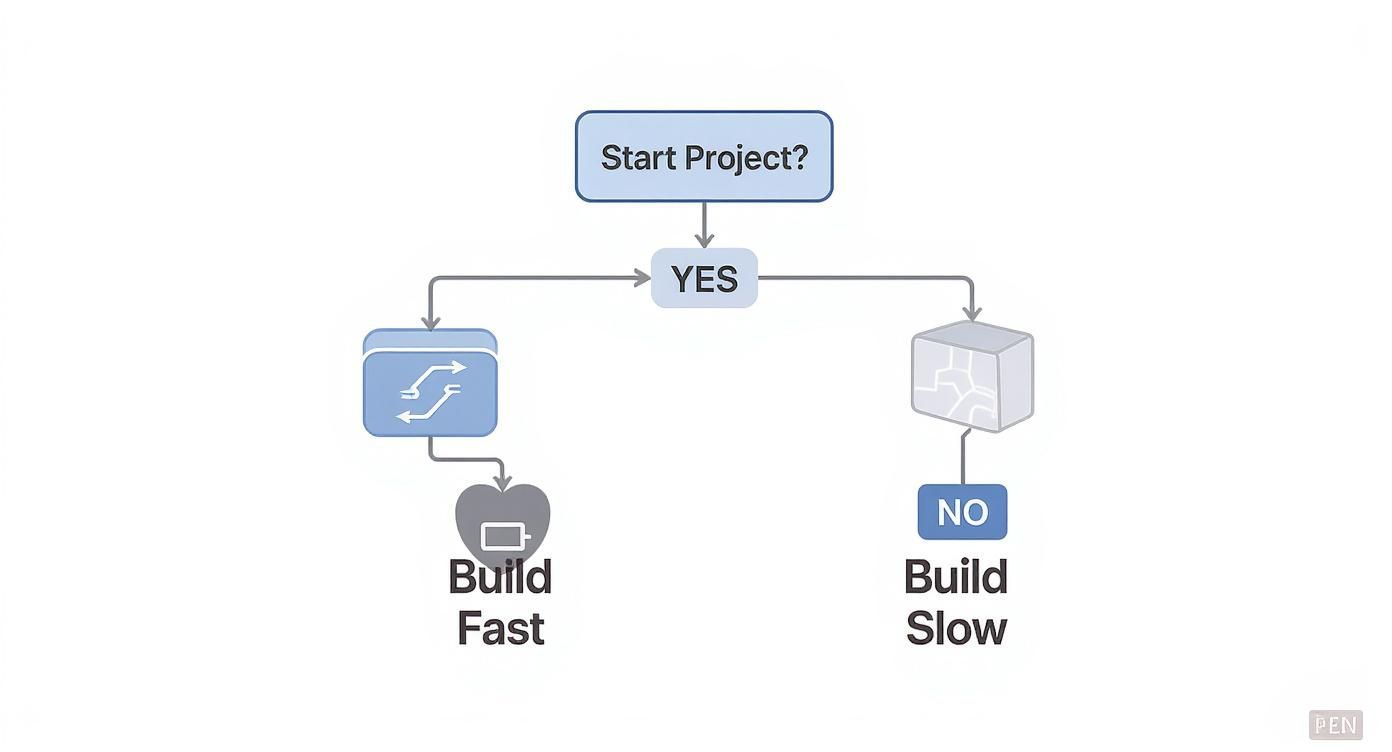
It highlights the fundamental trade-off: frameworks give you a blueprint to build quickly, while starting from scratch offers complete control at the expense of speed.
Thinking About Long-Term Growth and Innovation
This is where the conversation shifts from a short-term project choice to a long-term strategic investment. Scalability and AI-readiness determine if your application can grow with your business and embrace the technologies of tomorrow.
Scalability is your framework's ability to handle growth without breaking a sweat. Can it support an expanding user base, more complex features, and increasing data loads? A framework with a component-based architecture, like React, is designed for this kind of growth, allowing you to build and manage a large, complex application in manageable pieces.
Finally, think about AI-readiness. A modern framework should be able to seamlessly integrate AI features by connecting to backend services. Can it easily display dynamic content from an AI model? Can it handle the real-time data streams needed for a chatbot? Your framework must be flexible enough to work with the APIs and data flows that power intelligent user experiences. If you're looking for real-world examples, exploring guides on building a modern application can provide practical insights and best practices.
This decision is a cornerstone of your entire project's architecture. To go a level deeper, you can learn more about how to choose the right technology stack for your project in our detailed guide. It’s about picking a tool that not only solves today’s problems but also gives you the power to build for the future.
Comparing Popular User Interface Frameworks
Choosing a user interface framework can feel like walking into a city full of skyscrapers, each one claiming to have the best view. To find your way, you need to understand the unique architecture and personality of the major players. These aren't just piles of code; they represent different philosophies on how to build great digital experiences.
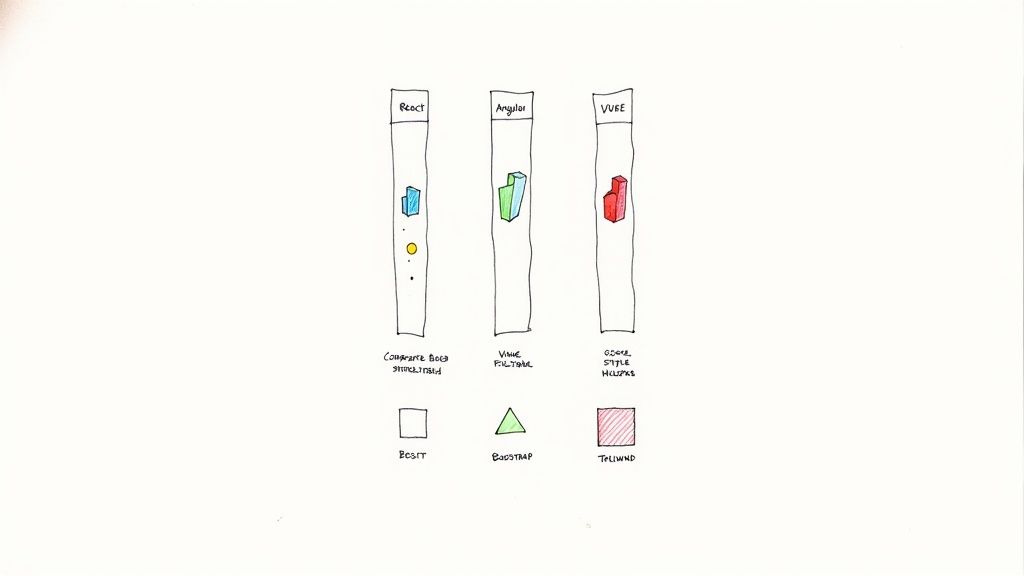
Let's meet the titans of the JavaScript world—React, Angular, and Vue.js. Each one offers a different blueprint for building your application's front end.
React: The Declarative Powerhouse
Developed and backed by Meta, React has become the undisputed fan favorite. It's not a full-blown framework but a library laser-focused on one thing: building user interfaces. Its secret sauce is a component-based architecture, which lets developers build massive UIs from tiny, isolated pieces of code.
Think of it like building with LEGO bricks. You create individual, reusable blocks—a button, a search bar, a user profile—and then snap them together to build entire pages. React's "virtual DOM" makes updates incredibly fast, as it only touches the specific components that have changed. The result? Highly responsive apps.
- Who Is It For? React is a fantastic choice for dynamic single-page applications (SPAs), complex data dashboards, and any project where you need maximum flexibility. Its huge ecosystem and community make it a safe bet for both startups and large enterprises.
Angular: The All-in-One Enterprise Solution
Angular, powered by Google, is the polar opposite of a lightweight library. It's a comprehensive, opinionated framework that gives you a complete toolkit for building large-scale applications right out of the box. This includes a powerful command-line interface (CLI), state management, routing, and form handling.
Its structured nature enforces consistency across the board, making it an excellent choice for massive development teams working on complex, long-term projects. While the learning curve is steeper than React's, that initial investment pays off big time in maintainability and scalability down the road.
- Who Is It For? Angular really shines in enterprise environments where stability, consistency, and a clear architectural path are non-negotiable. It’s perfect for complex applications like banking platforms, content management systems, and large internal business tools.
Vue.js: The Progressive and Approachable Framework
Vue.js strikes a beautiful balance between the flexibility of React and the structure of Angular. It’s famous for its gentle learning curve and top-notch documentation, making it incredibly welcoming for developers of all skill levels.
Vue is a "progressive" framework, which means you can adopt it bit by bit. Use it to sprinkle some interactivity on an existing application, or go all-in and build a sophisticated SPA from scratch. This versatility makes it a tool that can adapt to just about any project without forcing a rigid structure on you from day one.
- Who Is It For? Vue is perfect for startups, small-to-mid-sized projects, and teams that need to get moving quickly. Its progressive nature also makes it a great choice for modernizing parts of a legacy application.
The numbers back up the dominance of these three. Recent data shows React.js is the go-to for 40.58% of professional developers. Angular and Vue.js follow at 19.89% and 17.64%, respectively. This trend carries over to the job market, where you'll find React skills are a requirement for over half of front-end roles.
Comparing Top UI Frameworks at a Glance
This table offers a side-by-side comparison of the leading UI frameworks to help you make a quick, informed decision based on your project's needs.
| Framework | Best For | Key Feature | Learning Curve |
|---|---|---|---|
| React | Flexible SPAs, large-scale applications, interactive UIs | Component-based architecture, Virtual DOM | Moderate |
| Angular | Enterprise-grade applications, complex projects with large teams | All-in-one framework, TypeScript-based | Steep |
| Vue.js | Startups, prototyping, modernizing legacy apps, smaller projects | Progressive adoption, excellent documentation | Gentle |
Ultimately, the choice between React, Angular, and Vue depends entirely on your team's expertise, project scope, and long-term goals.
The Styling Companions: Bootstrap and Tailwind CSS
While JavaScript frameworks manage your app's logic and structure, CSS frameworks handle the look and feel.
Think of it this way: if your JavaScript framework is the architectural blueprint of your house, your CSS framework is the interior designer who picks the colors, furniture, and finishes.
-
Bootstrap: The original giant of CSS frameworks. Bootstrap provides a massive library of pre-designed components like buttons, navbars, and modals. It's perfect for quickly building a clean, responsive design without writing tons of custom CSS from scratch.
-
Tailwind CSS: A more modern, utility-first framework. Tailwind CSS gives you low-level utility classes to build completely custom designs directly in your HTML. Instead of pre-built components, you get tiny building blocks like
flex,pt-4(padding-top), andtext-center, giving you total control over the final design.
Understanding the strengths of these tools is a crucial first step. For a deeper look into the skills and tools modern developers need, check out our guide on essential technologies for front-end developers.
Modernizing Your Legacy App with a New UI Framework
Is your current software starting to feel slow, clunky, and impossible to update? You’re not the only one. Many established businesses are handcuffed by legacy applications that were once cutting-edge but now can’t keep up with modern demands. The thought of a ground-up rewrite is enough to give anyone pause—it’s a massive, risky undertaking. But modernization doesn't have to be an all-or-nothing gamble.
A smart, phased approach lets you migrate to a modern user interface framework without bringing daily operations to a screeching halt. One of the most effective ways to pull this off is by using the Strangler Fig Pattern. The name comes from a type of fig vine that wraps itself around a host tree, eventually growing strong enough to stand on its own. In the software world, it means you gradually build new features with a modern framework and wrap them around your old system.
Bit by bit, the new system takes over, and the old one is slowly and safely retired. This strategy allows you to deliver value to your users incrementally, slash the risk of a catastrophic failure, and avoid the dreaded "big bang" rewrite that can cripple a business if it goes south.
The Strangler Fig Pattern in Action
So, how does this work in practice? The core idea is to build new UI components and services that live alongside your legacy app. You can start small. Pick a low-risk, self-contained part of your application—maybe a user dashboard or a specific settings page—and rebuild just that piece using a modern framework like React or Vue.js.
Martin Fowler, a key figure in software development, has a great visual on his blog that shows how a "strangler" application intercepts user requests. It routes some to the shiny new services you've built, while others continue to go to the old monolith.

This turns a massive, intimidating project into a series of manageable, bite-sized wins. You're adding new capabilities without the pressure of rewriting your entire codebase all at once.
The Perfect Opportunity to Integrate AI
This modernization effort is about more than just a facelift; it’s the perfect chance to inject some serious intelligence into your app. As you swap out old, rigid UI components for a flexible, modern user interface framework, you’re laying the ideal groundwork for integrating Artificial Intelligence.
A modern frontend can communicate seamlessly with powerful backend systems, including sophisticated AI models. This is your chance to connect your new UI to an AI control panel, like the prompt management system we've built at Wonderment.
By updating your frontend, you're not just improving the user experience—you're building the on-ramp for AI. This allows you to add powerful features that were impossible with your old architecture, transforming your application from a simple tool into an intelligent, future-proof asset.
With this approach, you can introduce AI-powered features strategically as part of your migration. For instance:
- Intelligent Search: Ditch your clunky, keyword-based search bar. Replace it with a new component that uses Natural Language Processing (NLP) to understand what users actually mean and deliver far more accurate results.
- Automated Content Suggestions: As you rebuild a content-heavy part of your app, you can wire it up to an AI that suggests relevant articles, products, or next steps, keeping users engaged.
- Data-Driven Insights: A new dashboard built with a modern framework can display visualizations powered by an AI model analyzing business data in real-time, uncovering trends you would have otherwise missed.
Ultimately, modernizing your UI framework isn't just about playing catch-up. It’s about building a platform that's ready for what's next. By combining a phased migration with a clear plan for AI integration, you can breathe new life into your legacy software, delight your users, and build a lasting competitive advantage.
Powering Your App with Seamless AI Integration
Plugging Artificial Intelligence into your app isn't some far-off idea anymore—it’s a must-have to stay competitive. Your user interface is the best place to make AI features tangible for your users. But getting it right involves much more than just plugging in an API key. A truly smart, AI-driven app needs a solid system to manage, test, and analyze the prompts that make everything tick.
Without that foundation, integrating AI can feel like trying to control a fire hose with your bare hands. It's powerful, sure, but also chaotic, unpredictable, and surprisingly expensive. This is where a prompt management system comes in. Think of it as your AI "control panel," giving you the structure you need to build with confidence.
Beyond the API Key: A Framework for AI Logic
A prompt management system is basically a specialized framework for your app's AI brain. Just like a UI framework brings order to the visual side of things, this system organizes the conversation between your app and the AI models it depends on. It gives you the tools to de-risk your AI projects and build sophisticated features that actually work at scale.
A dedicated platform like Wonderment's administrative tool provides the core components your team needs to succeed:
- A Prompt Vault with Versioning: You can safely test and roll out new AI interactions without breaking what already works. This lets you experiment with prompt tweaks, see how they perform, and quickly revert if an update doesn't hit the mark.
- A Parameter Manager: This lets you securely connect your AI to your internal data. The AI can then deliver personalized, context-aware responses by tapping into your database without ever exposing sensitive information.
- A Centralized Logging System: Get a single source of truth for every AI interaction, across every model you use. This visibility is absolutely critical for debugging, understanding user behavior, and finding optimization opportunities.
- A Cost Management Dashboard: Keep a close watch on your API bills with a real-time dashboard. You can track your cumulative spend, see costs broken down by feature, and stop budget blowouts before they happen.
This systematic approach turns AI integration from a high-stakes gamble into a manageable engineering discipline. It gives you the control and insight necessary to not only launch AI features but also to maintain and improve them over time, ensuring a consistent and high-quality user experience.
Building Scalable and Reliable AI Features
When you have a structured approach, you can move beyond simple AI novelties and start building features that are central to your business. For example, an e-commerce app could use a well-managed prompt system to drive a recommendation engine that adjusts to user behavior on the fly, fed by secure parameters from your product catalog.
Likewise, a SaaS platform could offer an AI-powered analytics feature where users ask questions in plain English. The prompt management system makes sure those queries are translated correctly, pull the right data, and return accurate insights—all while logging every interaction for future improvements. To dig deeper into this topic, explore our guide on how to leverage artificial intelligence in your business.
At the end of the day, seamless AI integration requires the right tools for the job. By pairing a modern user interface framework with a powerful prompt management system, you create a complete ecosystem for building intelligent, scalable, and user-centric applications. This dual-framework strategy is the key to unlocking AI's true potential and building software that lasts.
Answering Your UI Framework Questions
Choosing a UI framework is a big decision, one that ripples through your project's budget, timeline, and even its long-term viability. It's natural to have questions, whether you're a business leader making a strategic call or a developer deep in the technical weeds.
Let's cut through the noise and tackle some of the most common questions we hear. These are the practical, real-world answers you need to move forward with confidence and build something that lasts.
How Often Do UI Frameworks Become Obsolete?
This is a big one. No one wants to bet on a technology only to see it become a ghost town a few years later. It’s a valid concern, but the reality is that the major players—think React, Angular, and Vue—have serious staying power. They’re backed by huge companies and vibrant global communities, which means a steady stream of updates, security patches, and new features.
A framework’s true lifespan is tied to its ecosystem. A strong, active community is the best sign of a healthy future.
A framework doesn’t just die overnight. It's a slow fade, marked by dwindling community support, a shrinking talent pool, and a lack of fresh updates. If you stick with one of the top-tier frameworks, you're investing in tech that will likely stay relevant for at least the next 5-10 years.
Can I Use More Than One Framework in a Single Project?
Absolutely. In fact, for large or legacy applications, it’s becoming a popular and powerful strategy. The approach is called micro-frontends, where you break a big application into smaller, self-contained pieces, each potentially built with its own framework. This is the "strangler fig" pattern we touched on earlier in action.
Imagine a large e-commerce platform:
- You might use React for the highly interactive product customization page.
- Vue.js could be perfect for the lightweight, fast-loading marketing and blog sections.
- Angular might power the complex, data-heavy internal admin dashboard.
This gives your teams the freedom to work independently and pick the best tool for the job. Just be aware that this flexibility comes with added architectural complexity.
How Do UI Frameworks Impact SEO?
This used to be a major headache. In the past, frameworks that did most of their work on the client-side (in the browser) were tough for search engine crawlers to understand. An uncrawlable site is an invisible site, which is a disaster for any public-facing application.
Thankfully, modern UI frameworks have this problem solved. With techniques like Server-Side Rendering (SSR) and Static Site Generation (SSG), the server does the heavy lifting. It pre-renders your pages into clean, fully-formed HTML before sending them to the browser. Search engines love this because they can easily crawl and index your content, helping your site rank where it belongs. Frameworks like Next.js (for React) and Nuxt.js (for Vue) make this pretty straightforward to implement.
Are User Interface Frameworks Secure?
No technology is a silver bullet for security, but the well-established frameworks are about as solid as you can get. Because they're open source, they are constantly being poked, prodded, and scrutinized by thousands of developers all over the world. When a vulnerability pops up, it usually gets patched incredibly fast.
The framework itself is rarely the weak link. The real security risks often come from how a framework is implemented or from the third-party libraries you add to your project. A secure framework can still be used insecurely if, for instance, an attacker tricks a user into running code that exploits its features to scrape data.
Just look at Bootstrap, one of the most dominant UI frameworks out there. It’s used on roughly 2,876,000 websites worldwide, giving it a massive 58.7% market share. That kind of widespread adoption doesn't happen by accident—it’s a testament to its reliability, ease of use, and robust features that help developers build secure sites quickly. You can explore more stats on the market share of leading UI frameworks.
At Wonderment Apps, our specialty is helping businesses make these kinds of complex decisions to build scalable, secure, and future-proof applications. If you're looking to modernize your software and weave in powerful AI capabilities, our prompt management system delivers the control and visibility you need to build apps that last.
See how our administrative tool can modernize your app for AI integration by requesting a demo of our tool.