

In today's fast-paced digital environment, the line between a good user experience and a great one is drawn with the right tools. For business leaders and product teams, selecting the optimal technologies for front end developers is no longer just a technical decision; it's a strategic imperative that impacts scalability, user engagement, and the speed of innovation. As applications become more sophisticated, especially with the integration of AI, the front end must be more dynamic, responsive, and intelligent than ever. This requires a robust toolkit that goes beyond just code, enabling teams to build interfaces that are both powerful and maintainable. Crafting these responsive layouts often requires precise unit conversions, where a practical utility like Amino's Rem Converter can be a significant time-saver.
However, managing the complex interplay of new tools, particularly when integrating AI, can be a major hurdle. At Wonderment Apps, we've seen this challenge firsthand. That's why we developed a powerful prompt management system, an administrative tool that helps developers and entrepreneurs seamlessly modernize their applications for AI integration. It’s designed to plug directly into your existing software, providing the control and visibility needed to manage AI interactions effectively. This guide will walk you through 12 critical resources that empower your front-end team, ensuring they have the cutting-edge technologies needed to build applications that not only look great but are also built to scale and last for years to come. Each entry includes detailed analysis, use-cases, screenshots, and direct links to help you make the best choice for your project.
1. Amazon
While not a direct software technology for front end developers, Amazon serves as an indispensable physical resource hub. For product teams outfitting their engineering staff, it’s the definitive U.S. marketplace for everything from essential reference books to the high-performance peripherals that define a productive developer environment. Accessing the latest texts on JavaScript frameworks or ergonomic keyboards and high-resolution monitors is streamlined through its vast, searchable catalog.
Amazon’s primary advantage is its logistical superiority. With Prime delivery, teams in major metropolitan areas can often receive critical hardware or books on the same day, minimizing downtime and accelerating onboarding. For organizations, Amazon Business accounts introduce crucial purchasing controls. Features like Guided Buying and Spend Visibility allow managers to set preferred product policies and track expenditures, ensuring developers get the tools they need within established budgets. This centralized procurement simplifies equipping both in-office and remote team members consistently.
However, navigating the platform requires diligence. The sheer volume of third-party sellers means hardware quality can be inconsistent. When purchasing technical books, it is vital to double-check the ISBN to avoid accidentally ordering an outdated edition, as listings frequently group different versions together.
Website: https://www.amazon.com
2. Udemy
As an educational marketplace, Udemy is a critical resource for upskilling and continuous learning, two cornerstones for any team working with modern technologies for front end developers. It offers a vast, on-demand library of courses covering virtually every front-end framework, library, and language, from foundational CSS and TypeScript to advanced topics in React, Vue, and WebAssembly. Its model allows product teams to provide targeted training exactly when it's needed, whether onboarding a junior developer or helping a senior engineer master a new toolset.

The primary advantage of Udemy is its accessibility and breadth. Frequent promotions make individual course purchases highly affordable, and lifetime access ensures the material remains a permanent resource. For organizations, Udemy Business provides a curated subscription-based collection of top-rated courses, simplifying professional development. This platform allows managers to create learning paths, track progress, and ensure their teams are consistently building skills relevant to their product roadmap, including emerging areas like integrating AI-driven user experiences.
However, the open marketplace model means course quality can be highly variable. It is essential to thoroughly vet courses by examining instructor ratings, recent reviews, and the syllabus to ensure the content is current and comprehensive. Additionally, be aware that the catalog available through a Udemy Business subscription may differ from the broader public marketplace, so specific niche courses may not be included.
Website: https://www.udemy.com
3. Frontend Masters
For teams seeking to deepen their expertise in modern technologies for front end developers, Frontend Masters offers an invaluable educational platform. Unlike general-purpose learning sites, it provides instructor-led, deep-dive courses and workshops focused exclusively on the advanced front-end ecosystem. This specialization allows developers to move beyond introductory concepts and master complex topics like state management in React, CSS architecture, web performance optimization, and server-side rendering with frameworks such as Next.js or Svelte.

The primary advantage of Frontend Masters is its exceptional quality control. Courses are taught by renowned industry experts, including framework creators and core contributors, ensuring the content is accurate, current, and practical. For organizations, team accounts provide centralized billing and seat management, along with reporting features to track learning progress. This structured approach is ideal for upskilling an entire department or onboarding new hires into a complex, modern technology stack. Its curated learning paths guide developers through a logical progression of skills, accelerating their professional growth and project readiness.
However, the platform’s model is not for everyone. Access is strictly subscription-based, with no option to purchase individual courses, which may not suit those with a singular, specific learning need. Furthermore, its dedicated focus on front-end development means it is not a comprehensive resource for teams needing training in backend, DevOps, or broader software engineering disciplines. To maximize value, organizations should align a developer's learning path with upcoming project requirements to ensure the knowledge is applied immediately.
Website: https://frontendmasters.com
4. MDN Web Docs (Mozilla)
MDN Web Docs serves as the canonical, vendor-neutral encyclopedia for web standards, making it one of the most vital technologies for front end developers. Maintained by Mozilla and a global community of contributors, it provides the definitive reference for HTML, CSS, and JavaScript. Unlike opinionated blogs or tutorials, MDN focuses on standards-compliant specifications, ensuring that developers are building solutions based on how web technologies are designed to work across all browsers.

The platform’s greatest strength is its comprehensive and reliable documentation, including detailed browser compatibility tables for every feature. This data is indispensable for product teams targeting diverse user bases, as it allows them to make informed decisions about feature implementation and required polyfills. Beyond pure reference material, the MDN Learn section offers structured curricula, guiding developers from foundational concepts to advanced Web APIs. This makes it an essential tool for both onboarding new team members and upskilling seasoned engineers on emerging web capabilities.
However, MDN is strictly a documentation and learning resource, not a structured course marketplace. Teams seeking formal certifications or instructor-led training will need to look elsewhere. The community-driven nature also means there are no paid support channels for enterprise-level inquiries. For effective use, developers should treat it as their primary source of truth for "how" a web feature works, always checking the compatibility tables at the bottom of each page before integrating it into a production codebase.
Website: https://developer.mozilla.org
5. GitHub
GitHub is the definitive cloud-based platform for version control and collaboration, making it a cornerstone for nearly all front-end development workflows. It serves as the central hub where developers store, manage, and track changes to their code using Git. For front-end teams, it’s not just a repository; it’s an ecosystem filled with millions of open-source projects, component libraries, and framework starter kits that accelerate development and foster innovation.
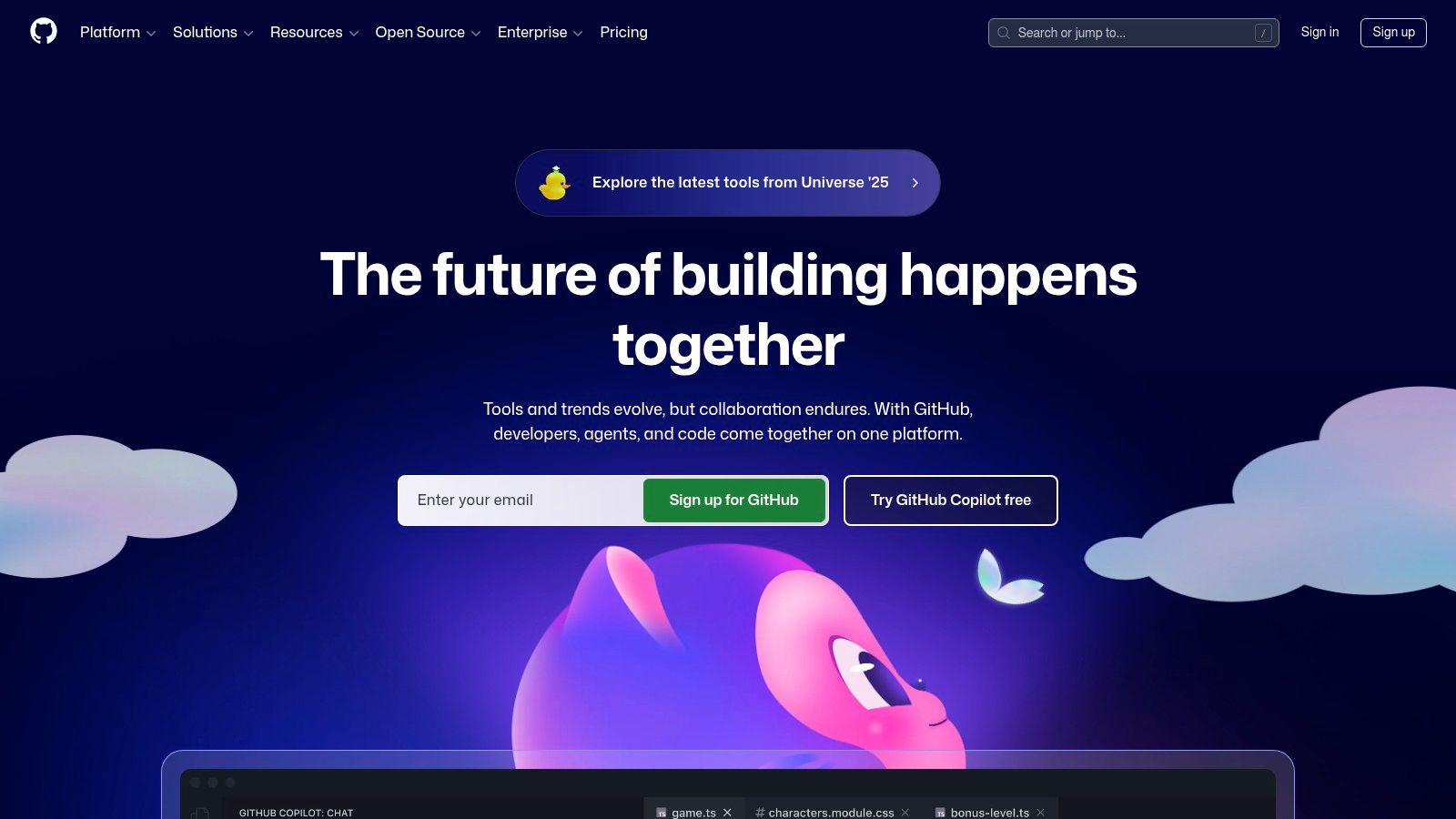
The platform’s power extends far beyond simple code hosting. With GitHub Actions, teams can implement robust CI/CD pipelines directly within their repositories, automating everything from linting and testing to deploying applications. Furthermore, GitHub Codespaces provides on-demand cloud development environments, allowing developers to code from any machine with a browser, which standardizes tooling and simplifies onboarding. Its integrated nature is a key reason many product teams choose GitHub when deciding on the right technology stack for their project. The platform effectively centralizes the entire development lifecycle, from ideation in issues to deployment through actions.
However, leveraging its full potential requires careful management. While the free tier is generous, costs for GitHub Actions runners and Codespaces usage can accumulate unexpectedly, so teams must monitor their billing closely. Accessing advanced features like code scanning and mandatory branch protection rules often requires upgrading to a paid Team or Enterprise plan. When collaborating, it is crucial to establish clear branching and pull request strategies to maintain code quality and prevent merge conflicts, ensuring the repository remains a source of truth rather than a point of confusion.
Website: https://github.com
6. npm (npmjs)
As the default package manager for the Node.js runtime, npm (npmjs.com) is the central nervous system for modern front-end development. It functions as the world's largest software registry, providing developers with a vast public library of open-source packages, libraries, and frameworks. For product teams, it is the primary tool for managing project dependencies, from UI component libraries like React to build tools and utility functions, making it one of the most critical technologies for front end developers.

The platform’s strength is its ubiquity and integration into the JavaScript ecosystem. Its Command Line Interface (CLI) is the standard for installing, updating, and managing project dependencies. For organizations, npm offers paid tiers that enable private packages, allowing teams to create and share proprietary code securely across projects without exposing it publicly. This is essential for developing internal component libraries, design systems, or specialized utilities that provide a competitive advantage. The service also includes security advisories that automatically flag known vulnerabilities in dependencies, helping teams maintain a secure codebase.
However, the open nature of the public registry demands careful vetting. The quality and maintenance of public packages can vary significantly. It is crucial for teams to verify package maintainers, download counts, and recent activity before adding a new dependency to a project. While the free tier is robust for public packages, accessing essential team-based features like private scopes and granular permissions requires a subscription to npm Pro or Teams. This is a necessary consideration for organizations looking to scale their internal development practices securely and efficiently.
Website: https://www.npmjs.com
7. Vercel
Vercel has established itself as a premier front-end-first cloud platform, designed to streamline the entire development and deployment workflow for web applications. It offers an integrated environment where developers can build, preview, and ship high-performance sites with minimal configuration. The platform is particularly renowned for its deep integration with Next.js, the React framework it created, providing an unparalleled developer experience for teams using that specific technology stack.

The platform's key advantage is its focus on developer velocity and performance. Features like automatic deployments from Git, a global Edge Network for low-latency content delivery, and serverless functions simplify complex infrastructure management. Teams can iterate quickly, with every git push generating a unique preview URL for seamless collaboration and stakeholder feedback. This acceleration makes it one of the essential technologies for front end developers aiming for rapid, scalable deployment. As teams explore more advanced architectures, learning about developing in the cloud becomes critical to leveraging platforms like Vercel effectively.
However, its tight coupling with Next.js means the most optimized experience is reserved for that framework, although it supports others. While the free Hobby tier is generous for personal projects, enterprise teams must be mindful of the usage-based pricing for features like Edge Functions and Analytics. At scale, these costs can accumulate quickly, requiring careful monitoring to stay within budget. To start, teams should leverage the build-in Analytics to understand traffic patterns before committing to higher-tier plans.
Website: https://vercel.com
8. Netlify
Netlify is an all-in-one hosting and automation platform designed specifically for modern front-end development, making it a cornerstone for teams building with Jamstack architecture. It streamlines the entire workflow from code repository to live deployment, offering an integrated environment for static sites, serverless functions, and edge computing. For front-end developers, this means a drastically accelerated path from a Git push to a globally deployed, high-performance application, making it ideal for documentation sites, marketing pages, and rapid prototyping.

The platform’s key advantage is its Git-centric workflow and powerful continuous deployment pipeline. Features like Deploy Previews automatically generate a unique, shareable URL for every pull request, allowing stakeholders to review changes in a live environment before merging to production. This tight integration with services like GitHub and GitLab is one of the most valuable technologies for front end developers seeking to improve collaboration and reduce release cycles. Netlify offers a generous free tier alongside paid plans, with a credit-based model for compute, bandwidth, and other services that can make costs predictable for many front-end workloads.
However, teams must carefully monitor their usage. High-traffic sites or applications with heavy serverless function usage can quickly consume credits, leading to unexpected costs. It is also important for teams migrating from older plans to review the details of the new pricing model, as the structure and included allowances have changed. Despite this, its speed and developer-first feature set secure its position as a go-to platform for modern web projects.
Website: https://www.netlify.com
9. JetBrains WebStorm
JetBrains WebStorm is a powerful Integrated Development Environment (IDE) specifically engineered for JavaScript and TypeScript development. Unlike more generalized code editors, it provides a comprehensive, out-of-the-box toolkit tailored for complex front-end projects using frameworks like React, Vue, and Angular. For teams building sophisticated, scalable applications, WebStorm offers an integrated ecosystem that accelerates development, improves code quality, and simplifies debugging, making it one of the premier technologies for front end developers.
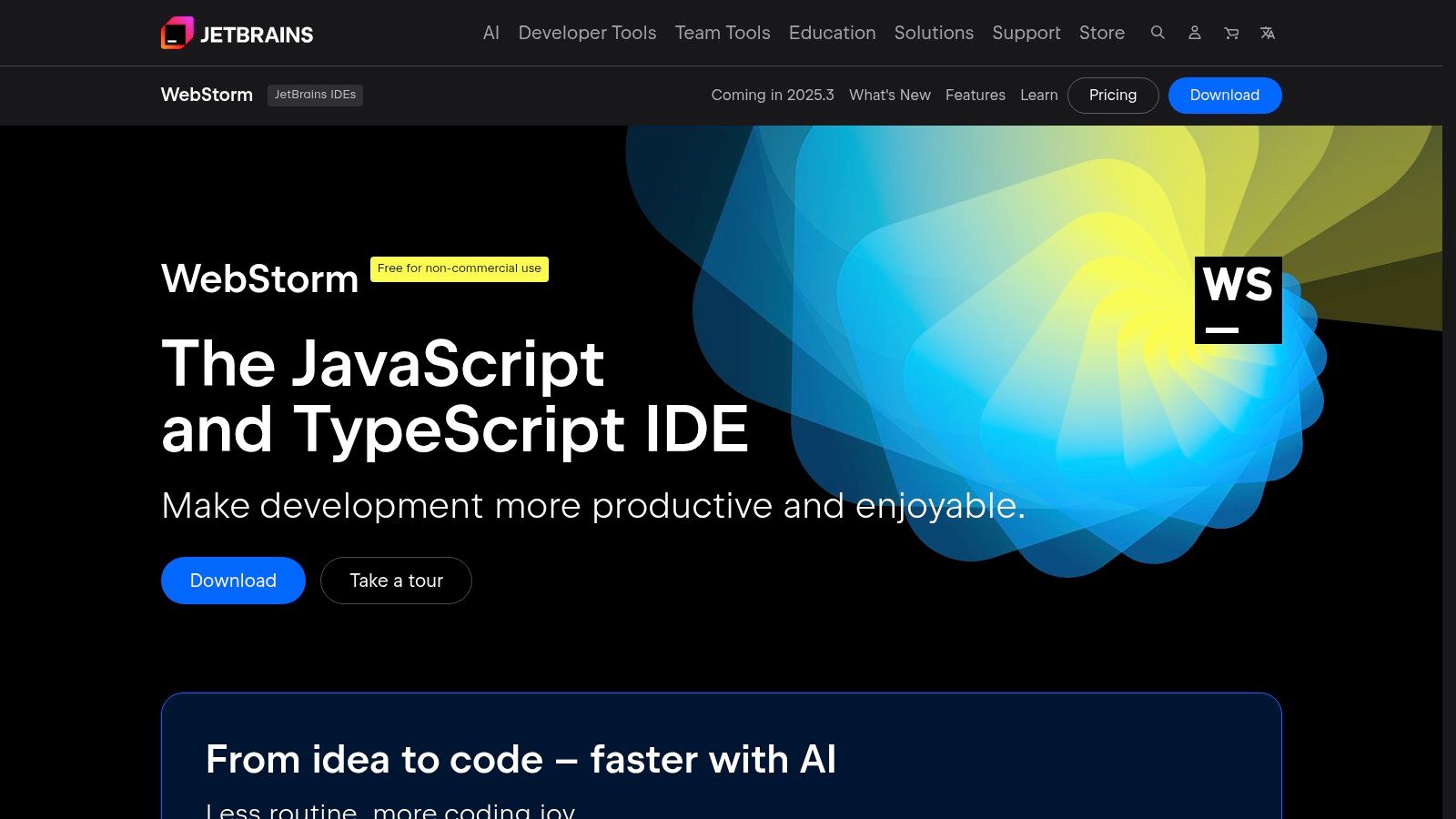
Its primary advantage lies in its intelligent code assistance. WebStorm’s smart completion, on-the-fly error detection, and advanced refactoring tools are deeply aware of project structure and framework-specific syntax, saving developers countless hours. The IDE includes a built-in debugger, test runners, and seamless version control integration, creating a unified workflow. While it offers a free license for non-commercial projects, professional teams must purchase a paid commercial subscription, which provides dedicated vendor support and regular updates.
However, the IDE's robust feature set means it can be more resource-intensive than lightweight editors like VS Code. For quick edits or very small projects, its startup time and memory footprint may feel excessive. To maximize its value, developers should invest time in learning its powerful navigation shortcuts and customizing the run/debug configurations for their specific project needs, ensuring the environment is perfectly tuned for optimal productivity.
Website: https://www.jetbrains.com/webstorm
10. Figma
Figma has become the industry-standard, web-based platform where user interface design meets front-end development. It is an essential collaboration tool that bridges the gap between designers and engineers, translating visual concepts into interactive prototypes and, ultimately, into live code. The platform consolidates the entire design process, from initial brainstorming in FigJam to creating high-fidelity wireframes and handing off final assets.
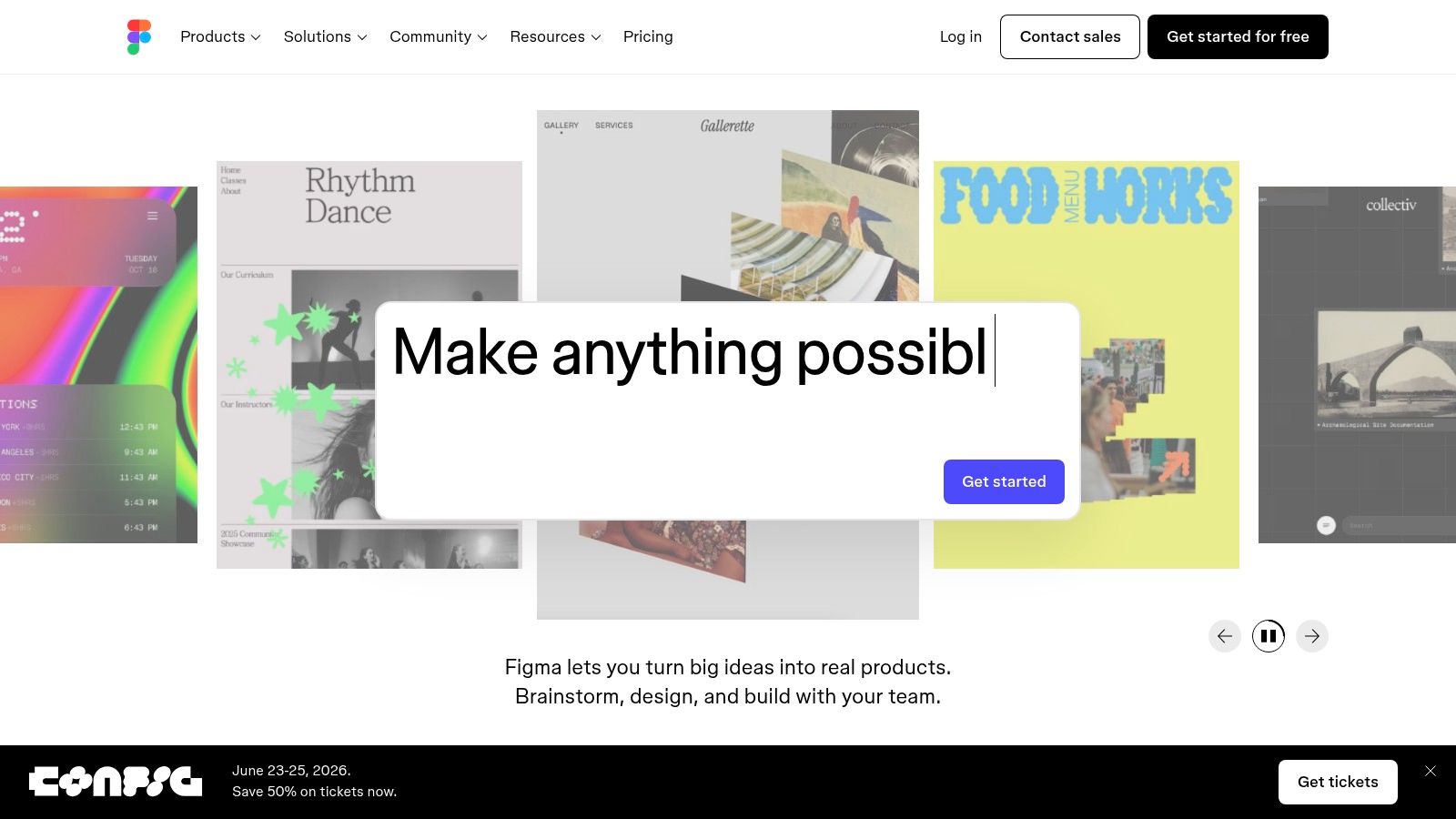
The primary advantage for developers is Dev Mode, a purpose-built workspace that provides pixel-perfect measurements, style information, and ready-to-use code snippets in CSS, Swift, and XML. This feature streamlines the handoff process, reducing ambiguity and accelerating the implementation of designs. For product teams, Figma’s powerful component libraries and variables enable the creation of robust design systems, ensuring brand consistency and reusability across complex applications. This systematic approach makes it one of the most vital technologies for front end developers aiming for scalable and maintainable user interfaces. For more details on this initial design phase, you can learn more about how great wireframes make successful apps.
However, the platform’s seat-based pricing can be a point of confusion for teams. The distinction between Full, Dev, and Collab seats requires careful management to control costs, and some advanced features are gated behind higher-tier plans. To use it effectively, developers should leverage the component inspection tools in Dev Mode to understand properties and relationships, rather than just copying code snippets, to ensure the implementation is both accurate and semantic.
Website: https://www.figma.com
11. StackBlitz
StackBlitz revolutionizes front-end development workflows by moving the entire environment into the browser. It uses a groundbreaking technology called WebContainers, which boots a full Node.js environment directly within a browser tab, eliminating the need for local installations or dependency management. For product teams, this means new developers can be onboarded instantly, contributors can review pull requests without cloning repositories, and runnable bug reproductions can be created and shared with a single click. It's one of the essential modern technologies for front end developers focused on collaboration and speed.
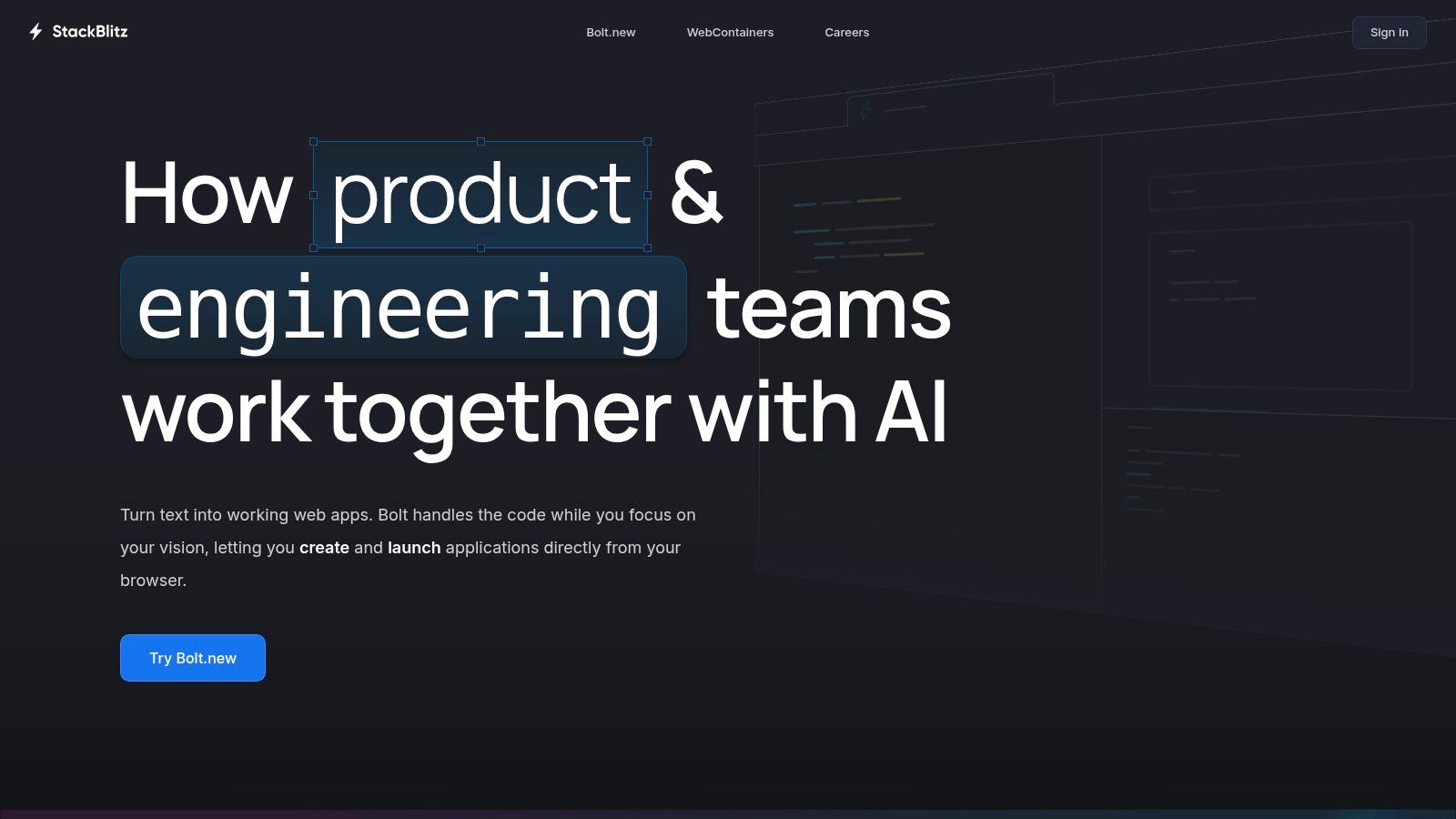
The primary advantage of StackBlitz is its immediacy. It allows teams to spin up complete development environments for frameworks like Next.js, Vite, or Angular in milliseconds. This is invaluable for creating live demos, interactive documentation, and educational materials that allow users to experiment with code in real time. For organizations, the Teams and Enterprise plans add critical governance features, including private repository support, SSO integration, and centralized environment configuration, ensuring consistency and security across all projects. This streamlines development cycles and significantly lowers the barrier to entry for any contributor.
However, its browser-based nature has limitations. While incredibly powerful, it cannot fully replicate complex local development setups that rely heavily on specific desktop tooling or system-level configurations. Furthermore, while personal use for public projects is free, accessing advanced team features requires a paid plan, and detailed pricing for the Enterprise tier is only available by contacting their sales team. To use it effectively, teams should leverage it for prototyping and collaboration, while still relying on local environments for more intensive, long-term development tasks.
Website: https://stackblitz.com
12. Chrome Web Store (Extensions)
The Chrome Web Store serves as the official marketplace and a critical tooling resource for front end developers. It offers a centralized location to discover and install browser extensions that augment development workflows directly within Chrome. For product teams, this means instant access to powerful tools like the React and Vue.js devtools, JSON formatters, accessibility checkers, and color pickers, which can significantly accelerate debugging and UI refinement.
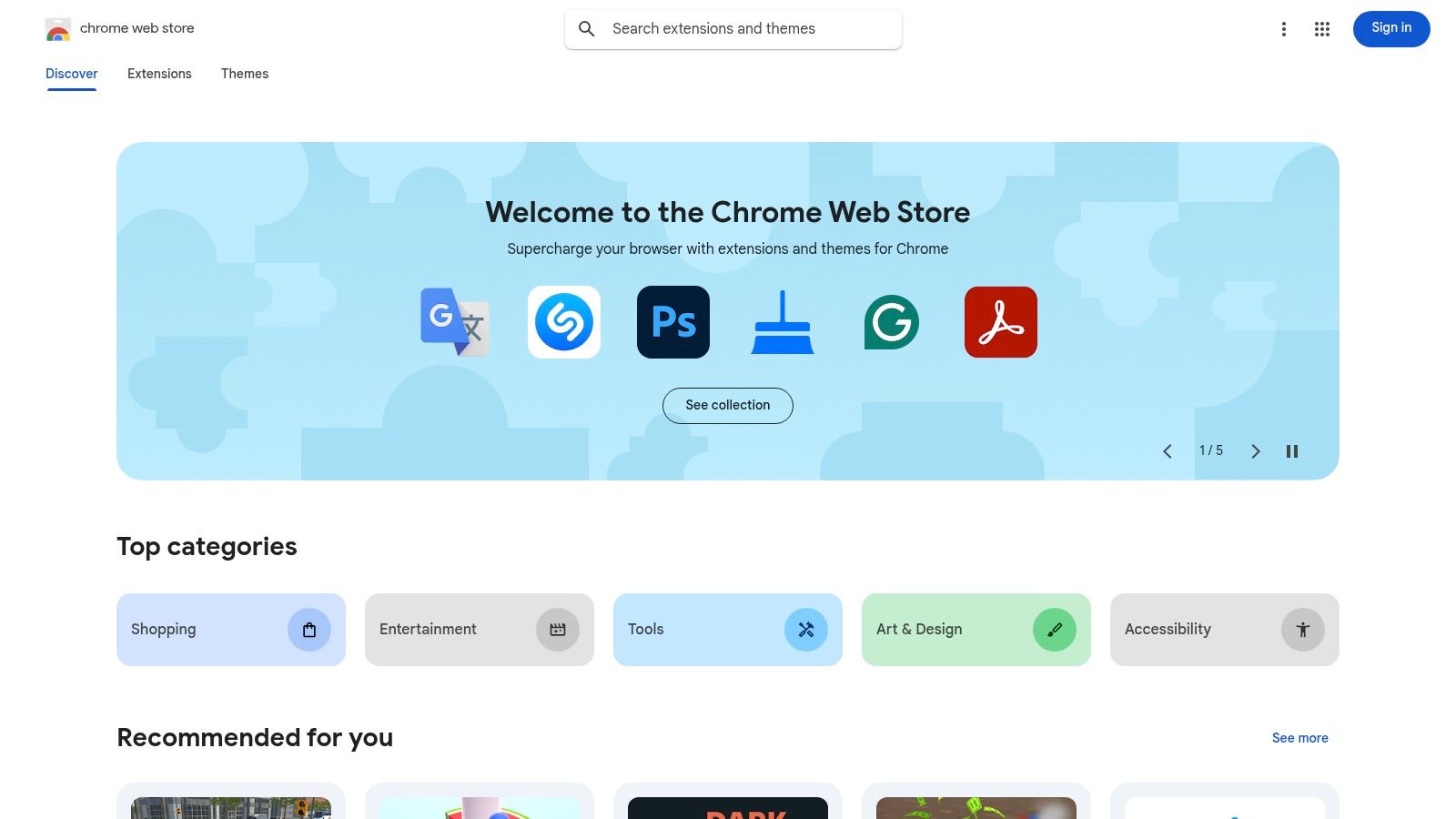
The primary advantage of the store is its role as a trusted distribution channel for browser-based technologies for front end developers. Beyond consumption, it allows teams to publish their own custom tools, either for internal use or for the broader community. For organizations, enterprise controls enable administrators to curate approved extension lists and manage installations across the team, ensuring both security and consistency in tooling. For those interested in enhancing their workflow, a critical review of browser extensions for developers can provide valuable insights into selecting the most effective tools.
However, the open nature of the platform means quality and security can vary widely. It is crucial to carefully review an extension’s permissions and user ratings before installation to avoid potential security risks or performance degradation. Furthermore, while the store facilitates discovery, developers looking to monetize paid extensions must implement their own payment processing systems and ensure compliance with Google's policies, which adds an extra layer of administrative overhead.
Website: https://chromewebstore.google.com
Top 12 Front-End Resources Comparison
| Tool / Marketplace | Core offering | Notable features | Quality / UX | Target audience / Price |
|---|---|---|---|---|
| Amazon | Marketplace for dev books & hardware | Huge catalog, fast shipping, Amazon Business controls | Reliable fulfillment; seller quality varies | Teams buying books/peripherals / Competitive pricing, varies by seller |
| Udemy | Course marketplace | Lifetime course access, promos, Business plans | Very wide catalog; course quality varies | Individuals & teams learning FE skills / Frequent discounts; subscription in some regions |
| Frontend Masters | Subscription deep-dive courses & workshops | Live workshops, learning paths, team reporting | High production quality; expert instructors | Intermediate→advanced FE engineers & teams / Subscription (no a‑la‑carte) |
| MDN Web Docs | Free web docs & learning | Standards-focused guides, browser compatibility, MDN Learn | Canonical, up-to-date, community-maintained | Developers needing reference & compat info / Free (no paid support) |
| GitHub | Code hosting & collaboration | Repos, Actions CI/CD, Codespaces, package registry | Central collaboration; integrated workflows; billing complexity for some features | All dev teams & OSS projects / Free tiers, paid org/enterprise plans |
| npm | JavaScript package registry | Unlimited public packages, private scopes, security advisories | Ubiquitous ecosystem; package quality varies | Package consumers & publishers / Free public, paid private/team plans |
| Vercel | Front-end cloud & hosting (Next.js focus) | Global CDN, edge functions, analytics, Dev→Prod workflows | Fast developer experience; tight framework integrations | Front-end apps, Next.js teams, enterprises / Free hobby; Pro/Enterprise (usage add‑ons) |
| Netlify | Static & Jamstack hosting with serverless | Deploy previews, CLI, credit-based pricing, functions | Rapid repo→live workflows; credit model to monitor | Jamstack sites, docs, FE experiments / Free→Enterprise; credit-based costs |
| JetBrains WebStorm | JS/TS IDE | Smart completion, refactors, debugger, VCS integration | Powerful, mature tooling; heavier than lightweight editors | Professional JS/TS developers |
| Figma | Web-based UI/UX design & prototyping | Dev Mode, components, real-time collaboration, FigJam | Collaborative workflow; strong handoff tools | Designers + FE developers for handoff |
| StackBlitz | In-browser dev environments (WebContainers) | Zero-install sandboxes, runnable demos, Teams/Enterprise options | Instant spin-up for demos; great for sharing | Educators, demos, quick prototyping / Free for public projects; paid teams |
| Chrome Web Store (Extensions) | Marketplace for Chrome extensions | Discover/install extensions, publish apps, enterprise controls | Central distribution; extension quality & permissions vary | Developers of browser tools & admins / Publish free/paid (dev registration required) |
Your Partner in Building Future-Ready Applications
Navigating the expansive landscape of technologies for front end developers can feel overwhelming, but as we've explored, the right combination of tools is the cornerstone of any successful digital product. From foundational knowledge hubs like MDN Web Docs and hands-on learning platforms like Frontend Masters, to essential ecosystem players like GitHub and npm, each tool serves a distinct and vital purpose. Choosing the correct stack is not just a technical decision; it's a strategic one that directly impacts your team's efficiency, scalability, and ability to innovate.
The journey doesn't end with mastering frameworks or deployment platforms like Vercel and Netlify. The next frontier in creating truly dynamic, personalized, and intelligent user experiences lies in the strategic integration of Artificial Intelligence. However, bringing AI into your application introduces a new layer of complexity: managing prompts, controlling data access, tracking performance, and monitoring costs across various AI models. This is where a simple toolkit falls short and a dedicated management solution becomes essential for sustainable growth.
Synthesizing Your Toolkit for Maximum Impact
The true power of the technologies we've discussed is unlocked when they work in concert. A developer might use Figma for design, code in WebStorm, test in a StackBlitz environment, and deploy through Netlify. This workflow is a well-oiled machine for traditional development, but it requires an additional, powerful administrative layer to effectively incorporate and manage AI.
Your choice of tools should always map back to your project's specific needs. Consider these guiding questions as you finalize your strategy:
- Project Scale & Complexity: Is this a simple marketing site or a complex, data-driven SaaS platform? Your answer will determine whether a lightweight toolset suffices or if you need a more robust, enterprise-grade ecosystem.
- Team Skills & Size: Do you have a team of senior engineers who can wrangle complex configurations, or do you need tools with a lower barrier to entry and excellent support? Align your choices with your team's existing expertise to minimize ramp-up time.
- Future-Proofing & AI Integration: Are you planning to incorporate AI for features like personalization, chatbots, or data analysis? If so, your architecture needs a system to manage the lifecycle of AI prompts and interactions from the very beginning.
The Next Step: Modernizing with AI Management
Adopting the best technologies for front end developers is a critical first step. The next is to equip your team to leverage the transformative power of AI without introducing chaos. This is precisely why we built our prompt management system at Wonderment Apps. It's an administrative tool designed to act as the central nervous system for your AI integrations, plugging directly into your existing software to provide the control and visibility you need.
With a version-controlled prompt vault, a parameter manager for secure internal database access, comprehensive logging across all integrated AIs, and a cost manager that shows your cumulative spend, our tool empowers your team to innovate responsibly and efficiently. You can experiment, deploy, and scale AI-powered features with confidence, knowing you have a robust framework supporting your efforts. Building for the future means building with intelligence, and effective management is the key to unlocking that potential.
Ready to move beyond a traditional toolkit and truly modernize your application with AI? See how Wonderment Apps provides the essential management layer that turns powerful AI integrations into scalable, controllable, and cost-effective features. Schedule a demo of our prompt management tool today and discover your partner in building software that is truly built to last.